Short Hair Filter – See Yourself With Short Hair
Preview the big chop before it happens.

Thinking about cutting your hair short? Upload one clear photo and this short hair filter gives you a pixie cut, a bob or a long bob in about 40 seconds, right in your browser with no app. Your face, natural hair color, eyebrows, facial hair, clothes and background stay as they are, so the preview shows you, just with shorter hair.
- Pixie, bob or long bob
- Keeps face and hair color
- From $4.99 for 20 images
Short hair filter examples
A bob and a pixie cut: drag the slider to see each person before and after the short hair filter.
 BeforeAfter
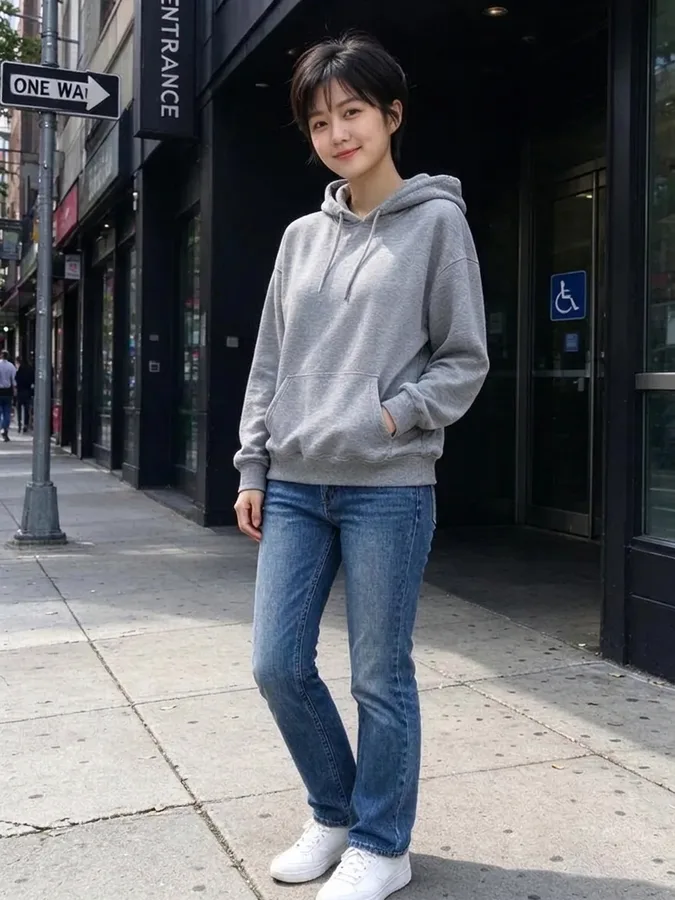
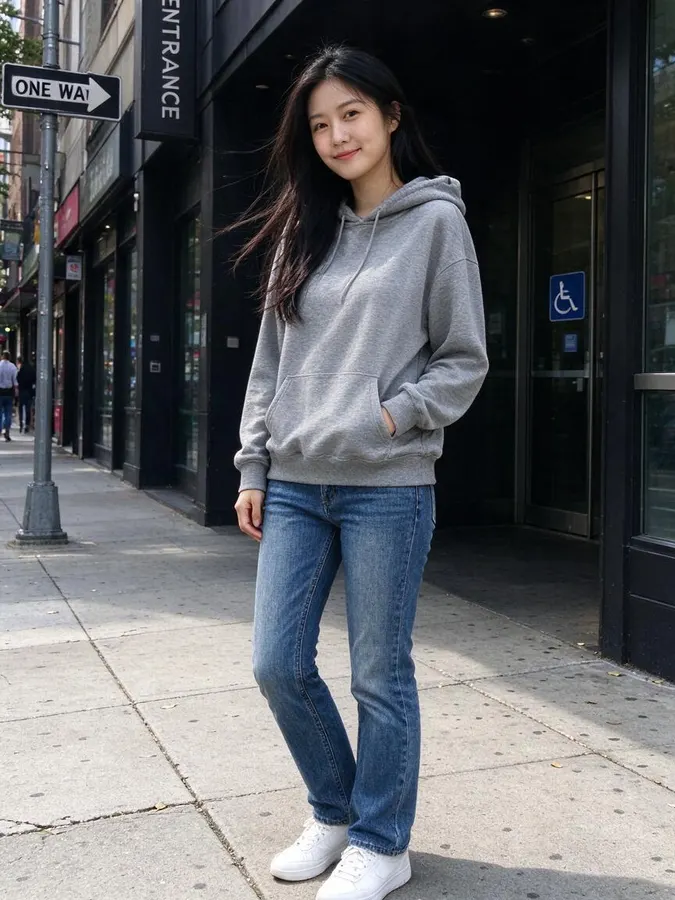 BeforeAfter
How to try short hair on your photo
- 1
Upload a photo
Use a clear, well-lit photo where the face is visible. JPG, PNG or WebP up to 10 MB. No photo handy? Pick one of the samples.
- 2
Choose a short cut
Pick Pixie cut, Bob or Long bob. The AI shortens the hair and keeps your natural hair color.
- 3
Compare and download
Drag the slider to compare with your current hair, then download the result: about 900 × 1200 px (1K) with no watermark.
Should I cut my hair short?
The big chop is one of the most nerve-racking haircuts, because years of length are gone in minutes. The short hair filter lets you see it first. It redraws only the hair, cutting it to the length you pick while following your head shape, hairline and the lighting of the original photo.
Everything else stays the same. Your eyes, expression, eyebrows, earrings, glasses and clothes are kept, so you see how short hair frames your face, neck and jawline, not a model in a salon picture.
Pixie cut, bob or long bob
Pixie cut is the shortest option: short at the back and sides with a little more length on top. It shows off the eyes, cheekbones and neck and is the boldest change.
Bob is a classic chin-length cut. It keeps some hair around the face, which makes it a softer step than a pixie, and it works with straight and wavy hair.
Long bob, often called a lob, sits between the chin and the shoulders. It is the safest choice if you want a fresh look without losing too much length. Try all three on the same photo to see how short you really want to go.
Short hair and face shape
As a general guide, pixie cuts often suit oval and heart-shaped faces and people with defined features, while a bob or long bob can balance a longer or rounder face. These are rules of thumb. Seeing the cut on your own face is more reliable than any chart, which is what the filter is for.
Tips for a realistic short hair preview
Use a clear photo of one person with the whole head in the frame and the top not cut off. A front or three-quarter view works best. Take off hats and headphones, since the tool keeps them, and pull long hair away from the face.
Remember that this is a preview. How a real short cut looks also depends on your hair density, texture and growth pattern, such as cowlicks or a strong wave. Show the result to your stylist so they know exactly what you mean.
More ways to change your look
The short hair filter is one of our photo tools. Want even shorter? Try the buzz cut filter. Not ready to lose length? The bangs filter changes only the front, and the AI hairstyle changer has more cuts. To change your outfit too, the AI clothes swapper puts any clothes on your photo. Each tool uses one credit per image and shares the same credit balance.
Packs from $4.99 for 20 images, no subscription
1 credit per image · about 40 seconds · Credit packs start at $4.99 for 20 images, work on every tool and never expire.
At a glance
- Price
- 1 credit per image, $0.08 to $0.25 depending on the pack; one-time packs from $4.99 for 20, no subscription, credits never expire; failed swaps refunded automatically; no free tier
- Speed
- About 40 seconds per image (our logs: 11 images, median 41 s, 9 in 10 within 47 s)
- Output
- Paid downloads: about 900 × 1200 px (1K), no watermark
- Keeps
- Your face and expression, so it still looks like you
- Privacy
- Photos are private, not used for AI training, deletable any time
- Use
- Personal and commercial use allowed (with rights to the photo)
- Devices
- Works in desktop and mobile browsers, no app
- Updated
- October 31, 2026
Short hair filter FAQ
Is the short hair filter free?
No. Every image uses 1 credit. One-time packs start at $4.99 for 20 images, with no subscription, and credits never expire. You can browse the example results on this page without paying.
How do I see myself with short hair?
Upload a clear photo with your whole head visible, choose Pixie cut, Bob or Long bob, and wait about 40 seconds. Then compare with the slider and download.
What is the difference between a bob and a long bob?
A bob is cut around the chin. A long bob, or lob, is longer and sits between the chin and the shoulders.
Will it change my hair color or face?
No. Only the length and cut change. Your natural hair color, face, eyebrows, facial hair, clothes and background stay the same.
How accurate is the result?
It is a realistic preview, not a guarantee. A real short cut also depends on your hair density, texture and growth pattern.
What photos are not allowed?
Photos with nudity, underwear, swimwear or sexual content are not accepted. A normal portrait or selfie works best.
Are my photos kept private?
Yes. Your photos are private and are not used for training. Only upload photos of people who have given their permission. If a generation fails, the credit is refunded automatically.
More AI photo tools
 AI Christmas PhotoFamily pajamas, Santa hats, snow and fireplace scenes.
 AI Bald FilterSee yourself with a shaved head.
 AI Buzz Cut FilterTry a buzz cut, crew cut or fade.
 AI Muscle GeneratorAthletic or bodybuilder physique.
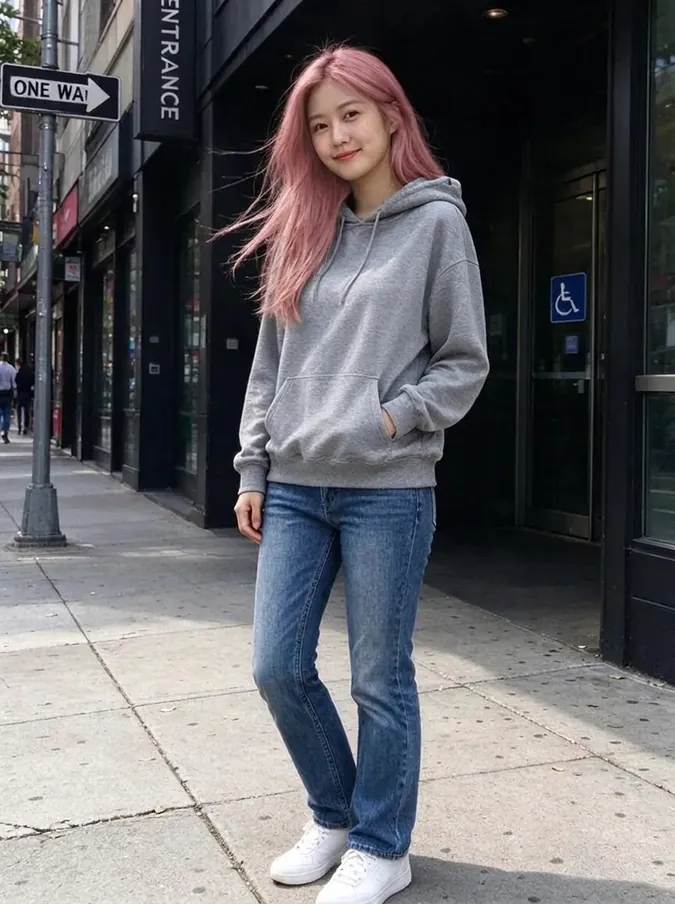 AI Hair Color ChangerTry 10 hair colors on your photo.
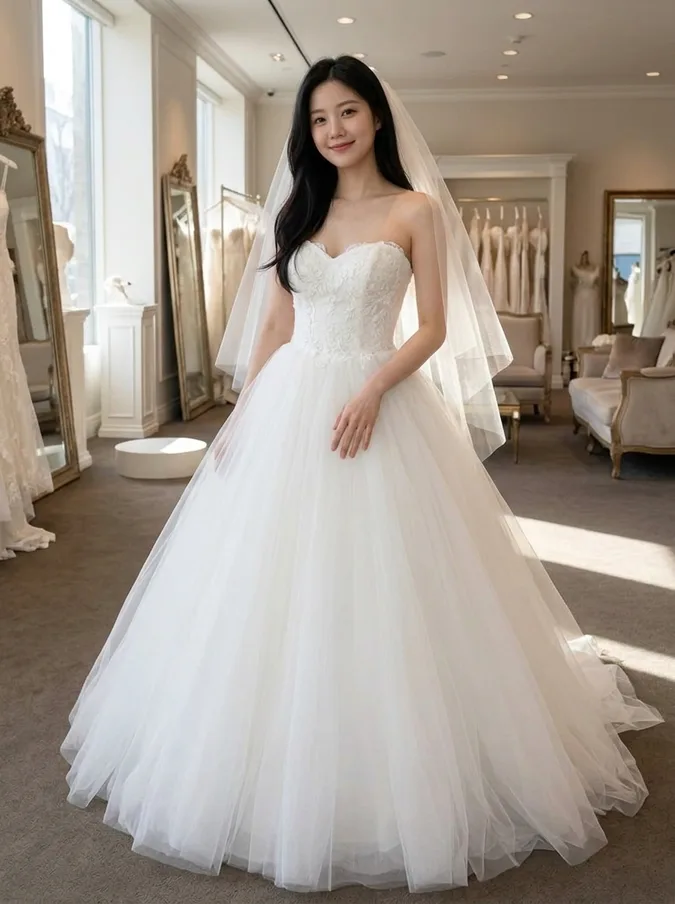 AI Wedding Dress Try OnBall gown, A-line, mermaid, boho or a tuxedo.
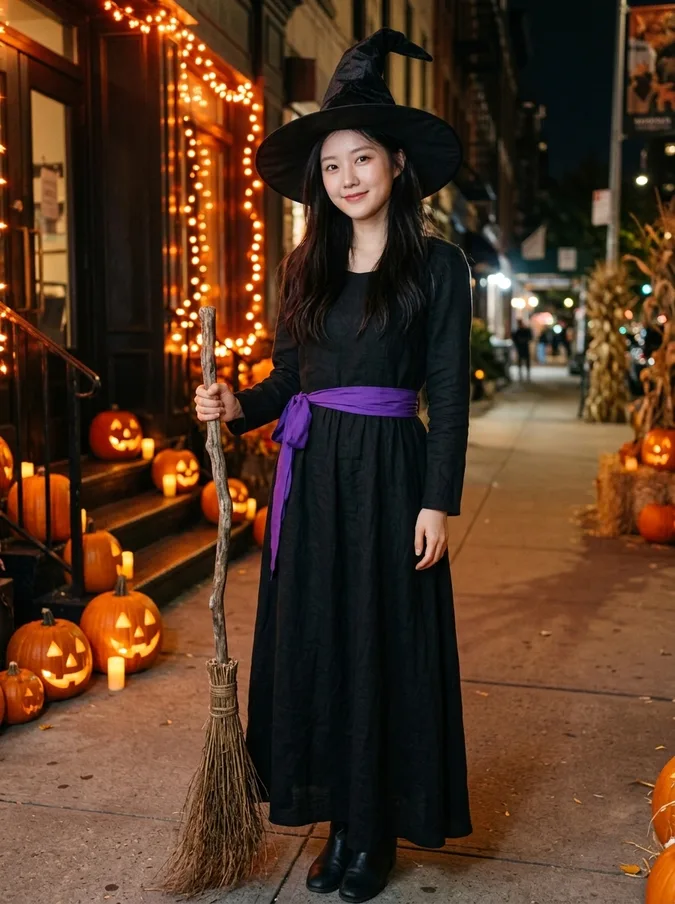 AI Halloween CostumeVampire, witch, pirate, skeleton, angel or devil.
 Add Hair to PhotoPreview a fuller hairline or full head of hair.
 AI Beard FilterAdd stubble, a beard or a goatee, or remove one.
 AI Hairstyle ChangerTry seven haircuts on your own photo.
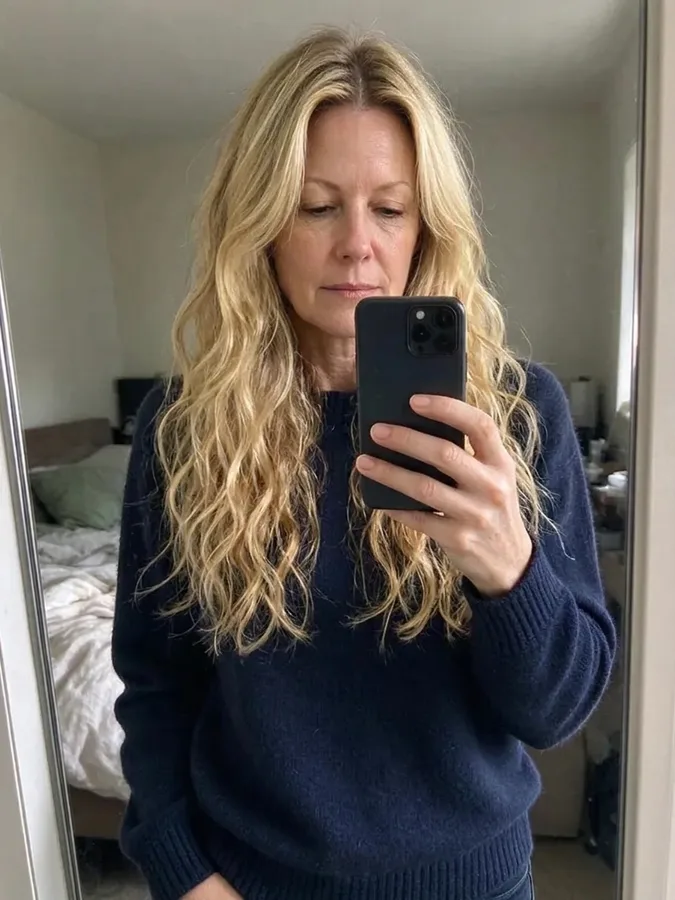 Long Hair FilterSee yourself with long waves or straight hair.
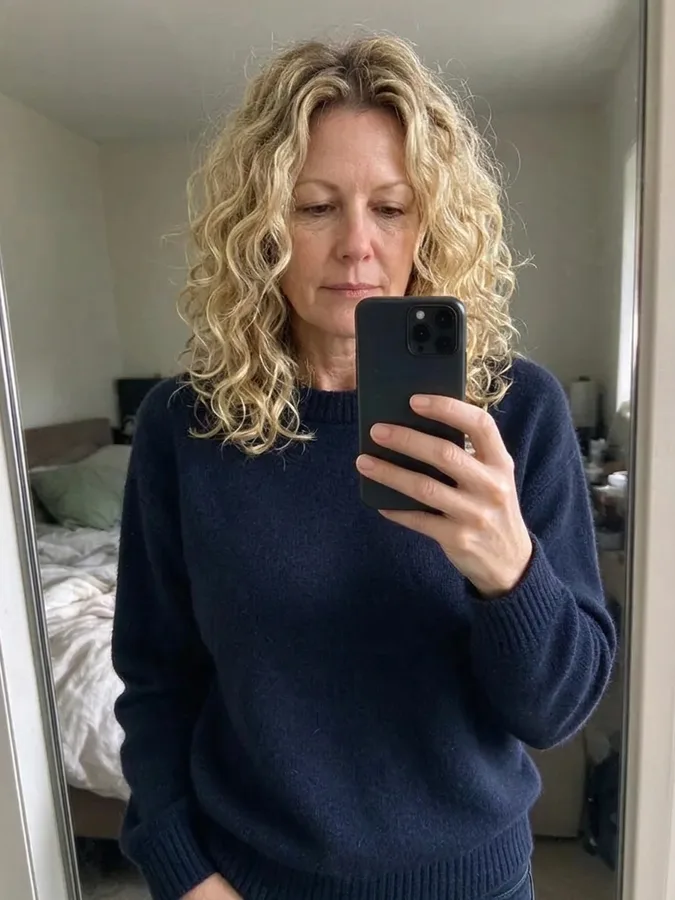 Curly Hair FilterSee yourself with curls before a perm.
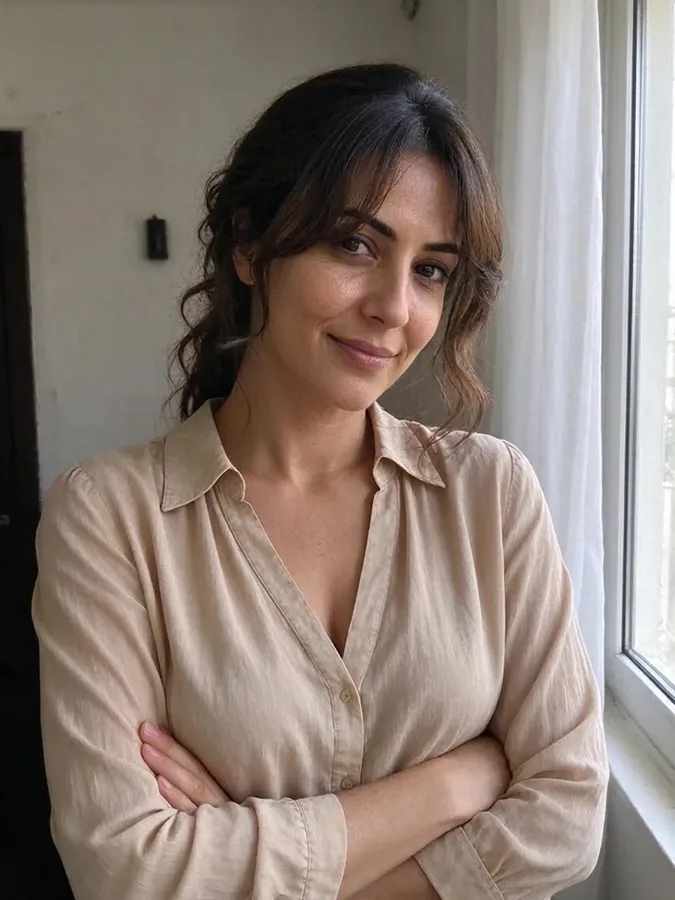 Bangs FilterTry curtain, blunt or wispy bangs.
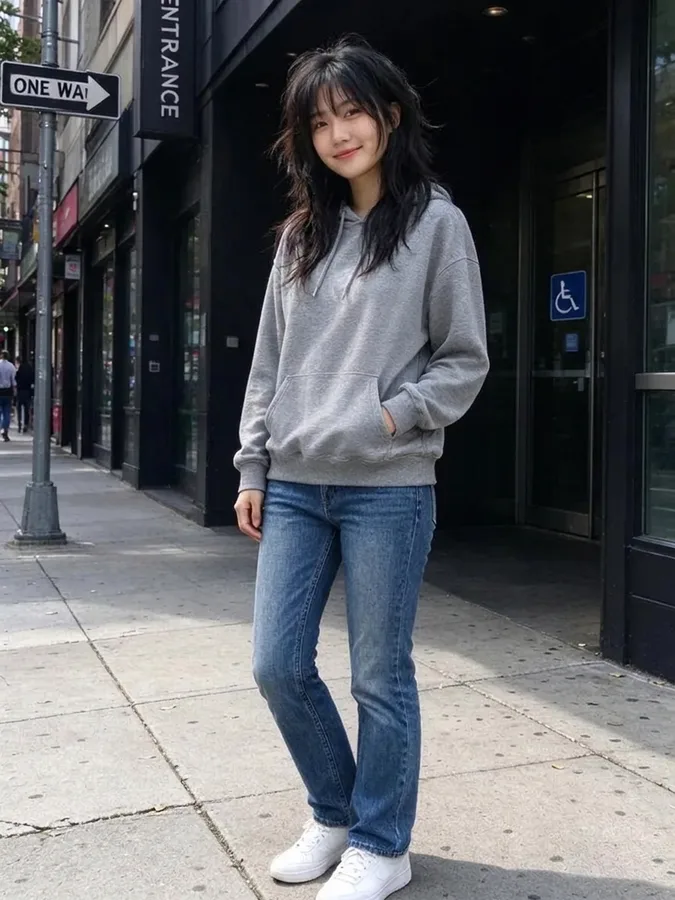 Wolf Cut FilterTry a wolf cut, shag or mullet.
 AI Headshot GeneratorTurn a selfie into a professional headshot.
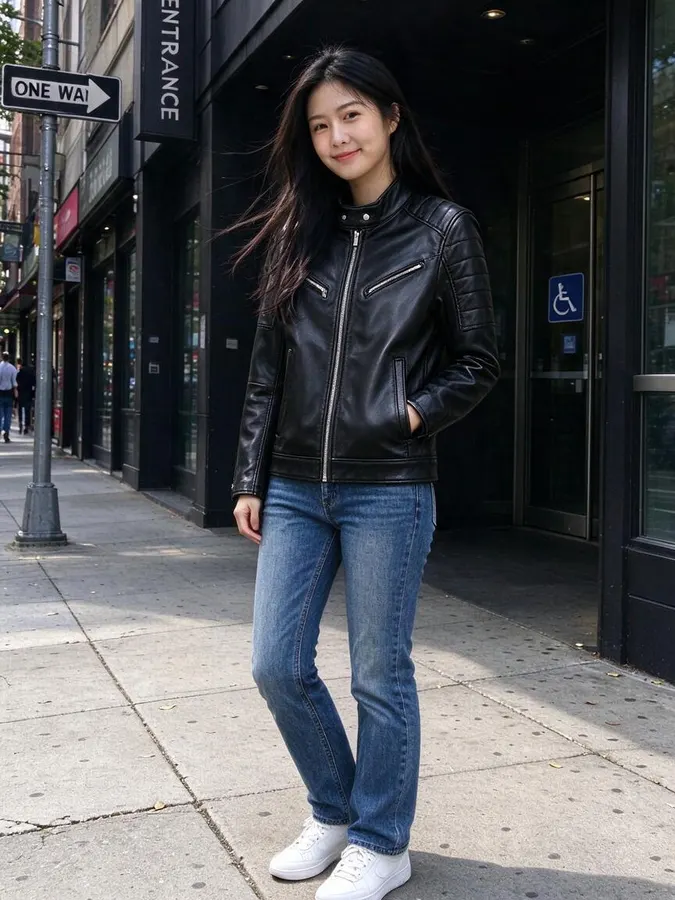 AI Clothes SwapperPut any outfit on your photo.