Prom Dress Try On
See prom dresses on you before you shop. From $4.99 for 20 images · No subscription
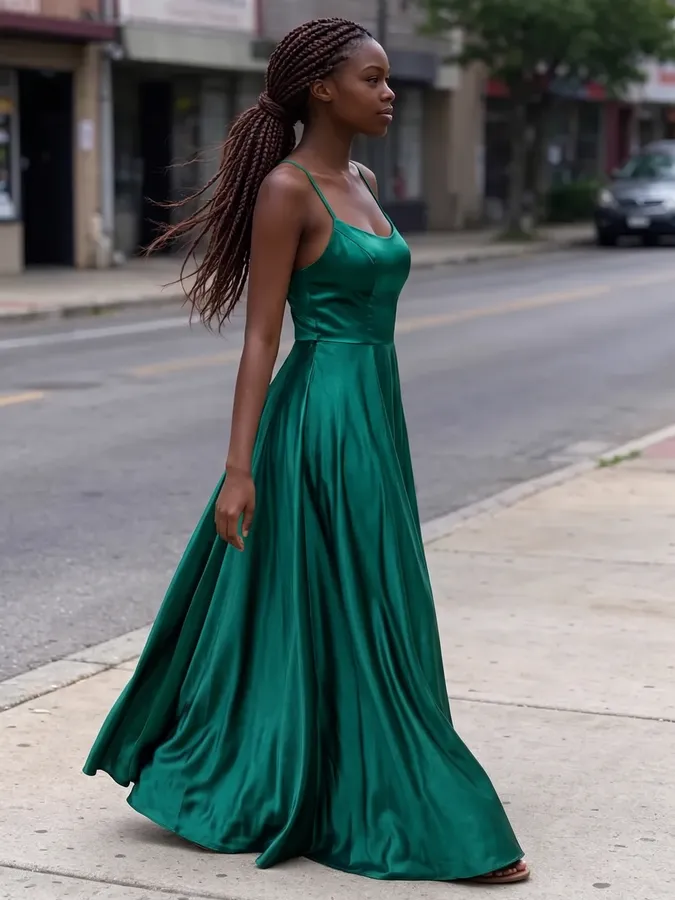
Shortlist prom dresses on your own photo. Try a ball gown, a satin column or a sequin dress in minutes, then take the best ideas to the store.
Quick answer: Prom Dress Try On is a web tool from AI Clothes Swapper that puts a new outfit on your own photo. Upload a picture of yourself plus a photo of the clothes or a short description, and in about 20 seconds you get the same person, face, pose and background, wearing the new outfit. One-time packs start at $4.99 for 20 swaps ($0.08 to $0.25 per swap), with no subscription; credits never expire and failed swaps are refunded automatically.
Try a look in one click
Pick a style and we will put it on your photo.
Real results, drag to compare
Every example below came straight out of the tool with no retouching. The people are AI-generated, not real customers.
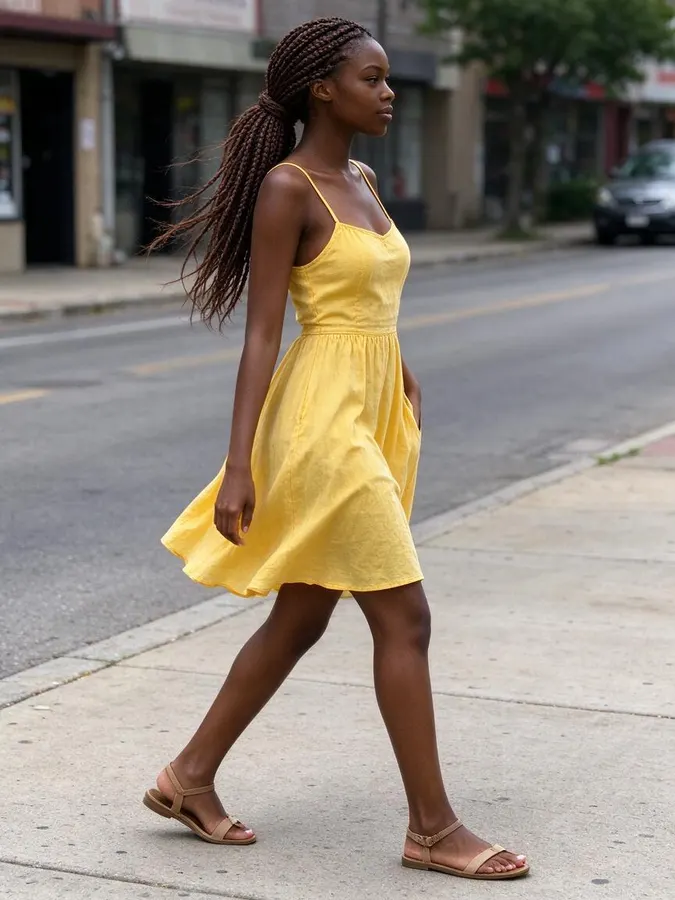 BeforeAfter
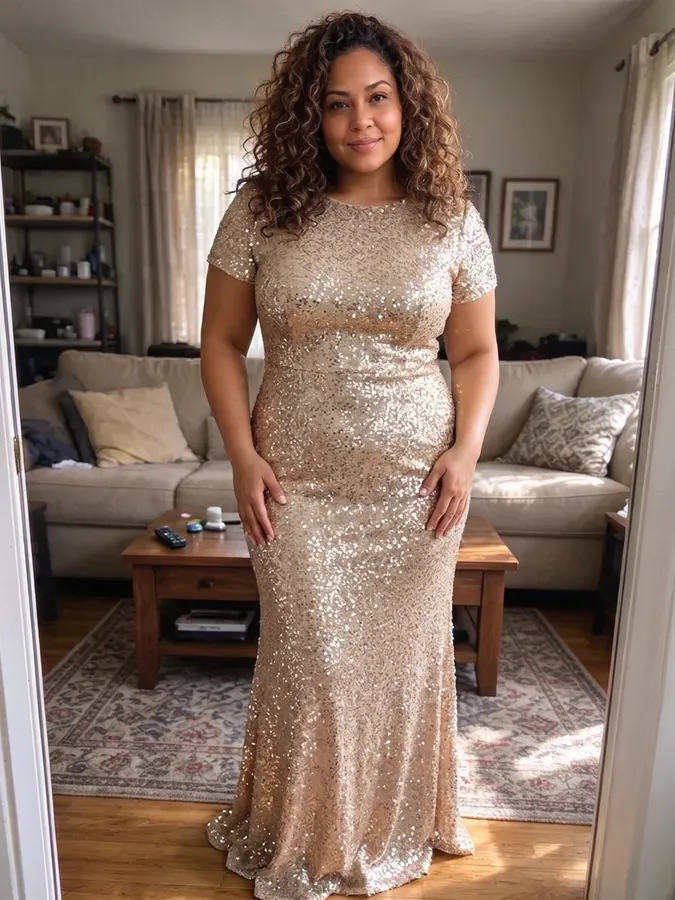
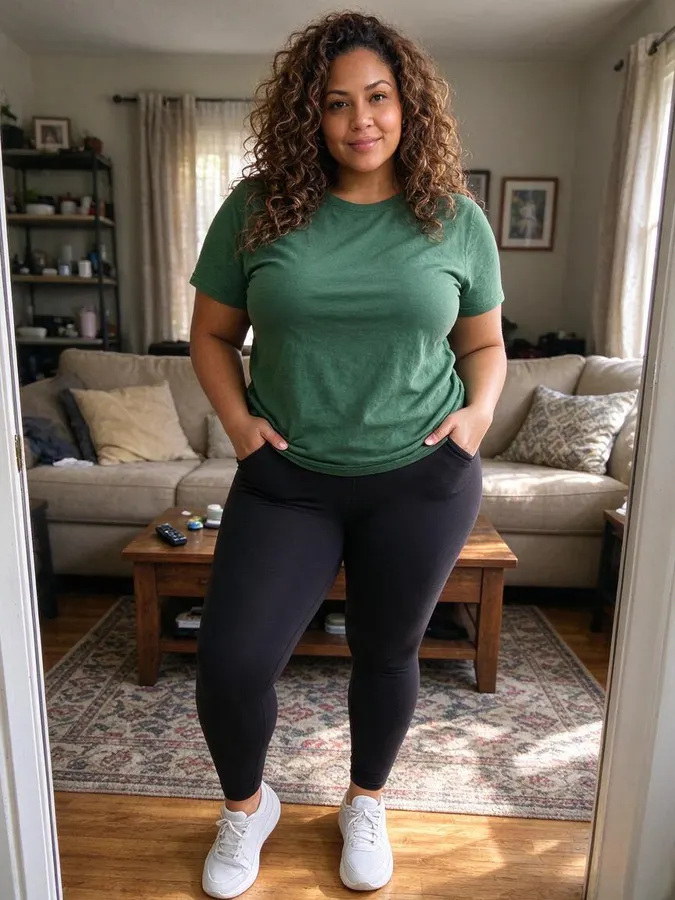 BeforeAfter
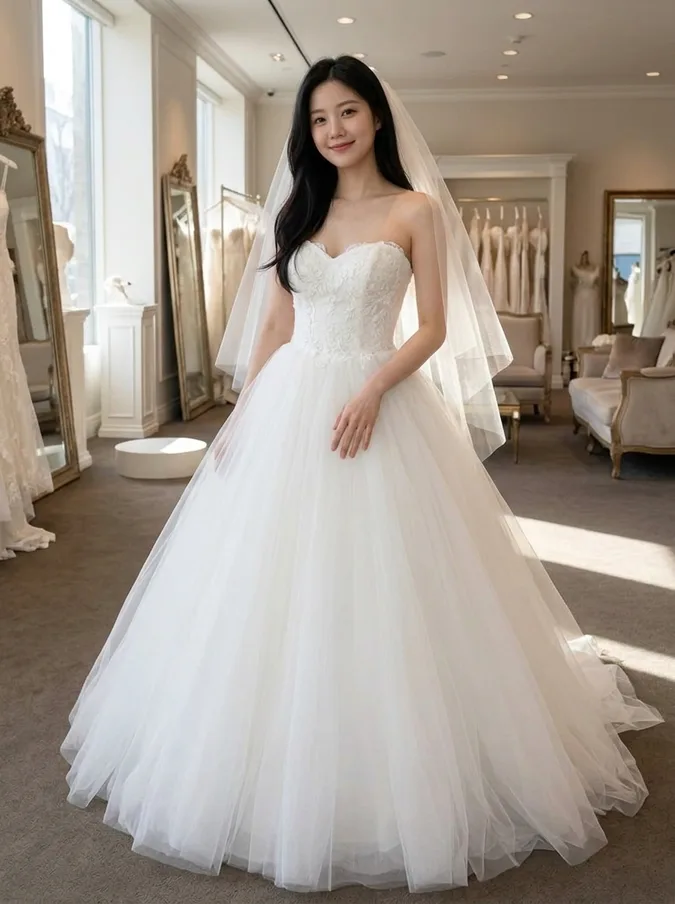
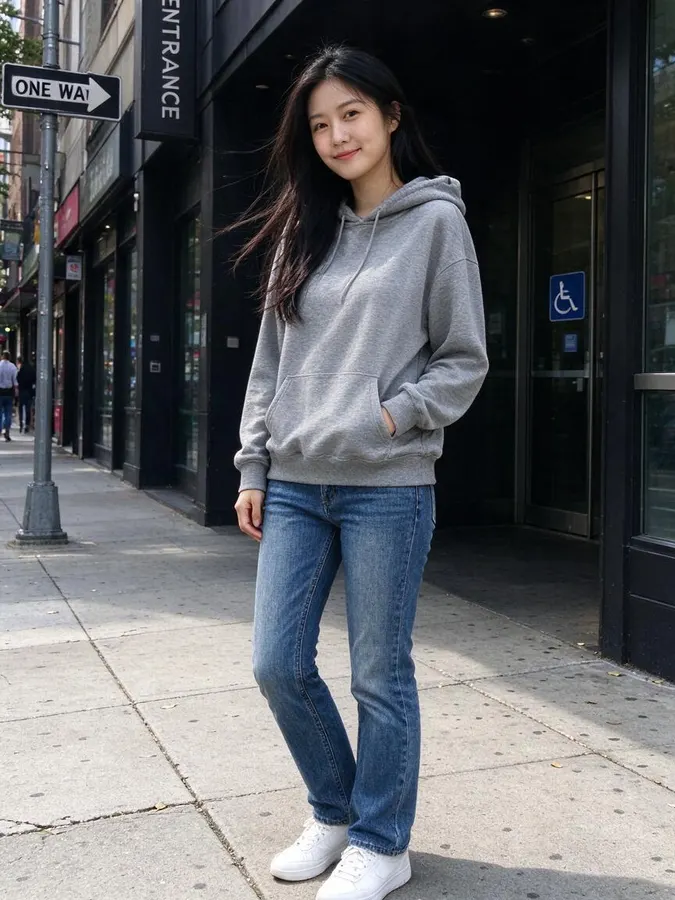 BeforeAfter
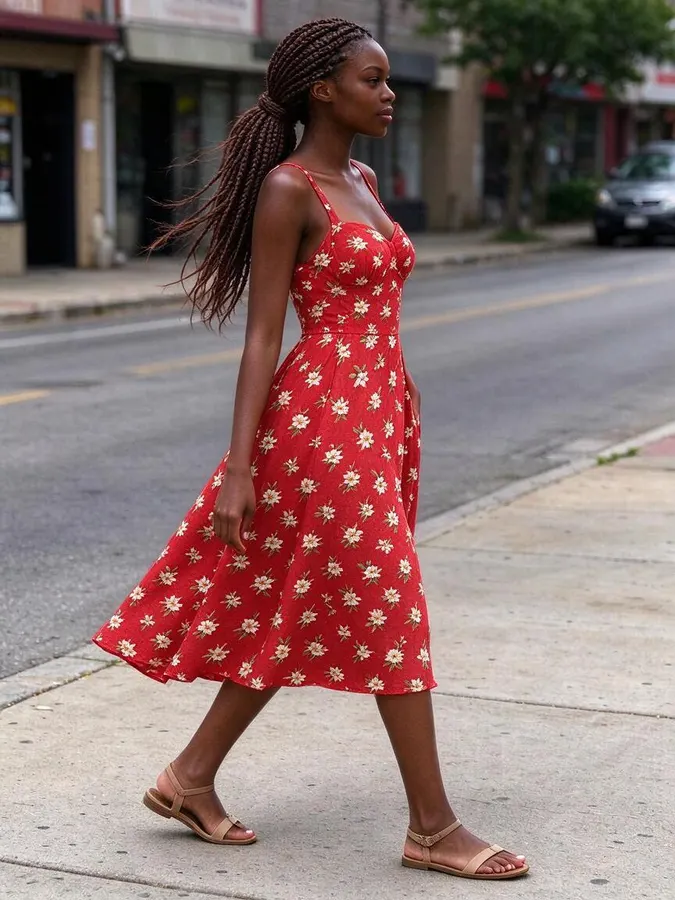 BeforeAfter
How to use the Prom Dress Try On
- 1
Use a full-length photo
Stand alone in good light, and leave space below your feet for long gowns.
- 2
Pick a gown or add one from a store
Tap a preset, describe the dress, or upload the product photo.
- 3
Take a shortlist to the store
Compare silhouettes and colors, then shop for the two or three you like.
Narrow down the dress before the shopping trip
Prom dress shopping usually means a long day of changing rooms and dresses that look nothing like the picture. Trying ideas on your photo first helps you walk in knowing whether you want a full skirt or a sleek column, and which colors you want to see in person.
Describe the dress the way a shop would: neckline, skirt shape, fabric and color. “Off-the-shoulder navy satin ball gown” and “champagne sequin column dress with cap sleeves” give clear, different results. If you found a dress online, upload its photo to try that exact style.
Use a standing, full-length photo so the skirt and hem have room. The AI keeps your face, hair, pose and background, so you can line up several dresses and compare them side by side. Treat it as a style preview; fit and size still need a real fitting.
Shortlist styles
Go into the store with three silhouettes you already like instead of thirty to try.
Choose a color
Compare emerald, champagne and lilac on the same photo to see which suits you.
Match with a date
Coordinate your dress color with a partner’s suit or tie before buying either.
Online orders
Upload the product photo of a dress from any shop and check the look before ordering.
Packs from $4.99 for 20 images, no subscription
Every swap uses 1 credit, with a preset look, a description or your own outfit photo. One-time packs from $4.99 for 20 images, no subscription, and credits never expire.
At a glance
- Price
- 1 credit per image, $0.08 to $0.25 depending on the pack; one-time packs from $4.99 for 20, no subscription, credits never expire; failed swaps refunded automatically; no free tier
- Speed
- About 20 seconds per image (our logs: 63 swaps, median 22 s, 9 in 10 within 33 s)
- Output
- Paid downloads: up to 2K, no watermark
- Keeps
- Your face, pose and background
- Privacy
- Photos are private, not used for AI training, deletable any time
- Use
- Personal and commercial use allowed (with rights to the photo)
- Devices
- Works in desktop and mobile browsers, no app
- Updated
- October 31, 2026
Prom Dress Try On FAQ
Can I try a dress from a specific online store?
Yes. Save the product photo and upload it as the outfit. Text descriptions and presets work too.
What kind of photo should I use?
A clear, full-length photo of just you, standing, in good light. Long gowns need space below your feet in the frame to look natural.
Can I upload someone else’s photo?
Only if you have their permission. Uploading photos of other people without consent, of minors, or of public figures is not allowed. Requests for revealing or sexual content are blocked.
More AI photo tools
AI Wedding Dress Try OnBall gown, A-line, mermaid, boho or a tuxedo. AI Hairstyle ChangerTry seven haircuts on your own photo.
 AI Hair Color ChangerTry 10 hair colors on your photo.
 AI Headshot GeneratorTurn a selfie into a professional headshot.
 AI Bald FilterSee yourself with a shaved head.
 AI Christmas PhotoFamily pajamas, Santa hats, snow and fireplace scenes.
From the blog
All articlesCheap AI virtual try-on: upload your photo and a clothing photo
Upload your photo and a clothing photo: 7 AI try-on tools compared on first price, cost per image and free use. Prices checked November 6, 2026.
Read articleAI Clothes Changers With No Subscription: 8 One-Time Options
8 AI clothes changers you can pay for once, compared on pack price, cost per image, free use, sign-up and platforms. Checked November 1, 2026.
Read articleBest AI Christmas Photo Generators in 2026: Free Family Photo Tools Compared
4 AI Christmas photo generators compared on free use, sign-up, matching pajamas, watermarks and commercial use: Fotor, Generor, Media.io, Musely.
Read article