AI Hair Color Changer
Try a new hair color before you dye.
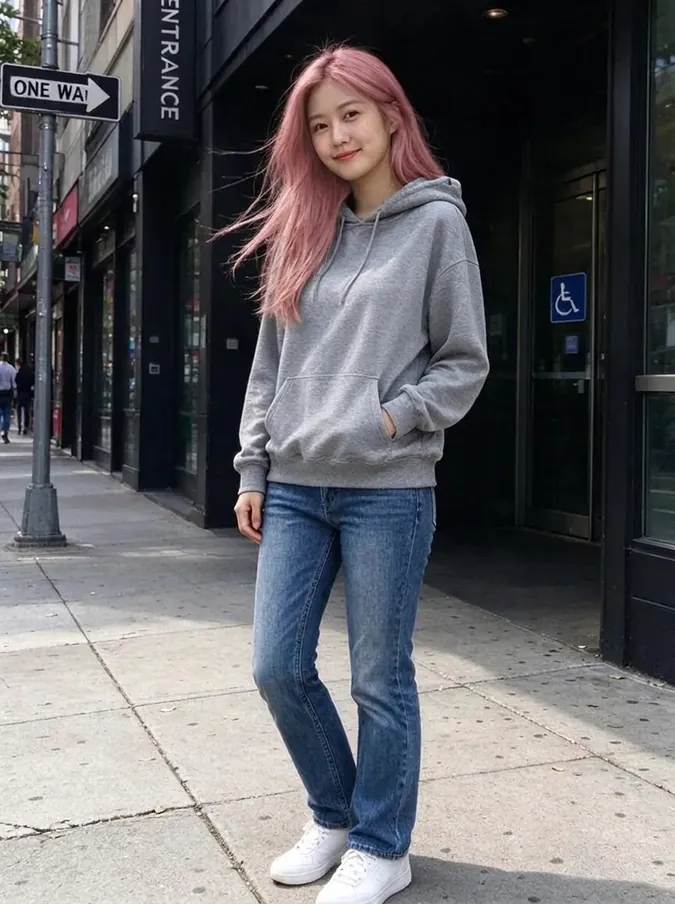
Upload a photo, pick one of 10 colors and the AI hair color changer recolors your hair in about 40 seconds. Your haircut, length, texture and face stay exactly the same, so you see only the new color.
- 10 hair colors
- Keeps your haircut
- From $4.99 for 20 images
AI hair color examples
Natural shades and bold colors on different hair types. Drag the slider to compare.
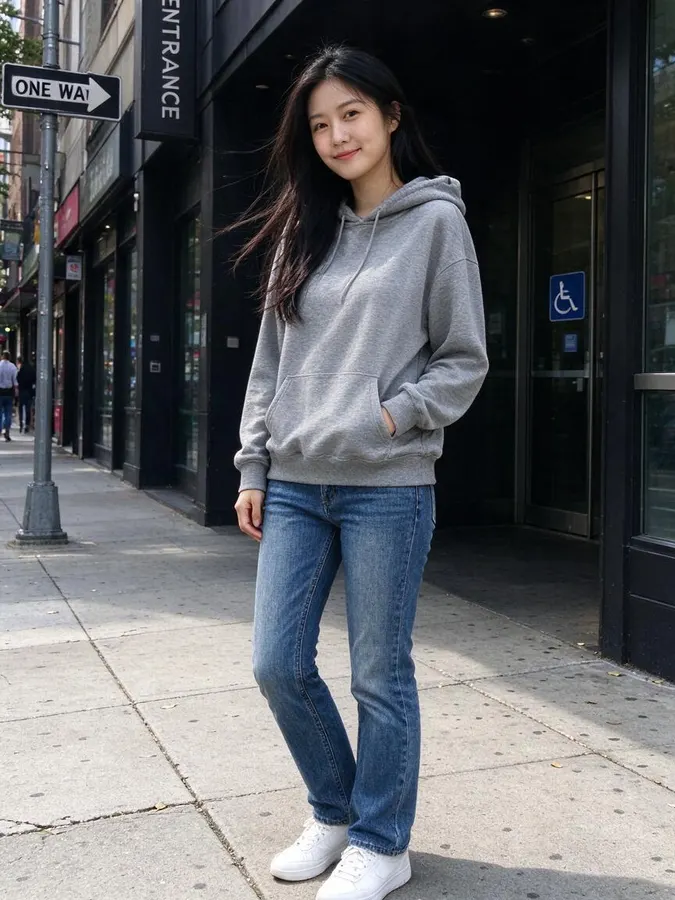 BeforeAfter
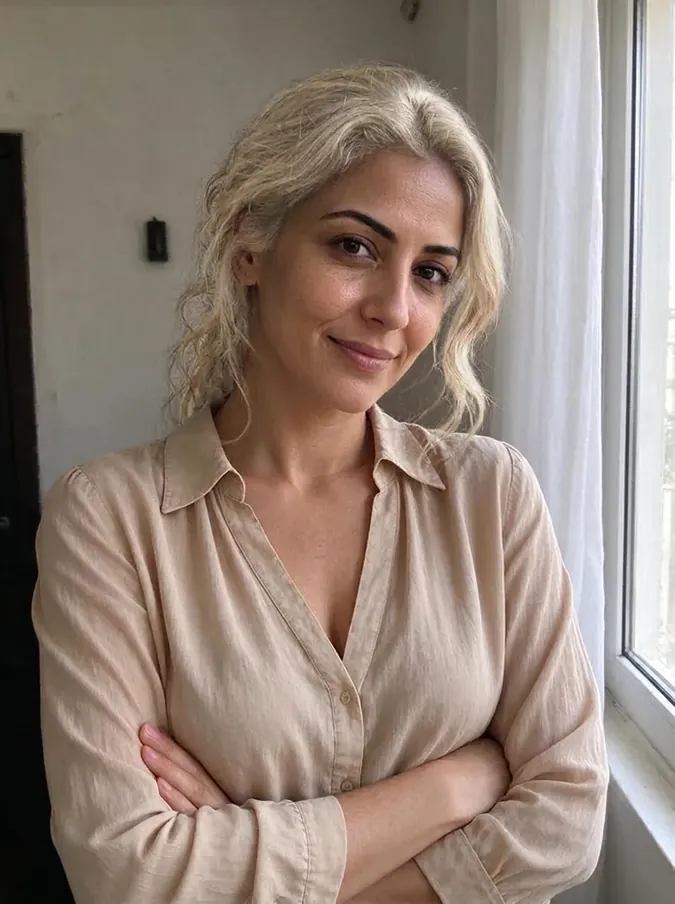
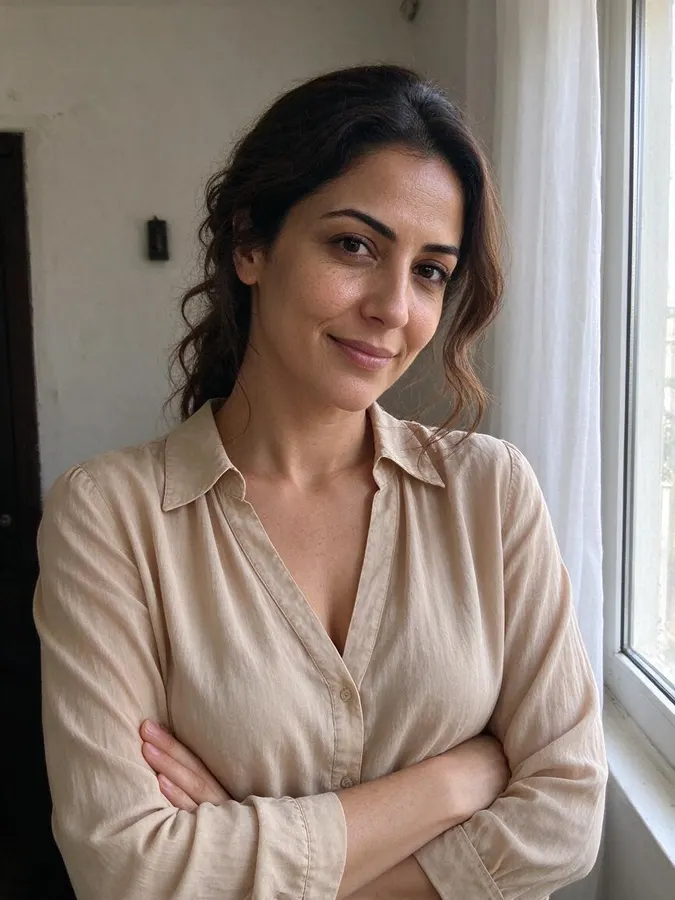 BeforeAfter
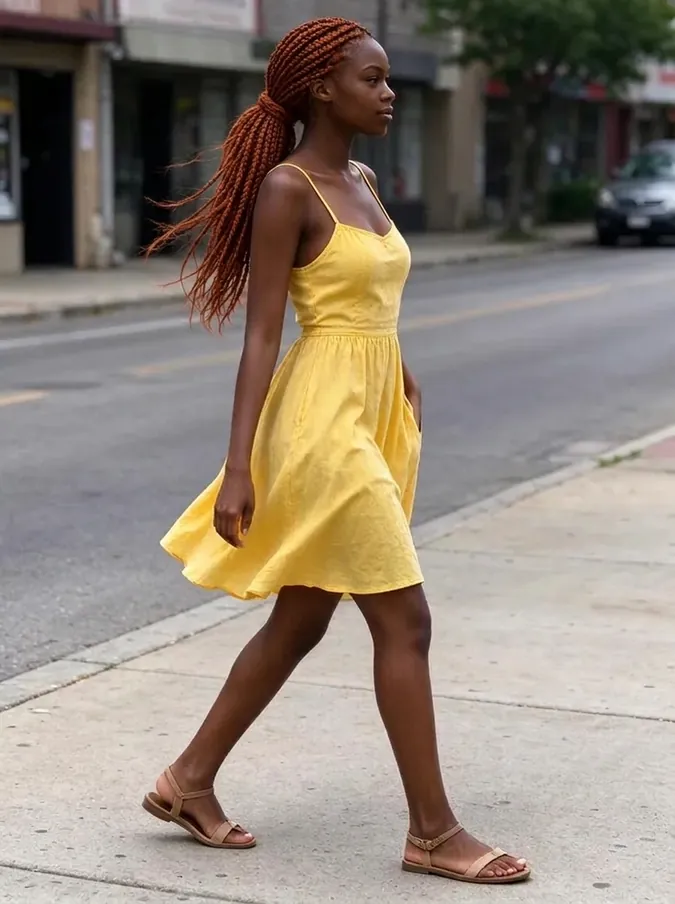
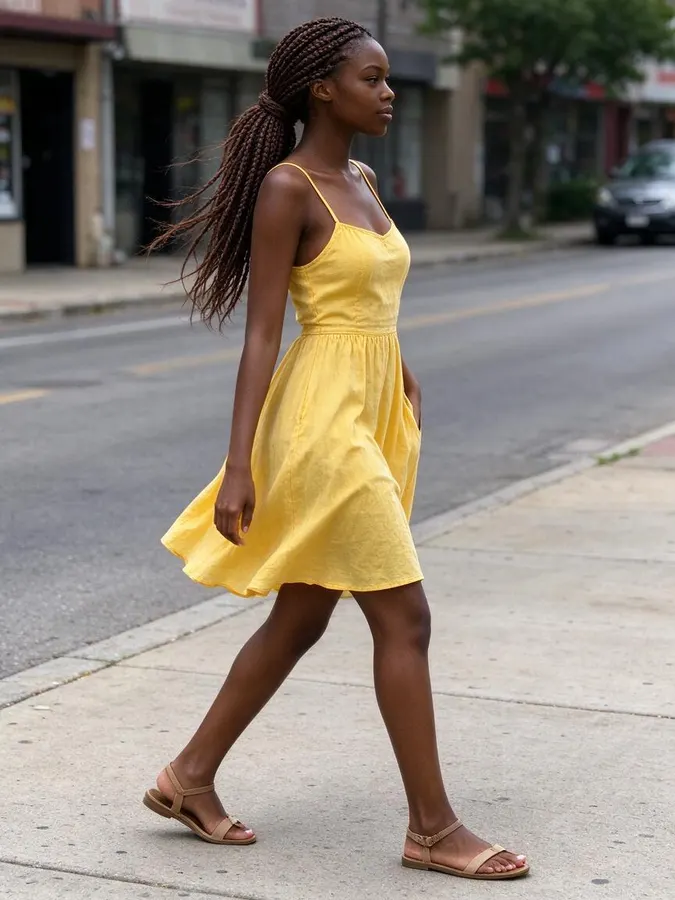 BeforeAfter
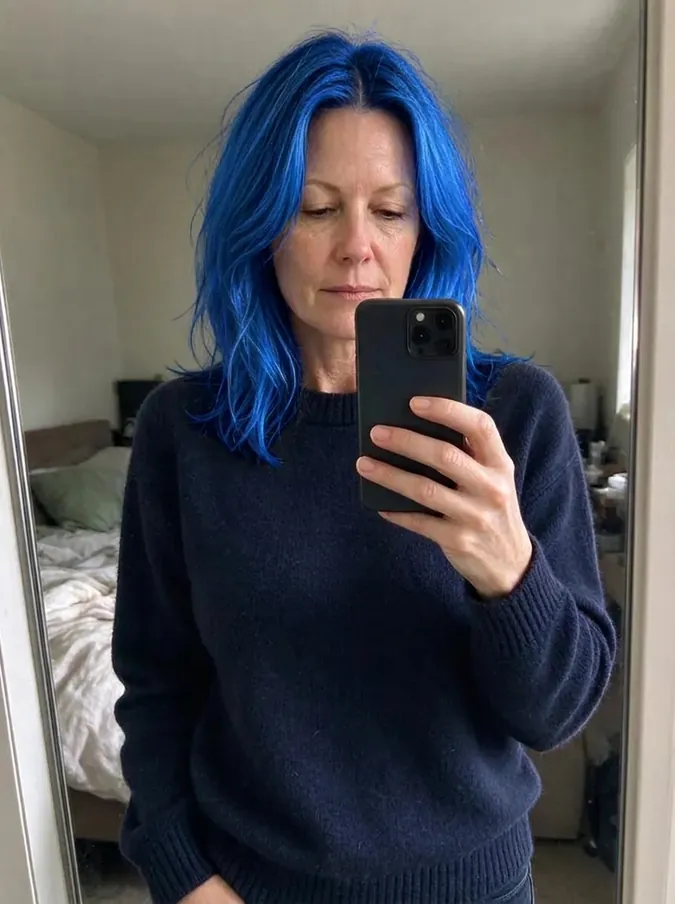
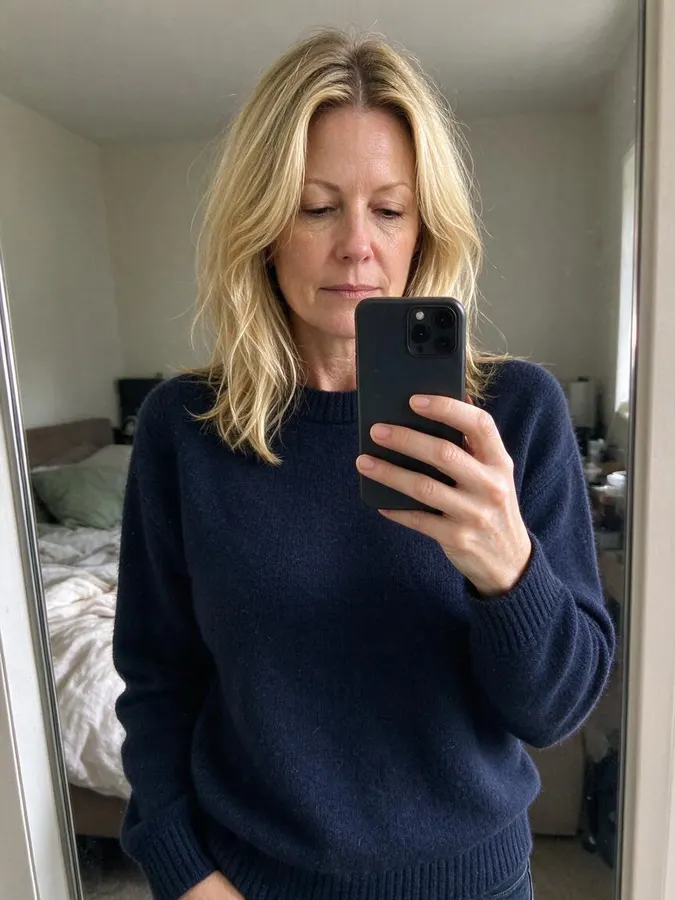 BeforeAfter
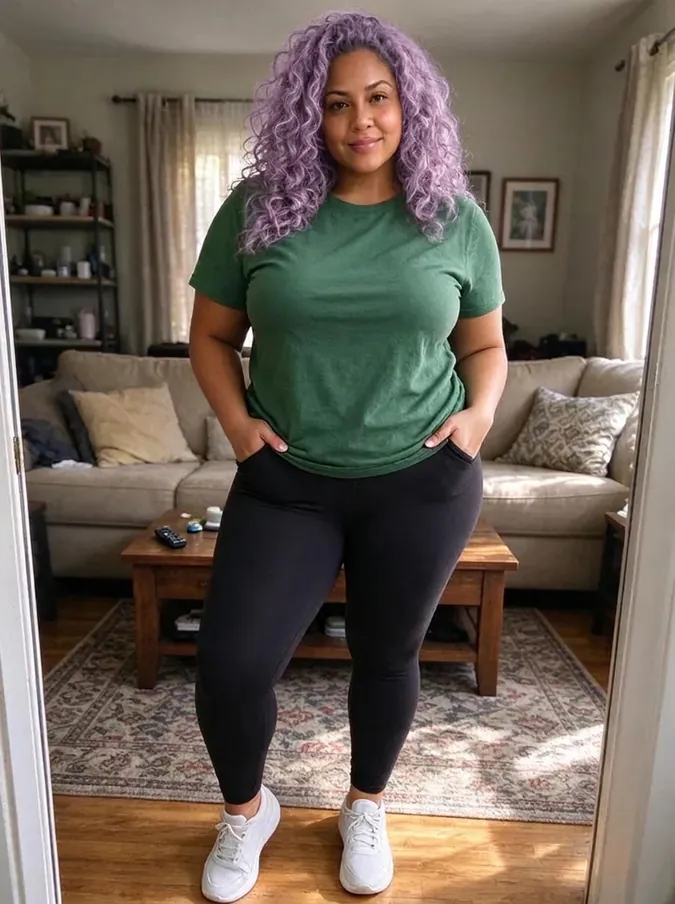
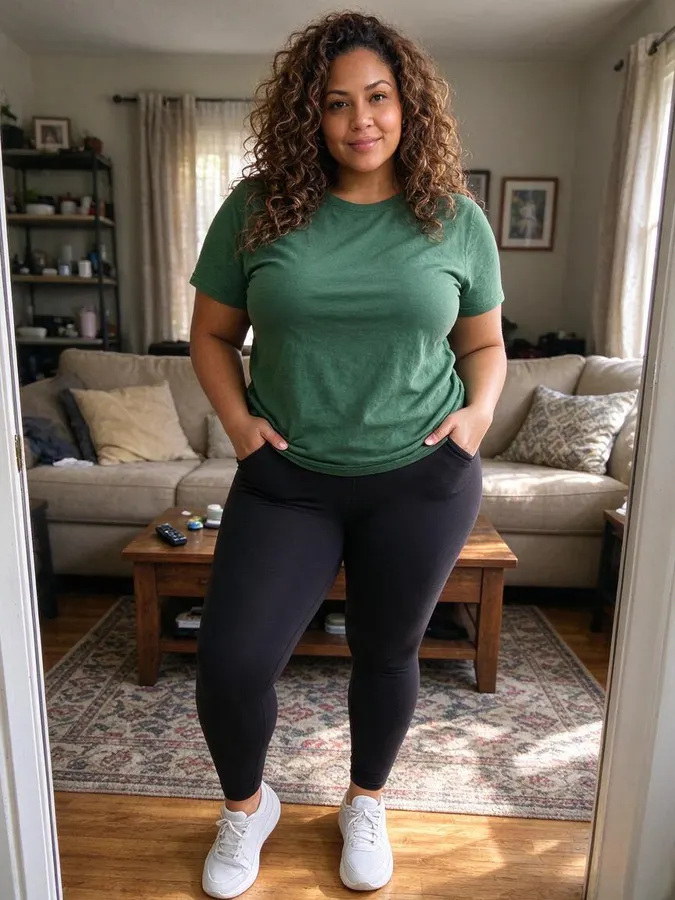 BeforeAfter
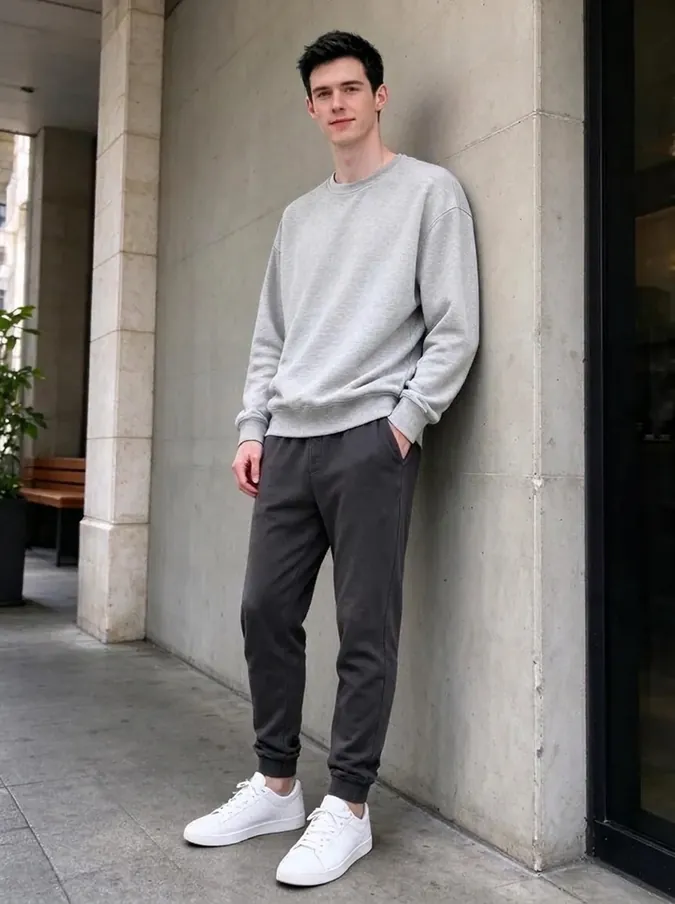
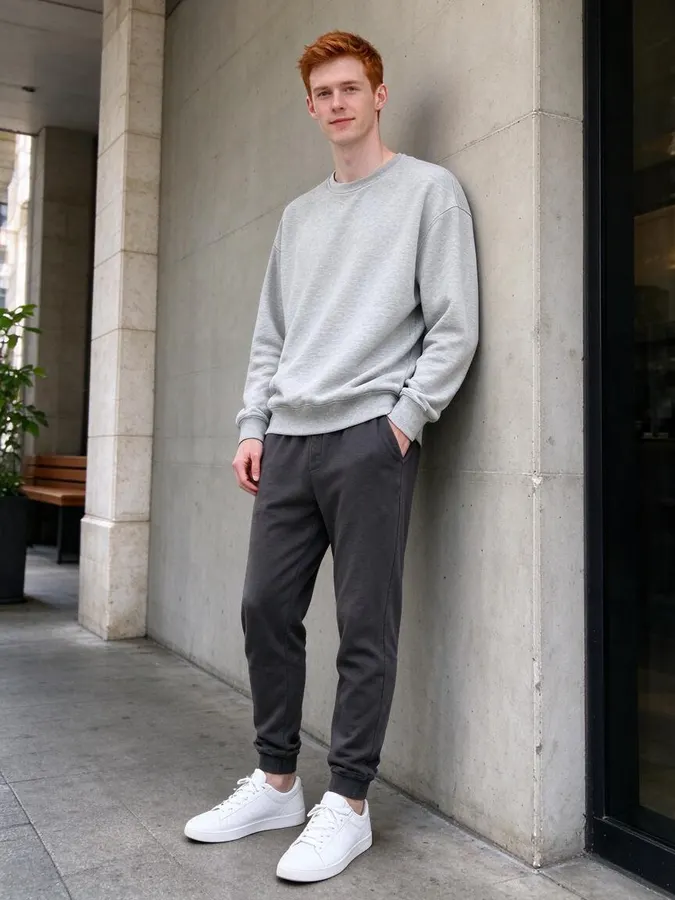 BeforeAfter
How to change your hair color with AI
- 1
Upload a photo
Use a photo where your hair is clearly visible and in focus. JPG, PNG or WebP up to 10 MB.
- 2
Pick a hair color
Choose from platinum blonde, honey blonde, copper red, auburn, jet black, chocolate brown, silver grey, pastel pink, lavender or electric blue.
- 3
Compare and download
Drag the slider to compare with your natural color, then download or try another shade.
Try on a hair color before you commit
A new hair color can take hours in the salon and weeks to grow out. The AI hair color changer lets you preview it in about 40 seconds. It recolors only the hair and keeps the cut, length, curls and parting, so the result shows what the color itself would look like on you.
Highlights and shadows in your hair are rebuilt in the new color, which keeps the result looking like real dyed hair rather than a flat overlay.
10 colors, from natural to bold
Natural shades: platinum blonde, honey blonde, chocolate brown, jet black, auburn and copper red. Bold and fashion colors: pastel pink, lavender, electric blue and silver grey. Try a few in a row on the same photo to compare which tone suits your skin and eyes best.
BeforeAfterPlatinum blonde
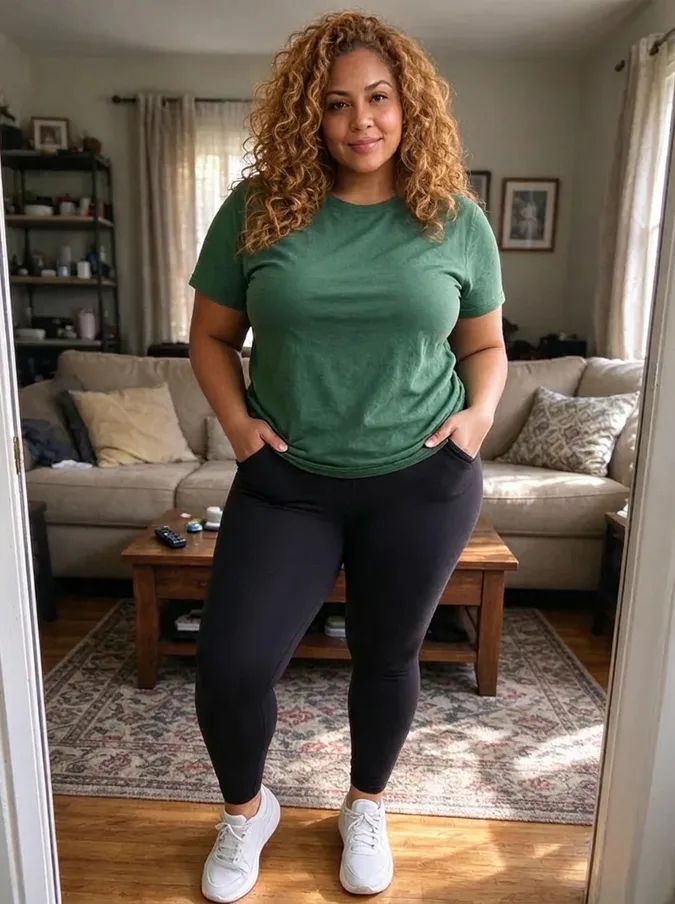
The lightest, icy blonde. It is a bold change on dark hair and suits cool skin tones and light eyes especially well.
 BeforeAfter
Honey blonde
A warm, golden blonde that looks sun-kissed and soft. A popular choice for warm and olive skin tones.
BeforeAfterCopper red
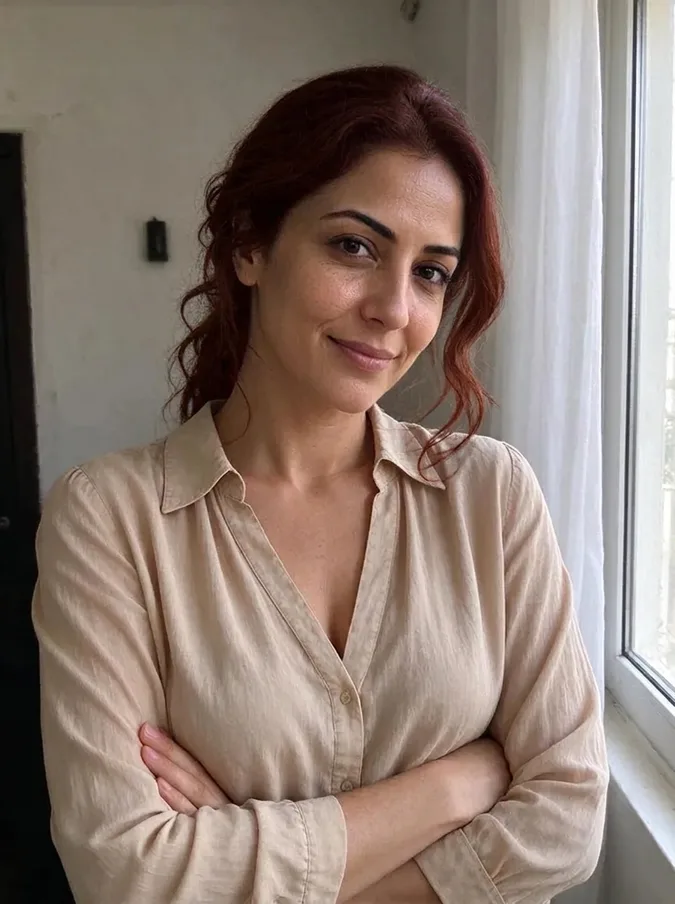
A bright, warm red with orange tones. It stands out in photos and pairs well with warm skin and green or brown eyes.
 BeforeAfter
Auburn
A deep red-brown that is warmer than brown but softer than copper. A natural looking way to add red.
BeforeAfterJet black
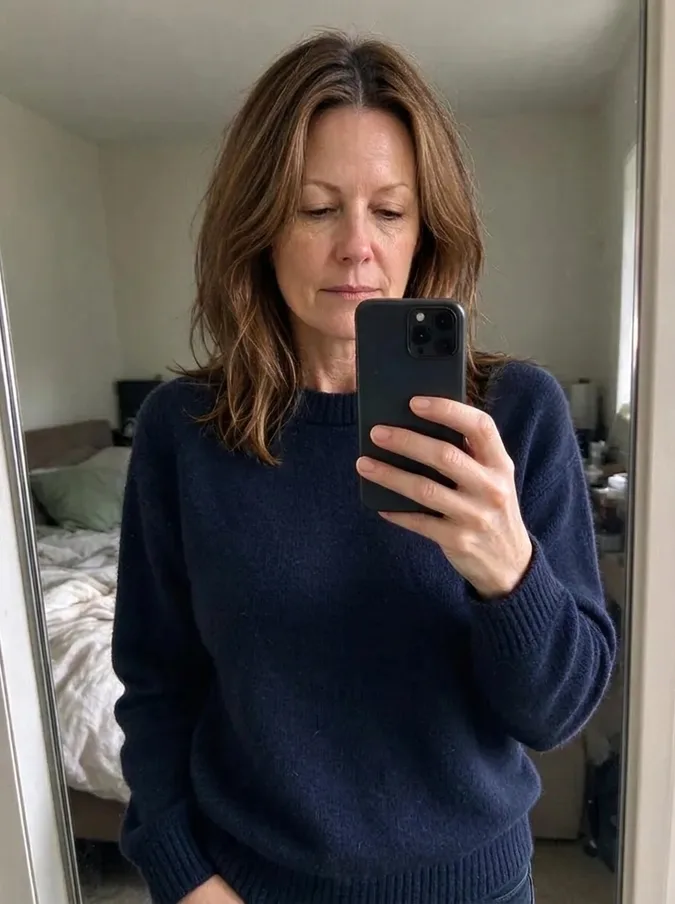
The deepest black with a glossy shine. It creates strong contrast with light skin and looks rich on dark hair.
 BeforeAfter
Chocolate brown
A rich, dark brown that looks natural on most people. A safe way to go darker without going black.

 BeforeAfter
Silver grey
A cool, metallic grey. Try it to see the trendy silver look, or to preview how embracing grey hair would look.
BeforeAfterPastel pink
A soft, light pink fashion color. It looks playful and works best when you want a statement without a dark shade.
BeforeAfterLavender
A light purple pastel with a cool tone. It suits cool skin tones and looks dreamy in soft light.
BeforeAfterElectric blue
A vivid, saturated blue, the boldest option. Preview it before committing to a color that needs a lot of upkeep.
Choosing a color that suits you
Warm skin tones often look great with honey blonde, copper and auburn, while cool skin tones suit platinum, silver, jet black and pastel shades. These are only guidelines: the easiest way to know is to try the colors on your own face. Bring the photo you like to your hairdresser so they can see exactly the shade you want.
Tips for a realistic recolor
Choose a photo with your hair clearly visible and not covered by a hat or hood. Daylight shows true colors best; strongly colored lights can tint the result. Going from very dark hair to very light shades works, but the result is a preview of the color, not of the bleaching process.
Before you book the salon
Save your favorite result and show it to your colorist. A photo of the exact shade on your own face is much clearer than a celebrity picture with a different haircut and skin tone. If you are deciding between two colors, run both on the same photo and compare them side by side. For bold fashion colors such as pink, lavender or blue, the preview also helps you decide between a full color and a few streaks before you commit.
Not ready to dye? See yourself bald or in a new outfit with the AI clothes swapper.
Comparing tools? See our guide to the best AI hair color changers.
Packs from $4.99 for 20 images, no subscription
1 credit per image · about 40 seconds · Credit packs start at $4.99 for 20 images, work on every tool and never expire.
At a glance
- Price
- 1 credit per image, $0.08 to $0.25 depending on the pack; one-time packs from $4.99 for 20, no subscription, credits never expire; failed swaps refunded automatically; no free tier
- Speed
- About 40 seconds per image (our logs: 11 images, median 41 s, 9 in 10 within 47 s)
- Output
- Paid downloads: about 900 × 1200 px (1K), no watermark
- Keeps
- Your face and expression, so it still looks like you
- Privacy
- Photos are private, not used for AI training, deletable any time
- Use
- Personal and commercial use allowed (with rights to the photo)
- Devices
- Works in desktop and mobile browsers, no app
- Updated
- October 31, 2026
AI hair color changer FAQ
Is the hair color changer free?
No. Every image uses 1 credit. One-time packs start at $4.99 for 20 images, with no subscription, and credits never expire. You can browse the example results on this page without paying.
Which hair colors can I try?
Ten: platinum blonde, honey blonde, copper red, auburn, jet black, chocolate brown, silver grey, pastel pink, lavender and electric blue.
Will it change my haircut?
No. Only the color changes. Your haircut, length, texture and parting are kept.
Does it work on curly or very dark hair?
Yes. Curly, wavy, straight and dark hair all work. Very light colors on very dark hair are shown as the final color, without the bleaching steps.
Can I try several colors on the same photo?
Yes. Each color is a new image and uses one credit. Your uploaded photo stays in the tool so you can try colors one after another.
How long does it take?
About 40 seconds. If a generation fails, the credit is returned automatically.
Are my photos private?
Your photos are only used to create your images and are never shown publicly.
More AI photo tools
 AI Christmas PhotoFamily pajamas, Santa hats, snow and fireplace scenes.
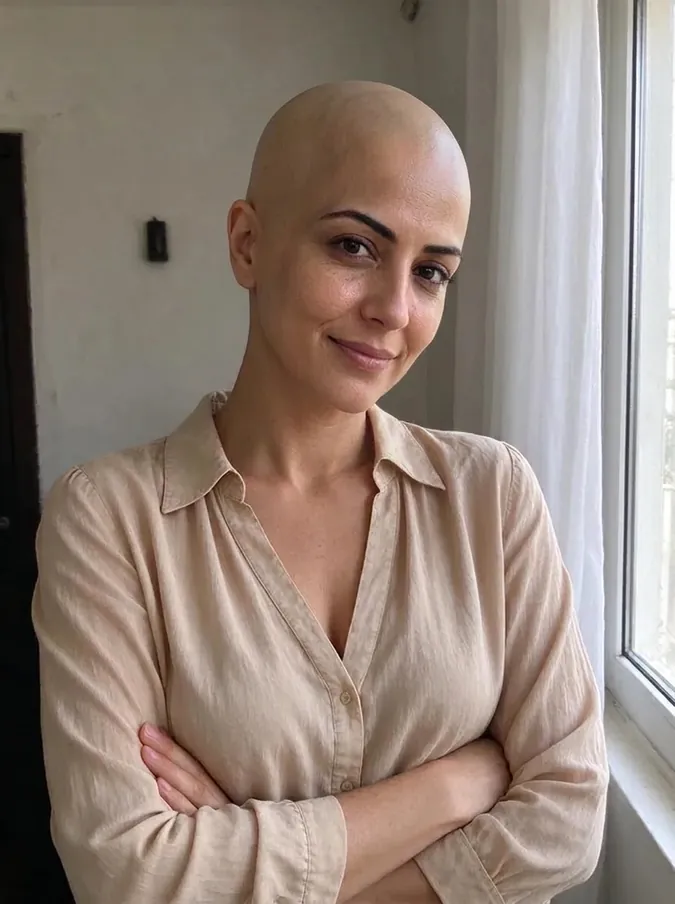 AI Bald FilterSee yourself with a shaved head.
 AI Buzz Cut FilterTry a buzz cut, crew cut or fade.
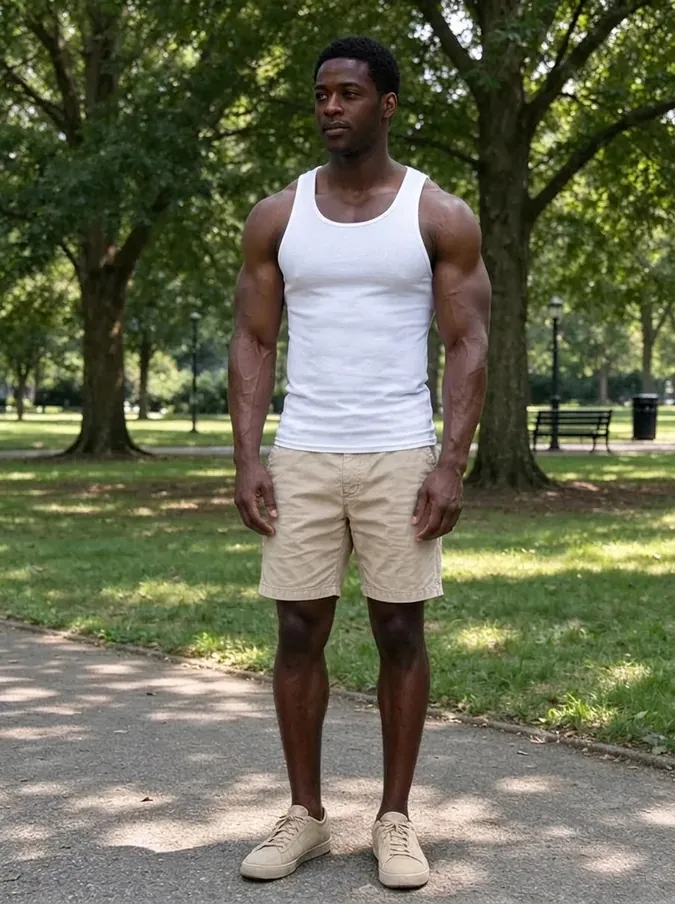 AI Muscle GeneratorAthletic or bodybuilder physique.
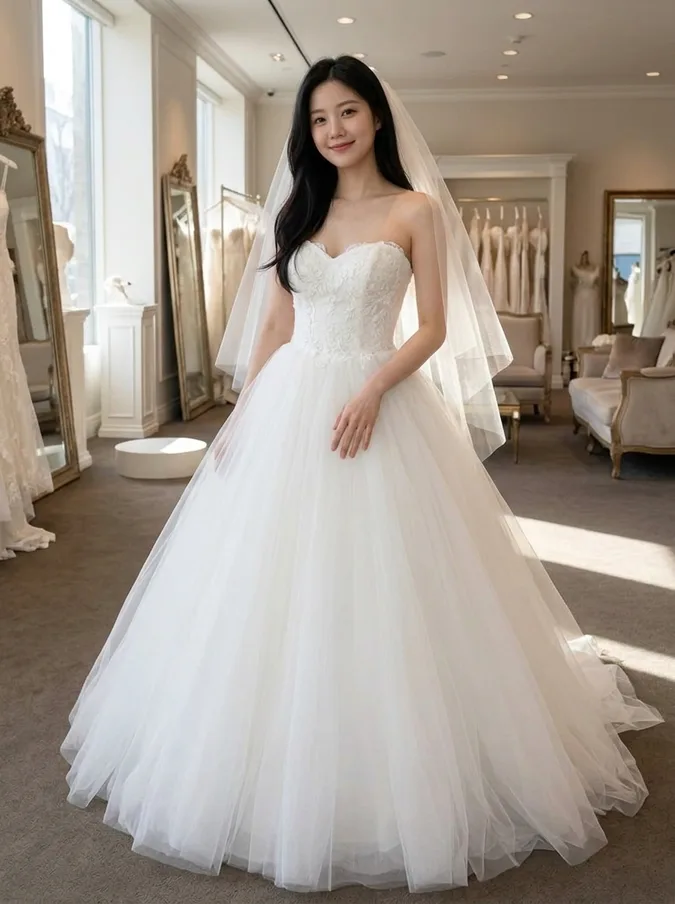 AI Wedding Dress Try OnBall gown, A-line, mermaid, boho or a tuxedo.
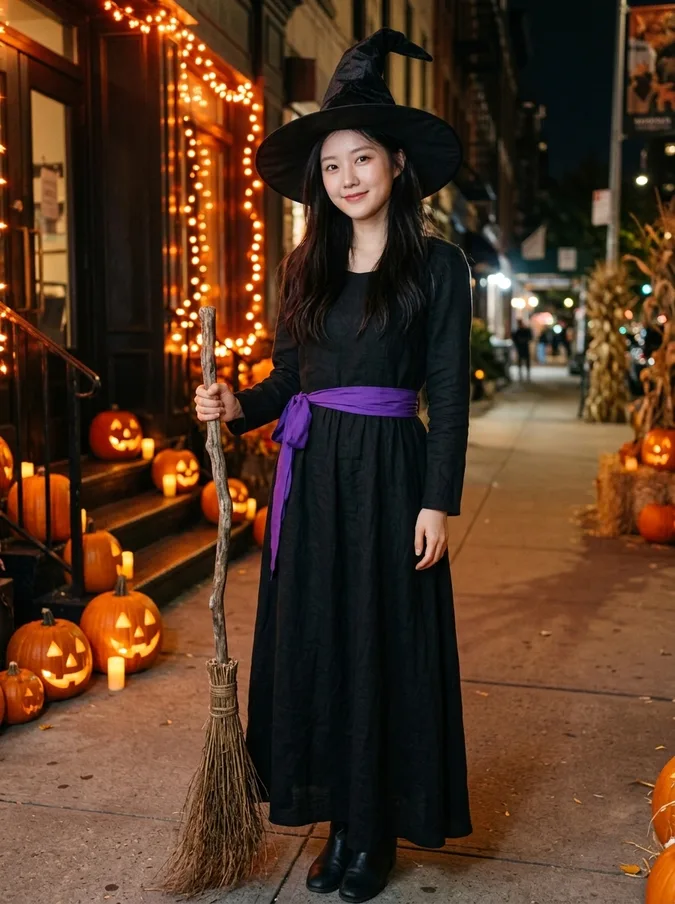 AI Halloween CostumeVampire, witch, pirate, skeleton, angel or devil.
 Add Hair to PhotoPreview a fuller hairline or full head of hair.
 AI Beard FilterAdd stubble, a beard or a goatee, or remove one.
 AI Hairstyle ChangerTry seven haircuts on your own photo.
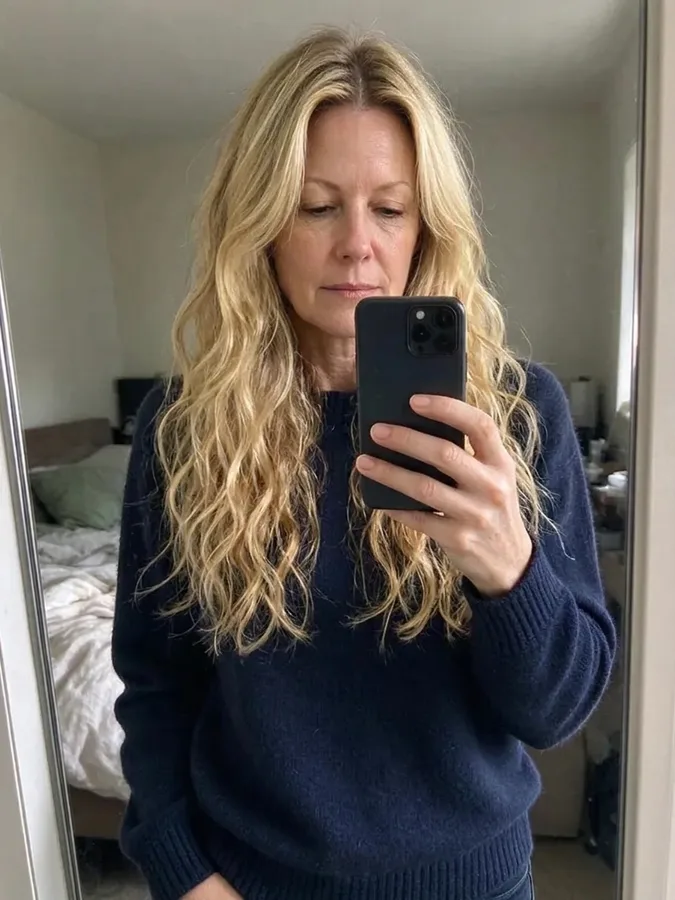 Long Hair FilterSee yourself with long waves or straight hair.
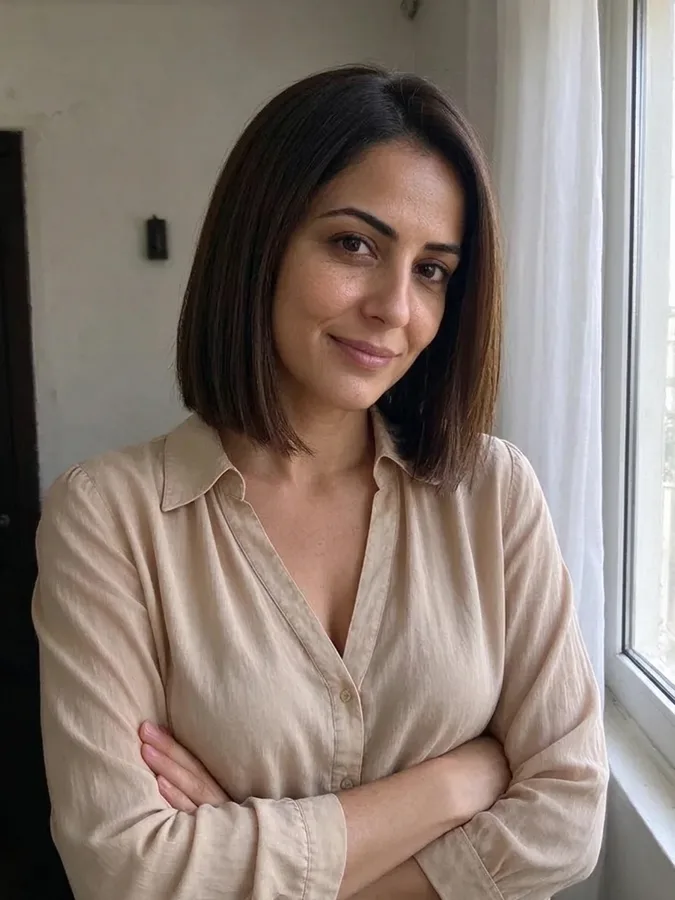 Short Hair FilterTry a pixie cut, bob or long bob.
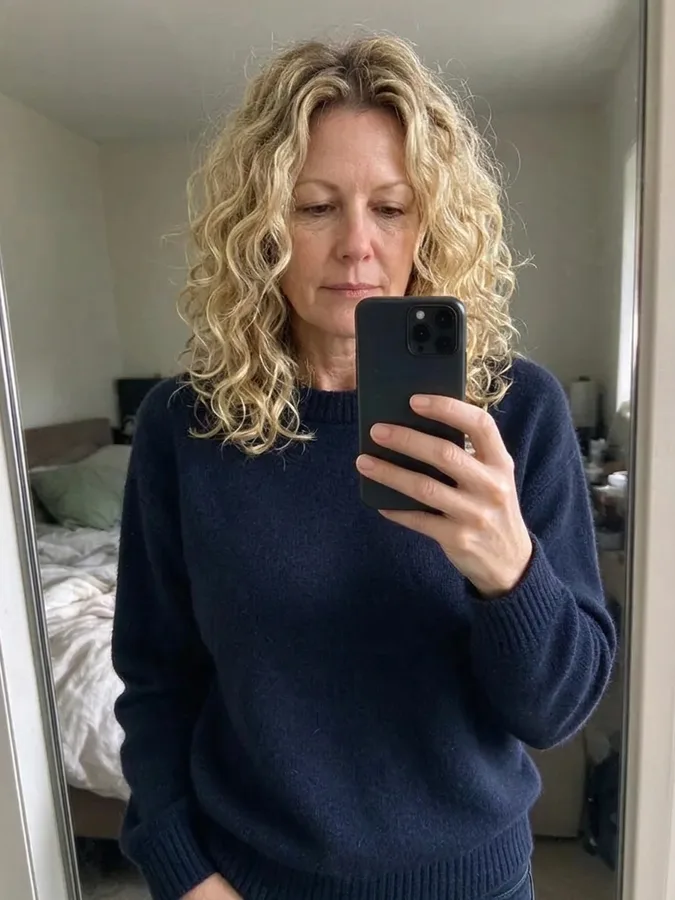 Curly Hair FilterSee yourself with curls before a perm.
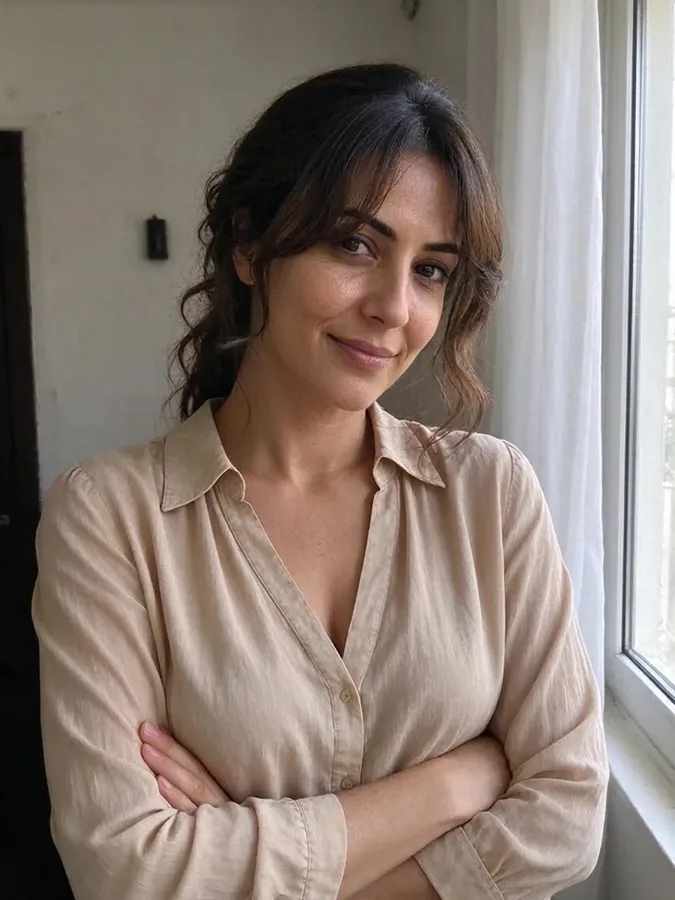 Bangs FilterTry curtain, blunt or wispy bangs.
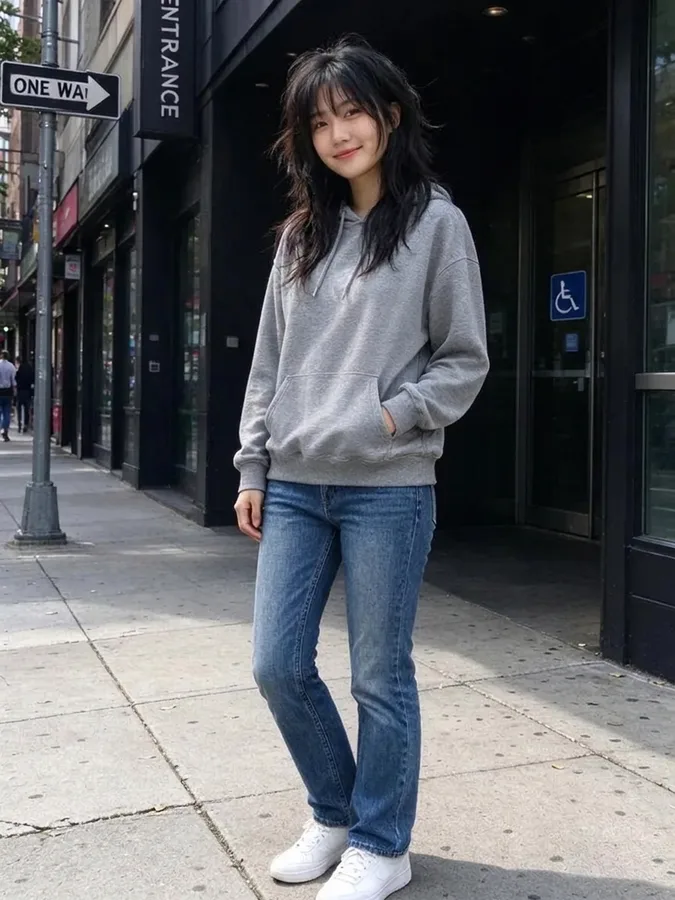 Wolf Cut FilterTry a wolf cut, shag or mullet.
 AI Headshot GeneratorTurn a selfie into a professional headshot.
 AI Clothes SwapperPut any outfit on your photo.