AI Halloween Costume Generator
Pick your costume before you buy it.
Upload a photo and see yourself in a Halloween costume in about 40 seconds: a vampire, a witch, a pirate captain, a skeleton, an angel or a devil, on a Halloween night with glowing pumpkins. You keep your own face, hairstyle and pose, so you can see which costume really suits you, or just make a fun Halloween picture to share.
- 6 costumes
- Same face
- From $4.99 for 20 images
AI Halloween costume examples
Real results for each costume. Drag the slider to compare the original photo with the Halloween version.
 BeforeAfter
 BeforeAfter
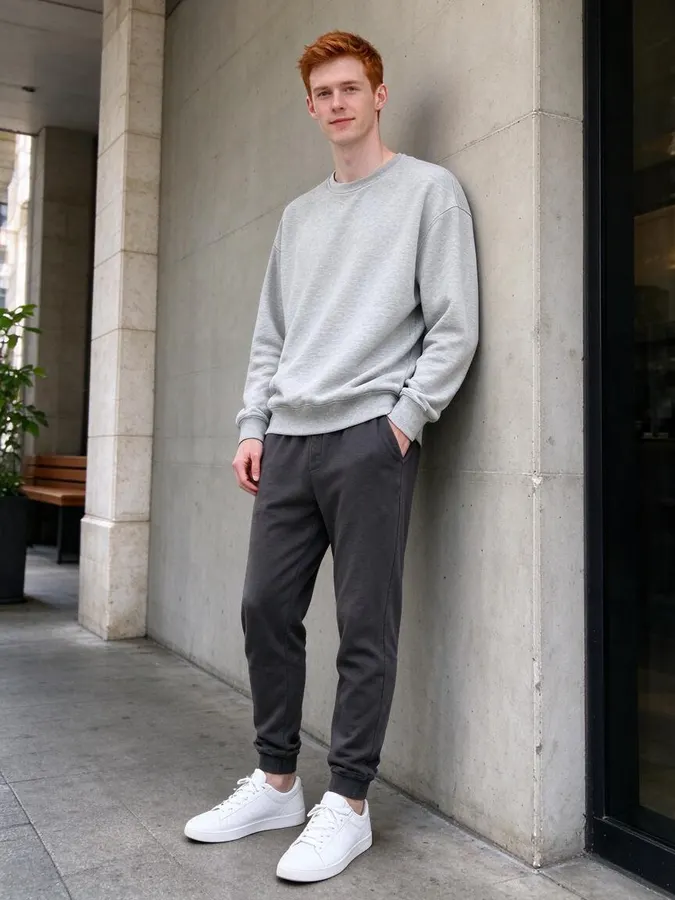 BeforeAfter
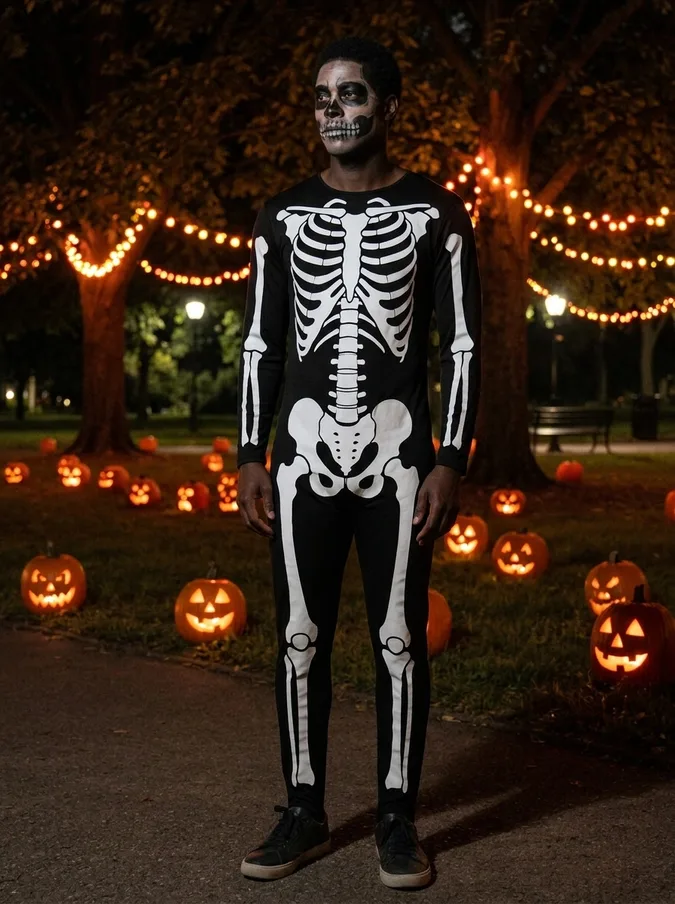
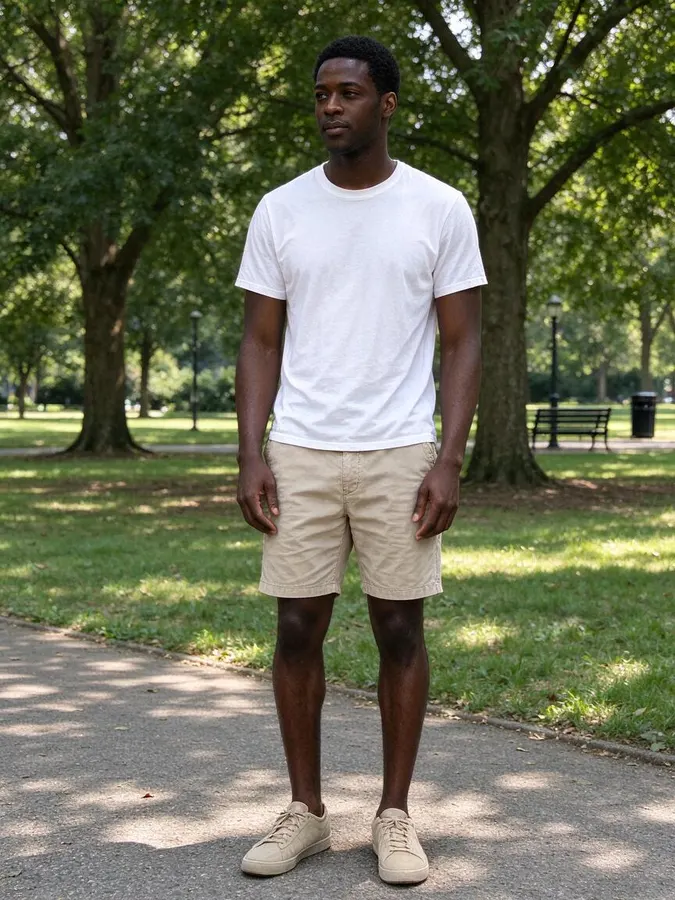 BeforeAfter
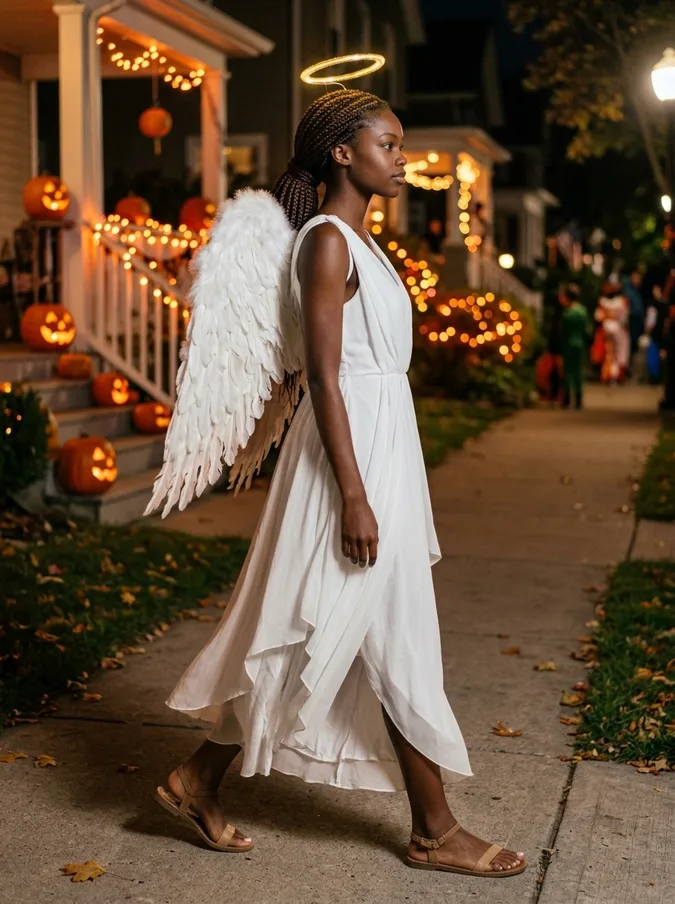
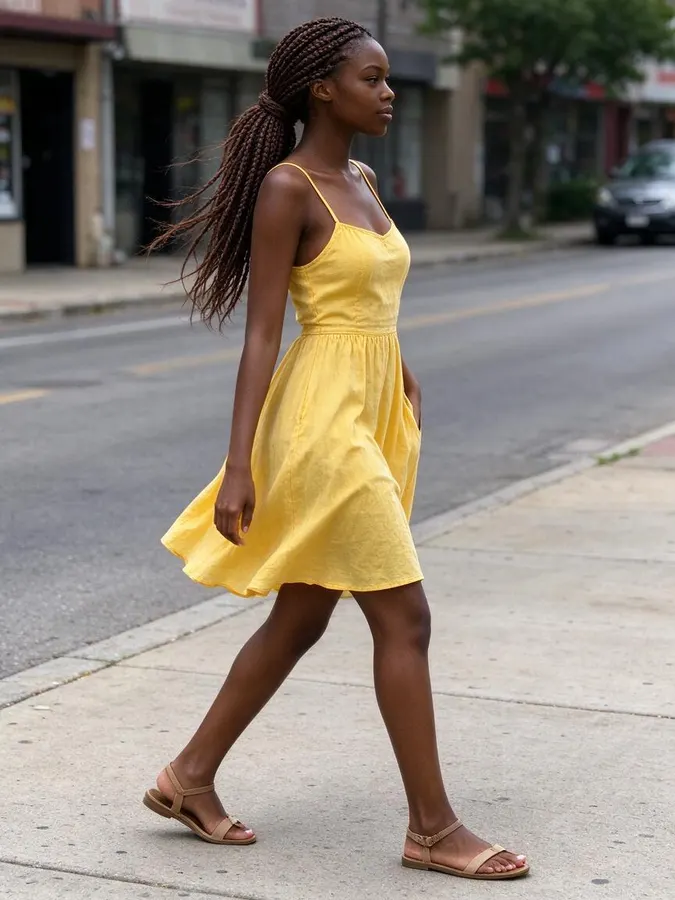 BeforeAfter
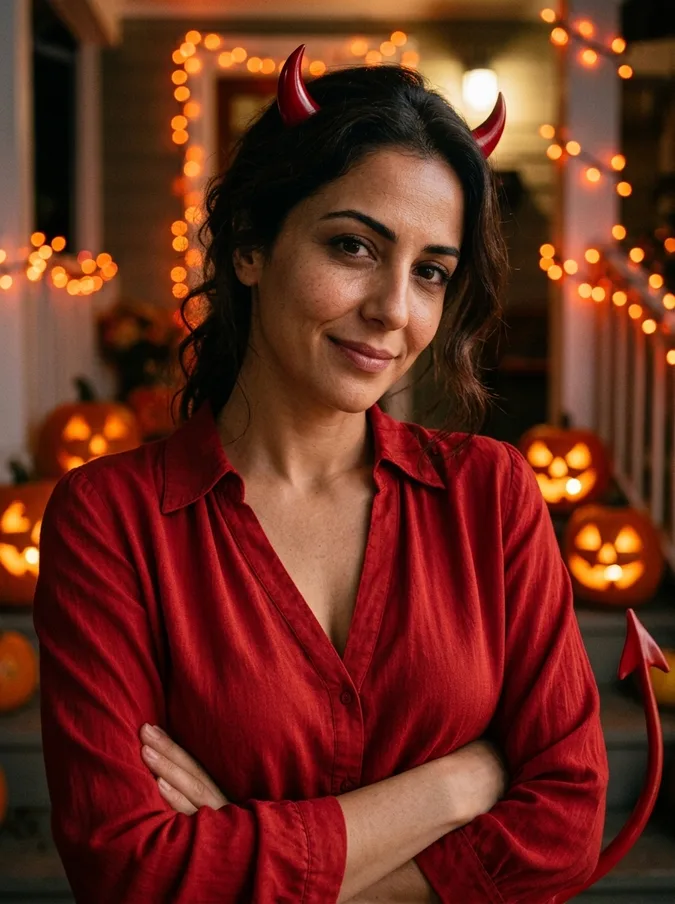
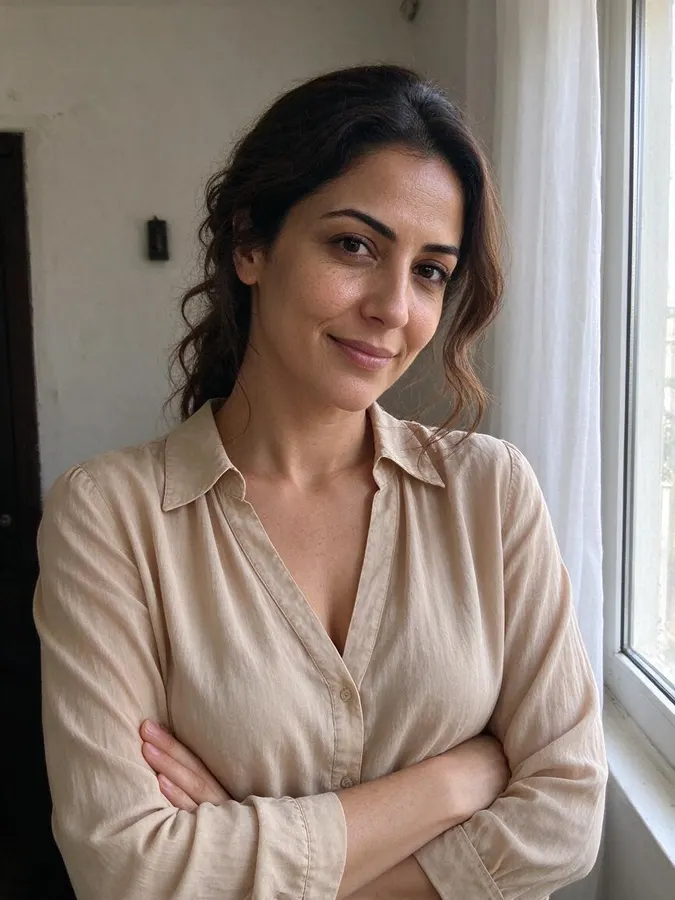 BeforeAfter
How to try on a Halloween costume with AI
- 1
Upload your photo
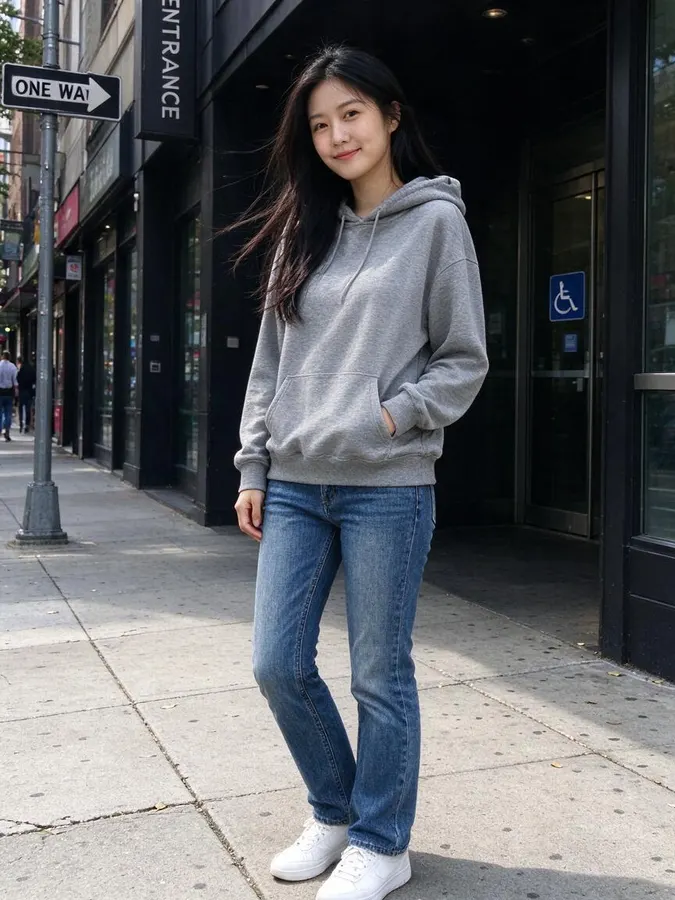
Use a clear, well-lit photo where the face is visible. JPG, PNG or WebP up to 10 MB. No photo handy? Pick one of the samples. A photo from the waist or knees up shows the costume best.
- 2
Pick a costume
Choose a vampire, witch, pirate, skeleton, angel or devil costume.
- 3
Download and share
Your costume photo is ready in about 40 seconds. Download it for Instagram, a profile picture or the group chat.
Try costumes without a trip to the store
Choosing a Halloween costume usually means scrolling through product photos of models and guessing how it will look on you. This AI Halloween costume generator puts the costume on your own photo instead, so you can compare a few ideas before you order one, make one, or head to the costume store.
The tool changes your outfit and the background to a Halloween night with carved pumpkins and string lights, and keeps your face, hairstyle and pose. It is also a quick way to get a Halloween picture for social media when you did not dress up this year.
Six classic Halloween costumes
Each costume is one click, with no prompt to write. Try the same photo in several costumes and see which one you like best.
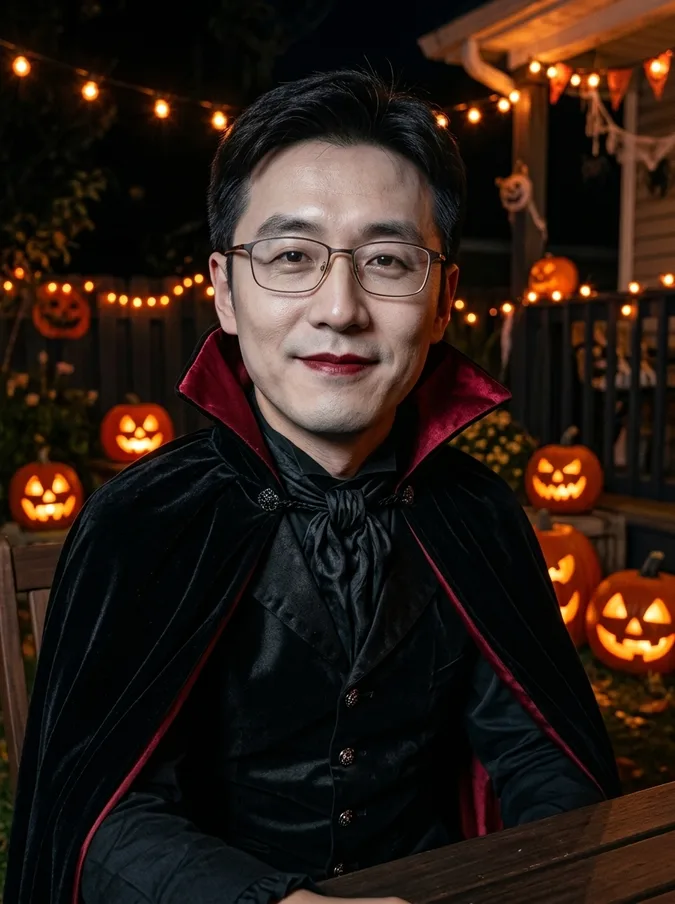
BeforeAfterVampire
A black Victorian outfit and a long cape with a high red-lined collar, with pale makeup and dark red lips. Elegant rather than scary.
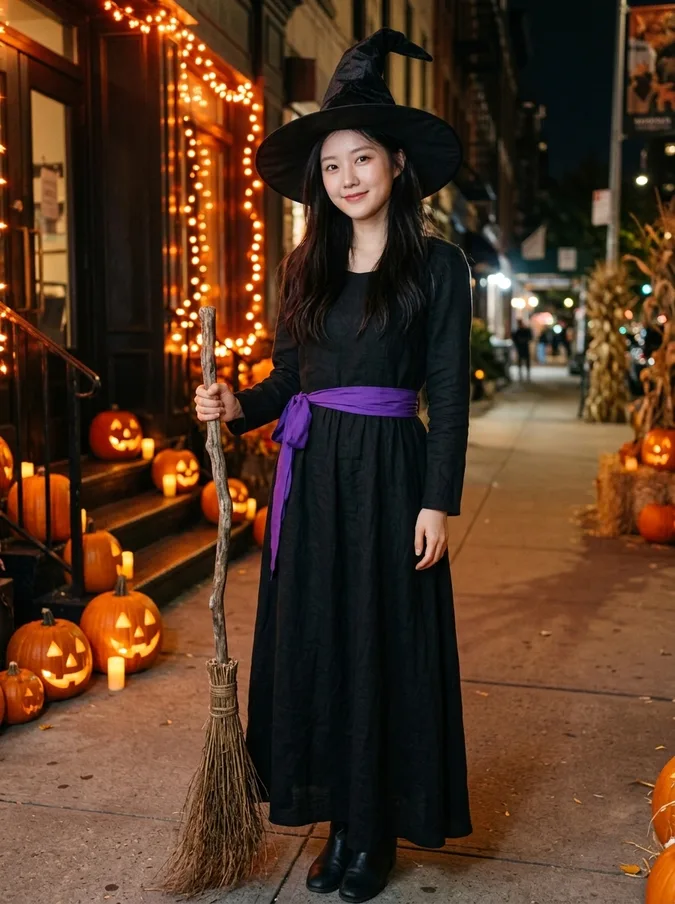
BeforeAfterWitch
A tall pointed hat, a long black dress with a purple sash and a broom: the most classic Halloween costume of all.
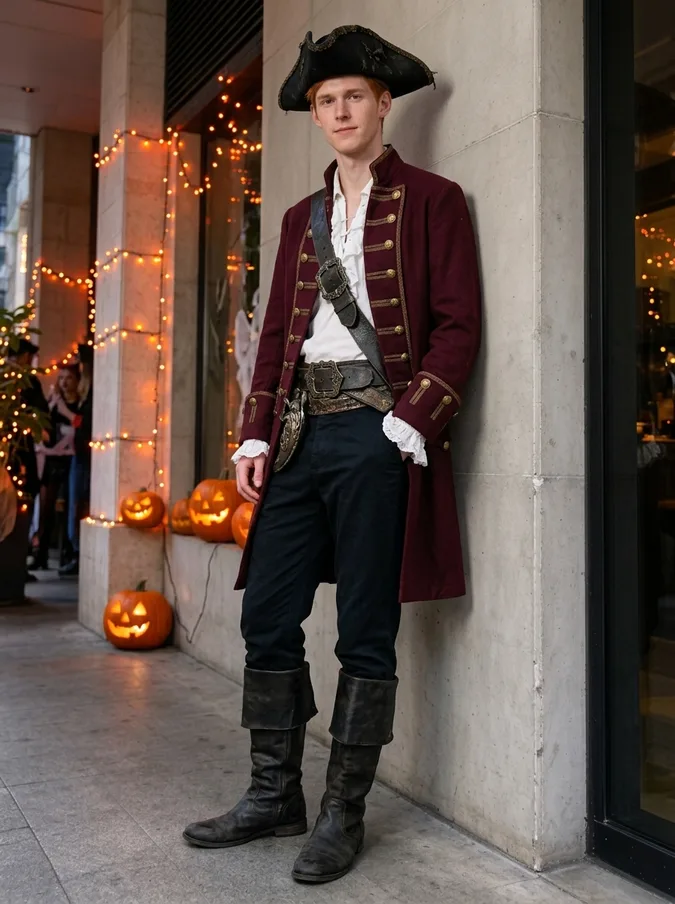
BeforeAfterPirate captain
A tricorn hat, a long burgundy coat with gold buttons, a ruffled shirt and a leather belt. Works for any age and gender.
BeforeAfterSkeleton
A black bone-print bodysuit with skeleton face paint drawn over your own face, so you stay recognizable under the makeup.
BeforeAfterAngel
A flowing white outfit with large feathered wings and a golden halo. A good pair with the devil costume for couples.
BeforeAfterDevil
A red outfit with small horns and a tail: a simple costume that is easy to recreate in real life.
Want a different costume?
The six costumes cover the classics. For anything else, use the AI clothes swapper: describe the costume in words, such as "a red riding hood cape" or "a 1920s flapper dress", or upload a product photo of a costume you are thinking of buying, and the AI dresses you in it.
Tips for the best costume photos
Use a clear photo where your face is visible and in focus, ideally from the waist or knees up so the costume has room to show. Daylight or bright indoor light works best. Only upload photos of yourself or of people who agree to it.
If a result is not quite right, try a different photo or costume. Each image costs one credit, and if a generation fails the credit is returned automatically. When Halloween is over, the AI Christmas photo generator works the same way for holiday photos.
Packs from $4.99 for 20 images, no subscription
1 credit per image · about 40 seconds · Credit packs start at $4.99 for 20 images, work on every tool and never expire.
At a glance
- Price
- 1 credit per image, $0.08 to $0.25 depending on the pack; one-time packs from $4.99 for 20, no subscription, credits never expire; failed swaps refunded automatically; no free tier
- Speed
- About 40 seconds per image (our logs: 11 images, median 41 s, 9 in 10 within 47 s)
- Output
- Paid downloads: about 900 × 1200 px (1K), no watermark
- Keeps
- Your face and expression, so it still looks like you
- Privacy
- Photos are private, not used for AI training, deletable any time
- Use
- Personal and commercial use allowed (with rights to the photo)
- Devices
- Works in desktop and mobile browsers, no app
- Updated
- October 31, 2026
AI Halloween costume FAQ
Is the AI Halloween costume generator free?
No. Every image uses 1 credit. One-time packs start at $4.99 for 20 images, with no subscription, and credits never expire. You can browse the example results on this page without paying.
Which Halloween costumes can I try?
Six: vampire, witch, pirate captain, skeleton, angel and devil. For any other costume, describe it in the AI clothes swapper.
Will it keep my face?
Yes. The tool keeps your face identity, hairstyle and pose, and only changes the outfit and background. The skeleton costume adds face paint but follows the shape of your own face.
Can I use it for a group or couple photo?
It works best with one person in the photo. For couples, run each person separately, for example an angel and a devil, and post the two results together.
How long does it take?
About 40 seconds. The result appears with a before-and-after slider.
Are my photos private?
Your photos are only used to create your images and are never shown publicly or used for training. See our privacy policy for details.
More AI photo tools
 AI Christmas PhotoFamily pajamas, Santa hats, snow and fireplace scenes.
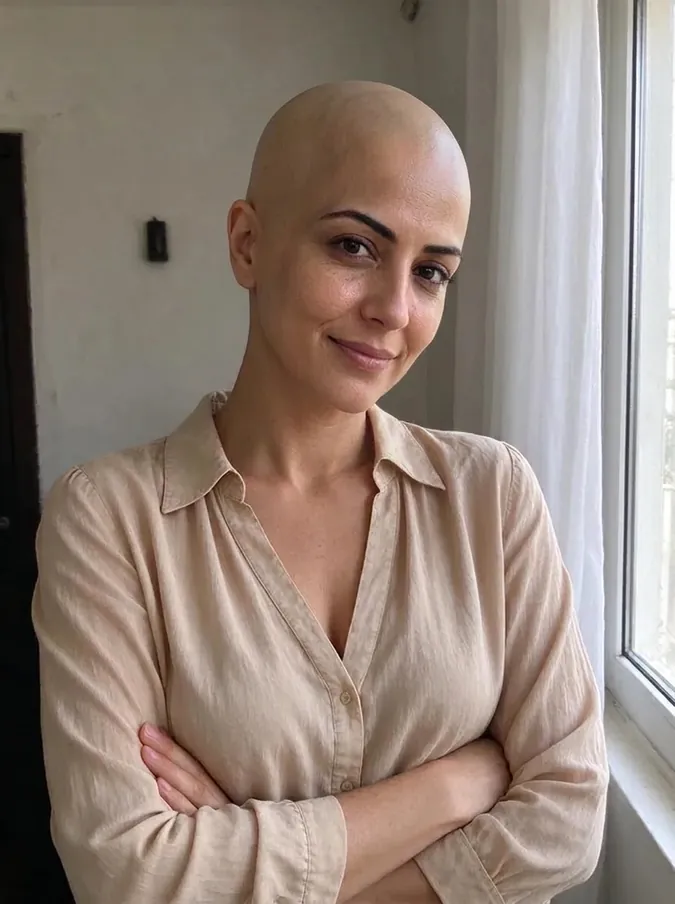 AI Bald FilterSee yourself with a shaved head.
 AI Buzz Cut FilterTry a buzz cut, crew cut or fade.
 AI Muscle GeneratorAthletic or bodybuilder physique.
 AI Hair Color ChangerTry 10 hair colors on your photo.
 AI Wedding Dress Try OnBall gown, A-line, mermaid, boho or a tuxedo.
 Add Hair to PhotoPreview a fuller hairline or full head of hair.
 AI Beard FilterAdd stubble, a beard or a goatee, or remove one.
 AI Hairstyle ChangerTry seven haircuts on your own photo.
 Long Hair FilterSee yourself with long waves or straight hair.
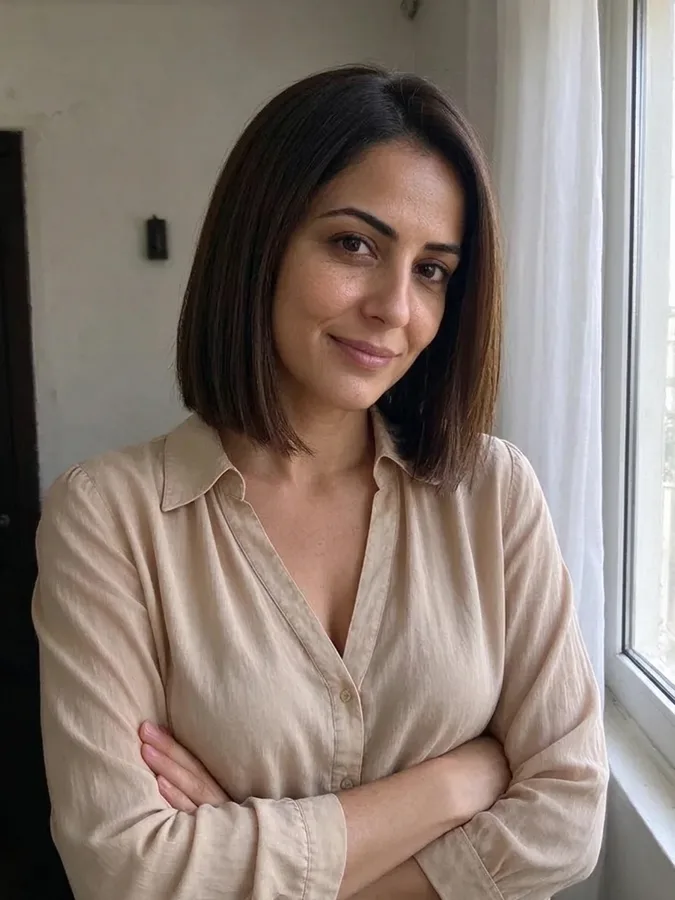 Short Hair FilterTry a pixie cut, bob or long bob.
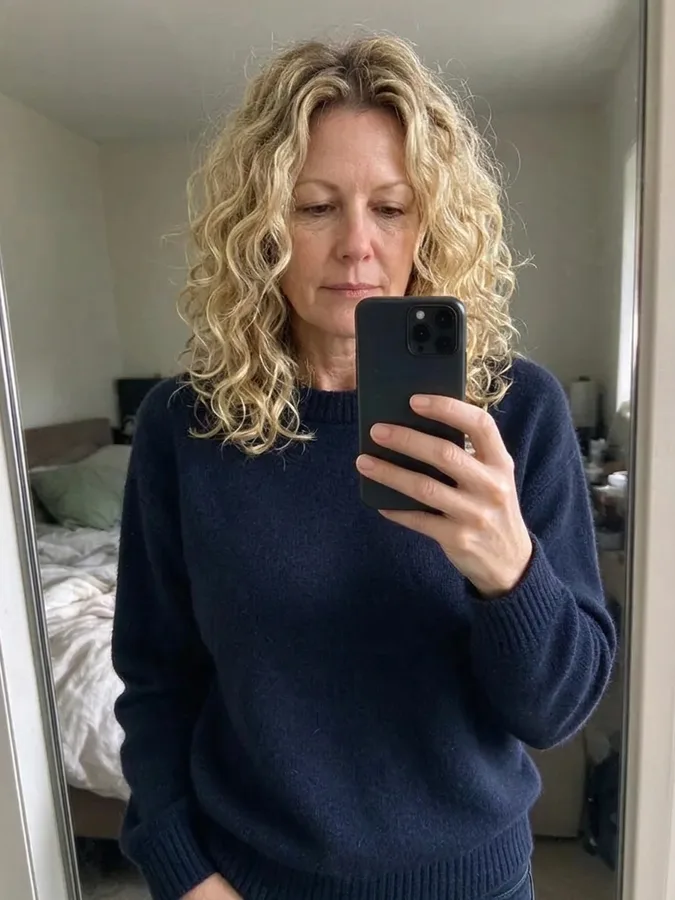 Curly Hair FilterSee yourself with curls before a perm.
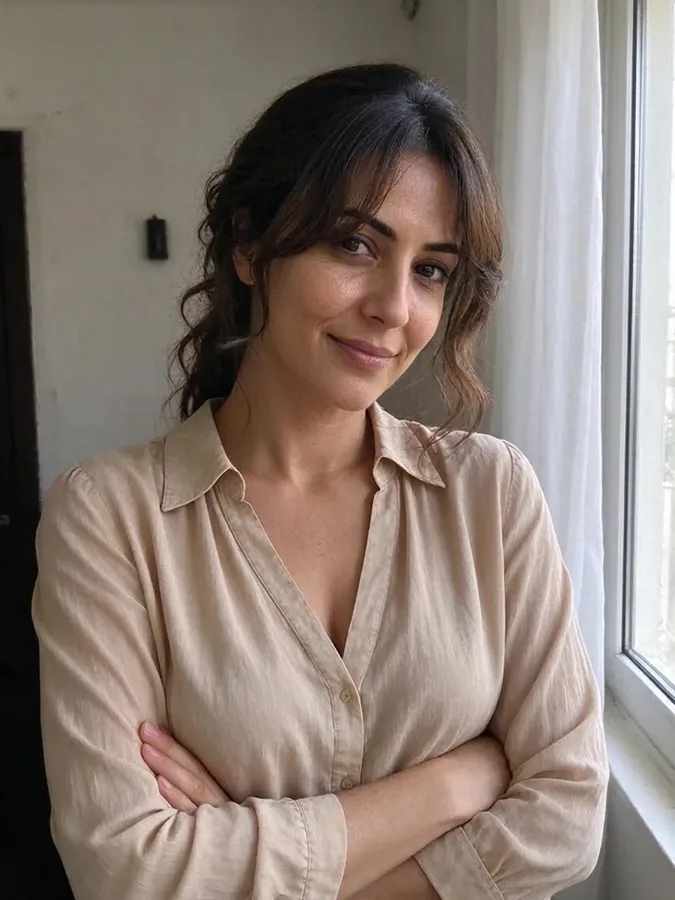 Bangs FilterTry curtain, blunt or wispy bangs.
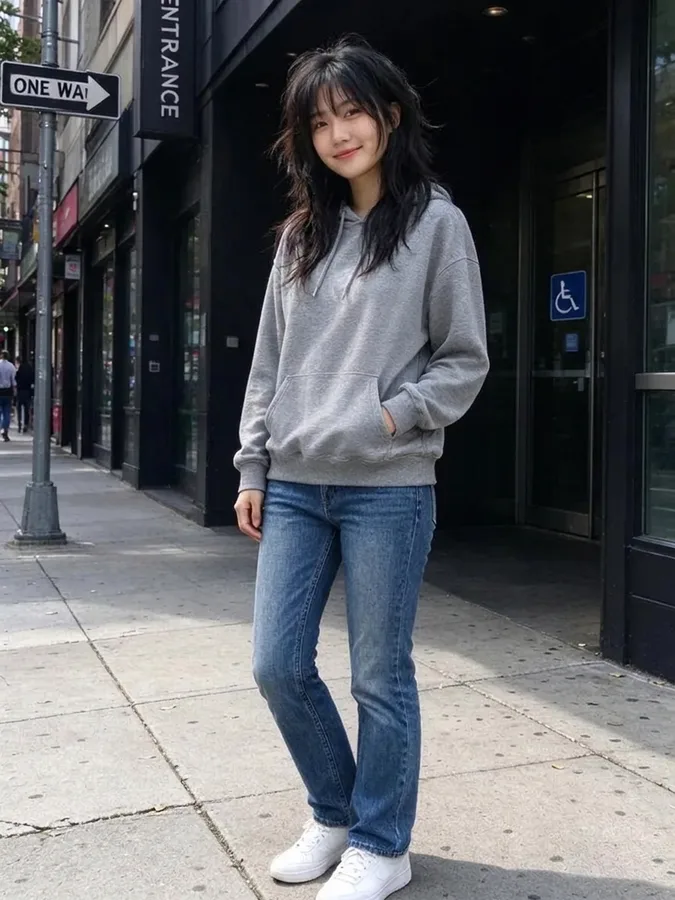 Wolf Cut FilterTry a wolf cut, shag or mullet.
 AI Headshot GeneratorTurn a selfie into a professional headshot.
 AI Clothes SwapperPut any outfit on your photo.