Put Clothes on a Model with AI
See your product on a model, in about 20 seconds. From $4.99 for 20 images · No subscription
Have a product photo but no model shot? Upload the model photo and the garment, and see the piece worn in about 20 seconds. Paid images have no watermark, and you can use them commercially when you hold the rights to both photos.
Quick answer: Put Clothes on a Model with AI is a web tool from AI Clothes Swapper that puts a new outfit on your own photo. Upload a picture of yourself plus a photo of the clothes or a short description, and in about 20 seconds you get the same person, face, pose and background, wearing the new outfit. One-time packs start at $4.99 for 20 swaps ($0.08 to $0.25 per swap), with no subscription; credits never expire and failed swaps are refunded automatically.
Real results, drag to compare
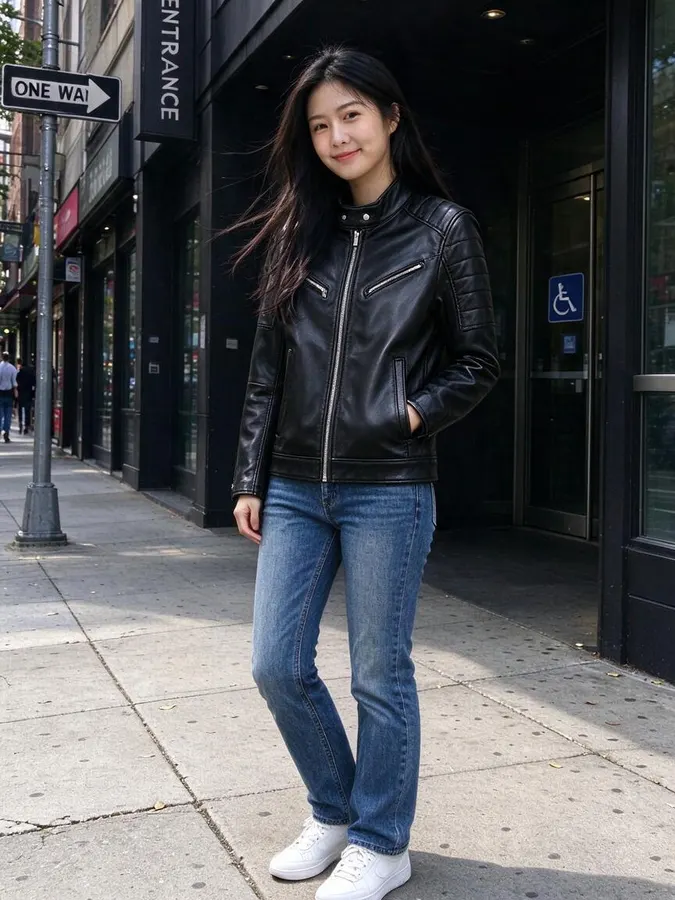
Every example below came straight out of the tool with no retouching. The people are AI-generated, not real customers.
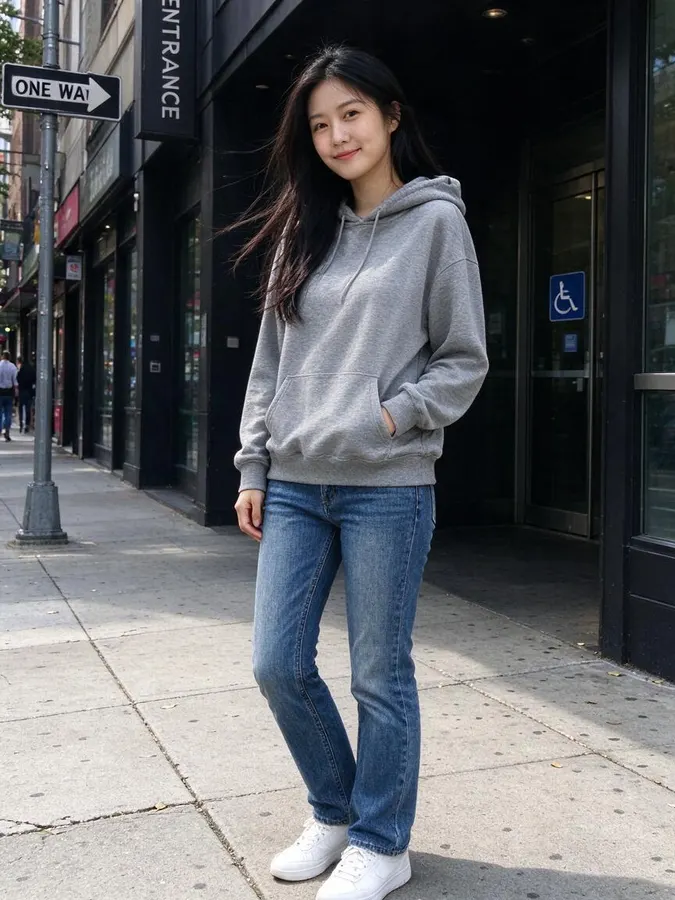 BeforeAfter
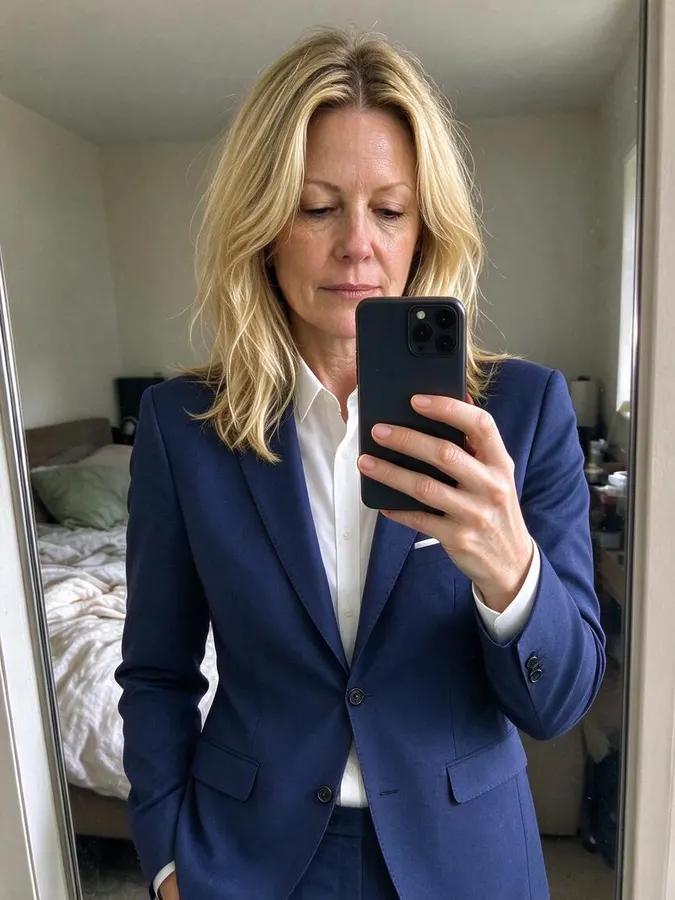
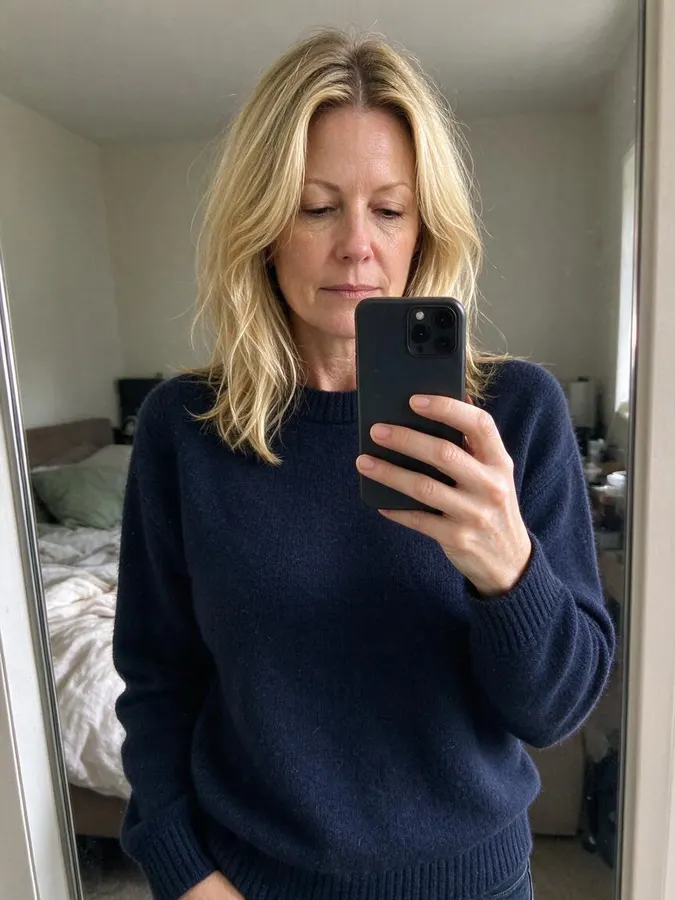 BeforeAfter
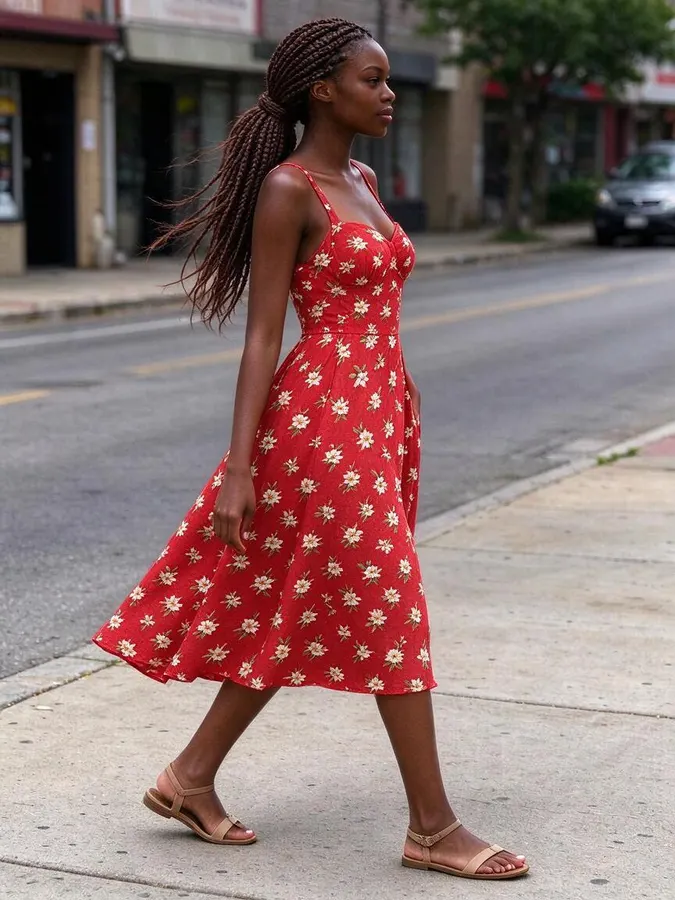
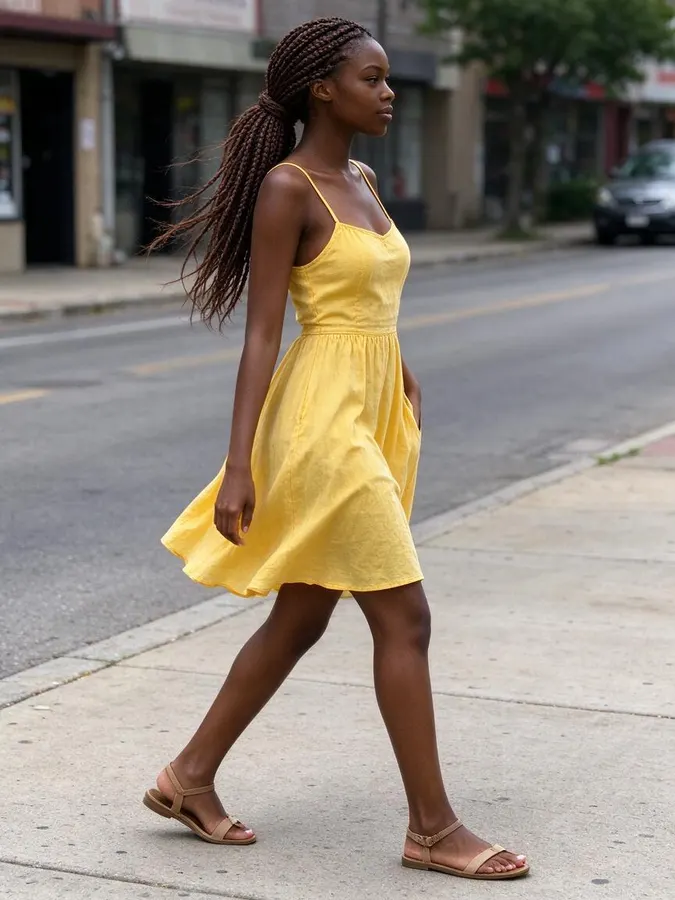 BeforeAfter
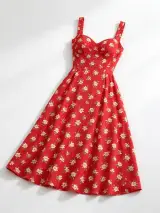
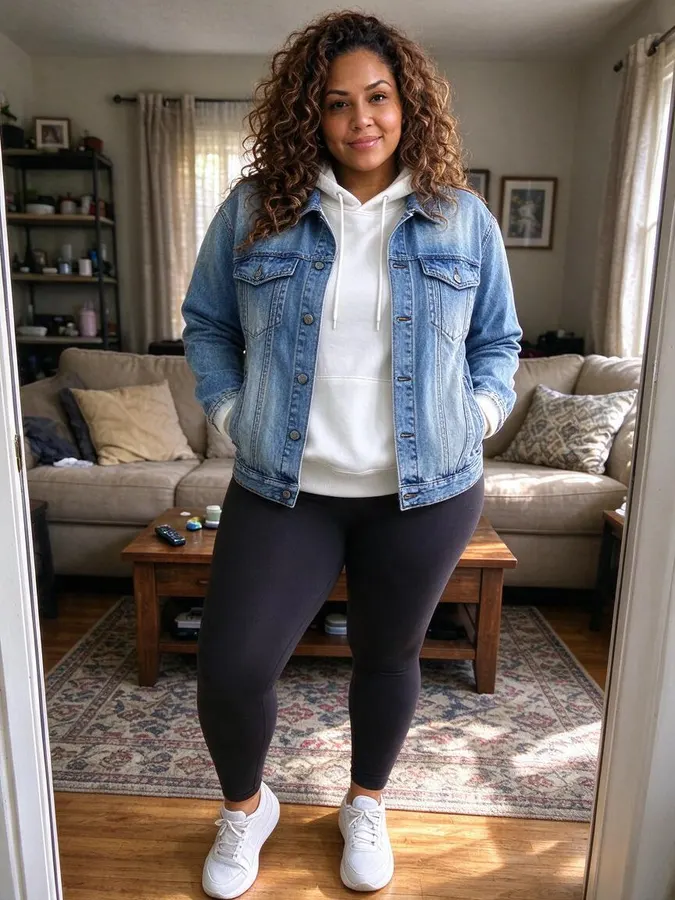
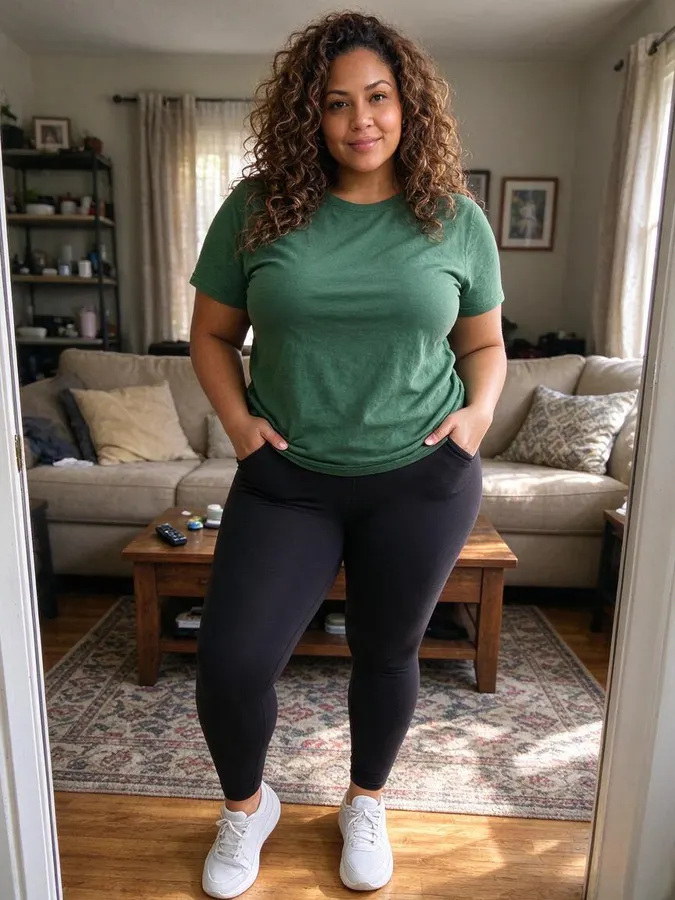 BeforeAfter
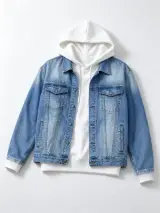
How to use the Put Clothes on a Model with AI
- 1
Upload the model photo
Use a photo of someone who has agreed to it, with one person clearly visible.
- 2
Add the product photo
Flat-lay, hanger or mannequin shots all work. Each image is made one at a time.
- 3
Check it against the real item
Logos, small prints and fit can differ, so compare before you list it.
A worn photo of your product, without booking a shoot
Shoppers want to see clothes on a person, but a model, a photographer and a location are hard to justify for every new item or small batch. Here you start with what you already have: a clear photo of the garment and a photo of a model.
Use a garment photo on a plain background, laid flat or on a hanger, with the whole piece in frame. The model photo works best with one person standing in good light. The AI keeps the model’s face, pose and background, and changes only the clothes.
Treat each image as a visual preview. AI can’t measure how a garment really fits, and small details such as logos, prints or stitching can change, so compare every result with the real product before you publish it. Check your marketplace’s rules on AI images too. Images are made one at a time, and there is no bulk upload.
New listings
Add a worn photo beside your flat-lay shots when a new item arrives and no shoot is planned.
Small batches
Show one-off or low-stock pieces on a person when a photoshoot would cost more than the batch earns.
Testing ideas
See how a design looks when worn before you order more stock or book a real shoot.
Social posts
Make outfit images for Instagram, TikTok or your newsletter from photos you already have.
Packs from $4.99 for 20 images, no subscription
Every swap uses 1 credit, with a preset look, a description or your own outfit photo. One-time packs from $4.99 for 20 images, no subscription, and credits never expire.
At a glance
- Price
- 1 credit per image, $0.08 to $0.25 depending on the pack; one-time packs from $4.99 for 20, no subscription, credits never expire; failed swaps refunded automatically; no free tier
- Speed
- About 20 seconds per image (our logs: 63 swaps, median 22 s, 9 in 10 within 33 s)
- Output
- Paid downloads: up to 2K, no watermark
- Keeps
- Your face, pose and background
- Privacy
- Photos are private, not used for AI training, deletable any time
- Use
- Personal and commercial use allowed (with rights to the photo)
- Devices
- Works in desktop and mobile browsers, no app
- Updated
- October 31, 2026
Put Clothes on a Model with AI FAQ
Can I use the images in my store?
Yes, as long as you have the rights to the garment photo and the model photo, and the person shown has agreed. Paid downloads have no watermark and come in up to 2K.
What does each image cost?
Between $0.08 and $0.25, depending on the pack. Packs are 20 images for $4.99, 80 for $9.99, 200 for $19.99 and 600 for $49.99. They are one-time payments, with no subscription.
Will the result match my product exactly?
Not always. Color and overall style usually carry over well, but logos, small prints and fit can differ. Check each image against the real item before you use it, so buyers get what they see.
Can I upload many products at once?
No. There is no bulk upload at the moment, so each image is made one at a time.
Can I upload someone else’s photo?
Only if you have their permission. Uploading photos of other people without consent, of minors, or of public figures is not allowed. Requests for revealing or sexual content are blocked.
More AI photo tools
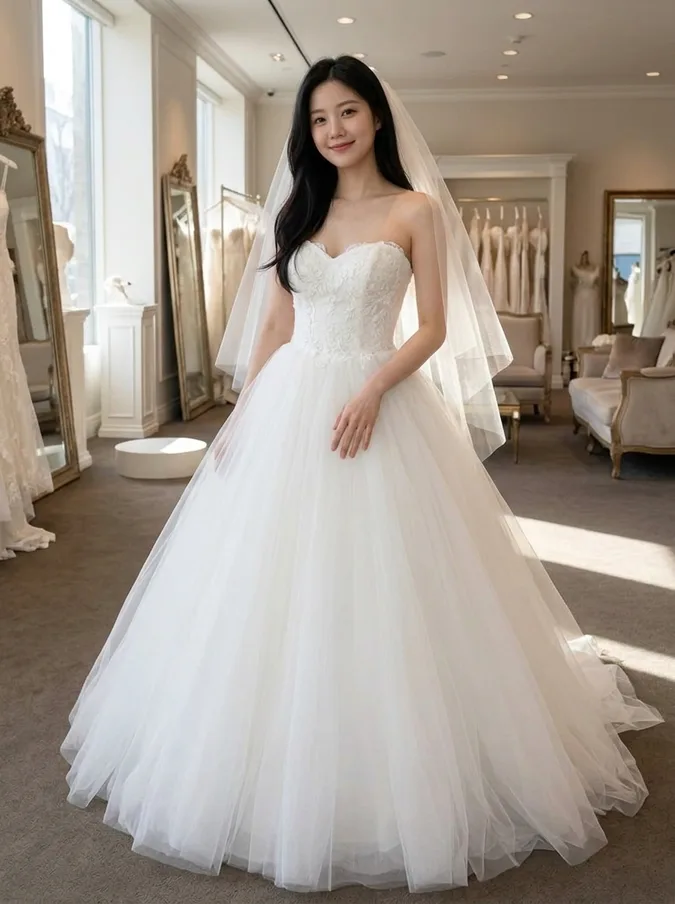 AI Wedding Dress Try OnBall gown, A-line, mermaid, boho or a tuxedo.
 AI Hairstyle ChangerTry seven haircuts on your own photo.
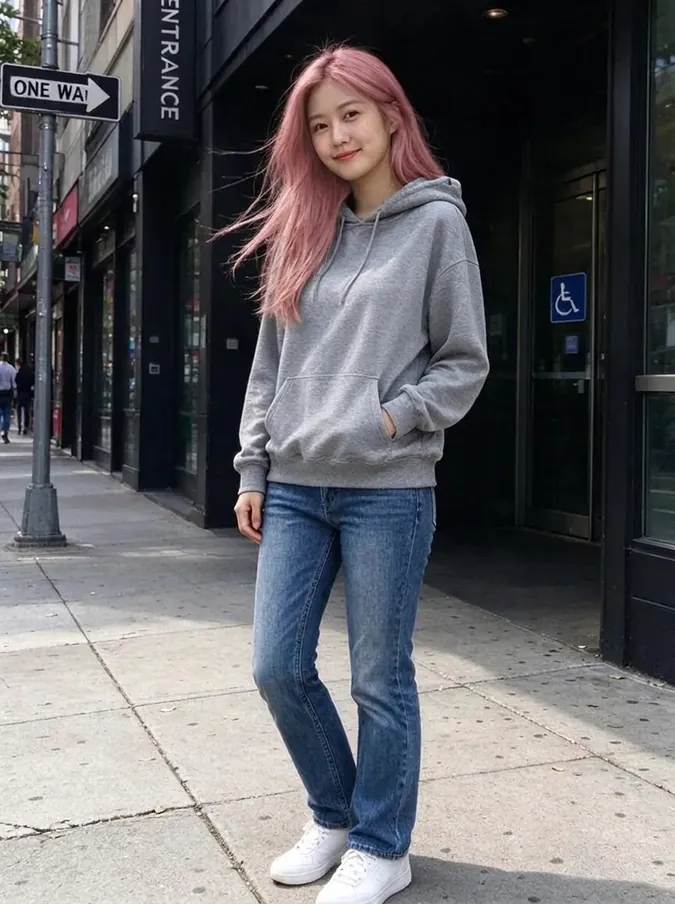 AI Hair Color ChangerTry 10 hair colors on your photo.
 AI Headshot GeneratorTurn a selfie into a professional headshot.
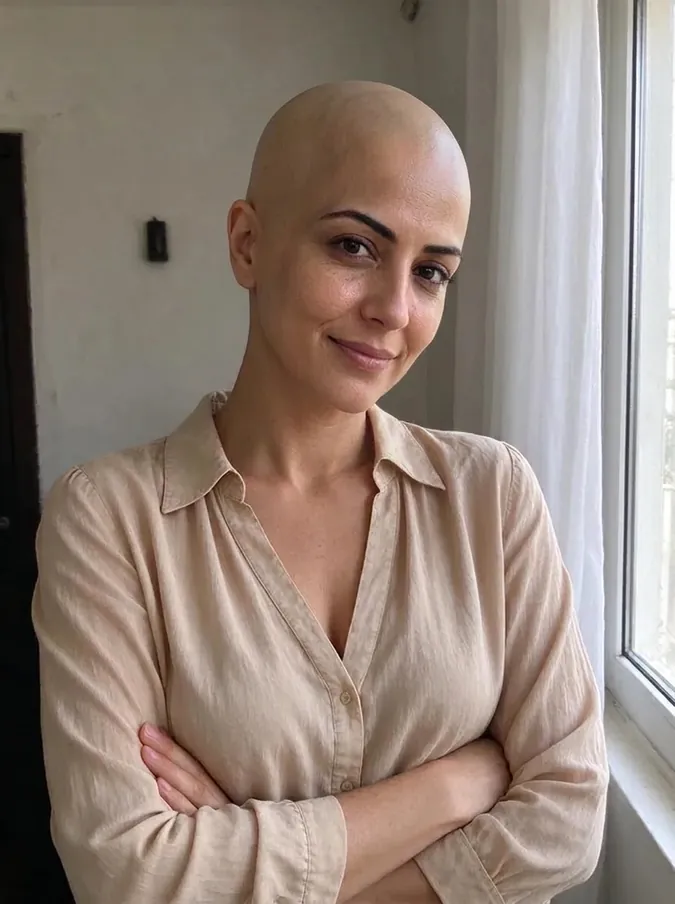 AI Bald FilterSee yourself with a shaved head.
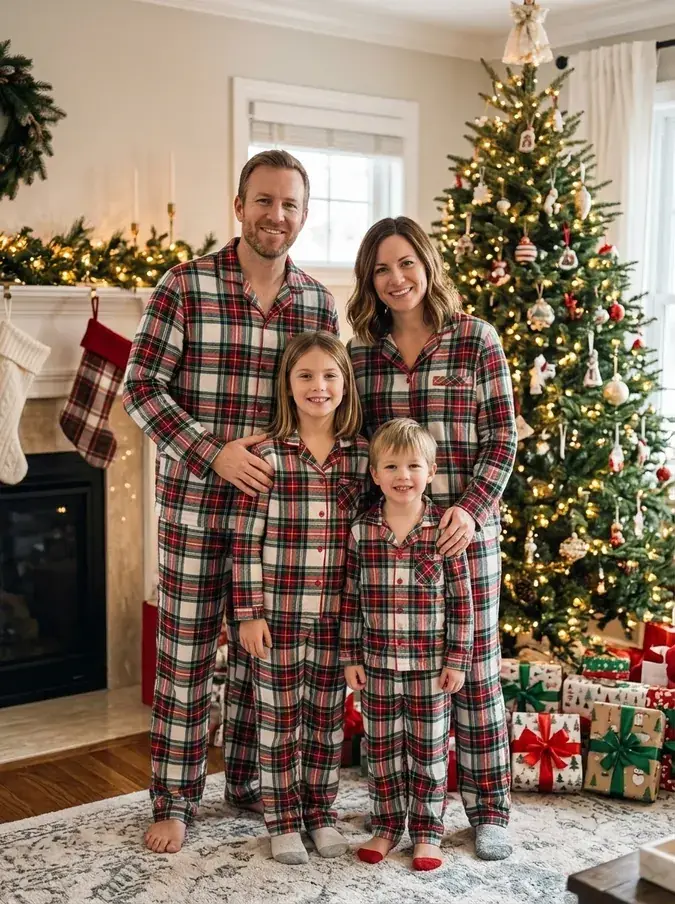 AI Christmas PhotoFamily pajamas, Santa hats, snow and fireplace scenes.
From the blog
All articlesCheap AI virtual try-on: upload your photo and a clothing photo
Upload your photo and a clothing photo: 7 AI try-on tools compared on first price, cost per image and free use. Prices checked November 6, 2026.
Read articleAI Clothes Changers With No Subscription: 8 One-Time Options
8 AI clothes changers you can pay for once, compared on pack price, cost per image, free use, sign-up and platforms. Checked November 1, 2026.
Read articleBest AI Christmas Photo Generators in 2026: Free Family Photo Tools Compared
4 AI Christmas photo generators compared on free use, sign-up, matching pajamas, watermarks and commercial use: Fotor, Generor, Media.io, Musely.
Read article