AI Wedding Dress Try On
See yourself in the dress before the fitting.
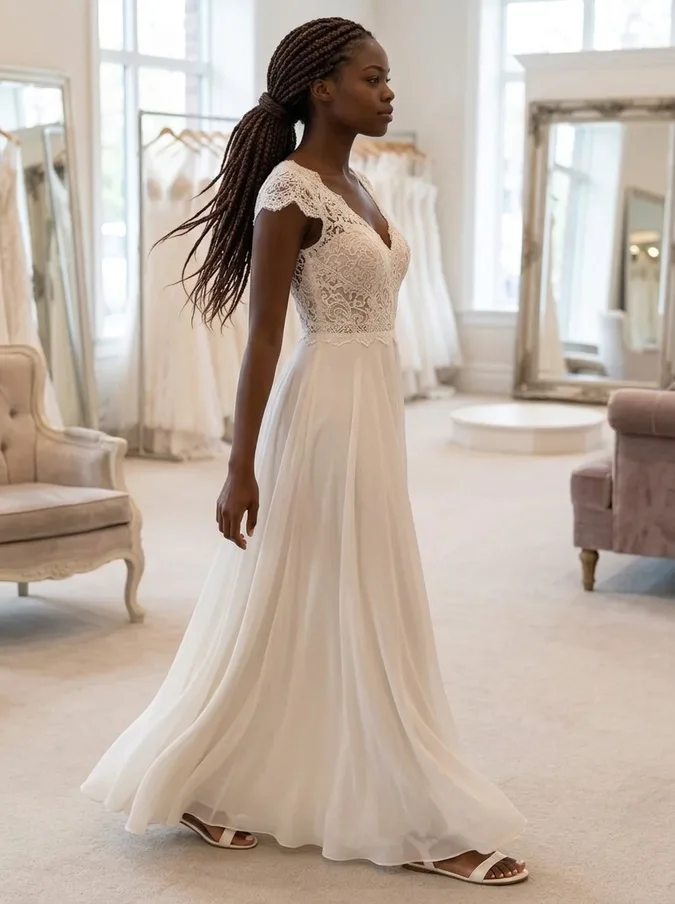
Upload a photo of yourself and see how different wedding dress styles look on you in about 40 seconds: a ball gown, an A-line lace dress, a mermaid gown, a boho dress or a minimalist silk slip. Grooms can try a classic tuxedo. You keep your own face, hairstyle and pose, so it looks like a photo of you, not a model.
- 6 bridal styles
- Same face
- From $4.99 for 20 images
AI wedding dress try-on examples
Real results for each style. Drag the slider to compare the original photo with the wedding dress version.
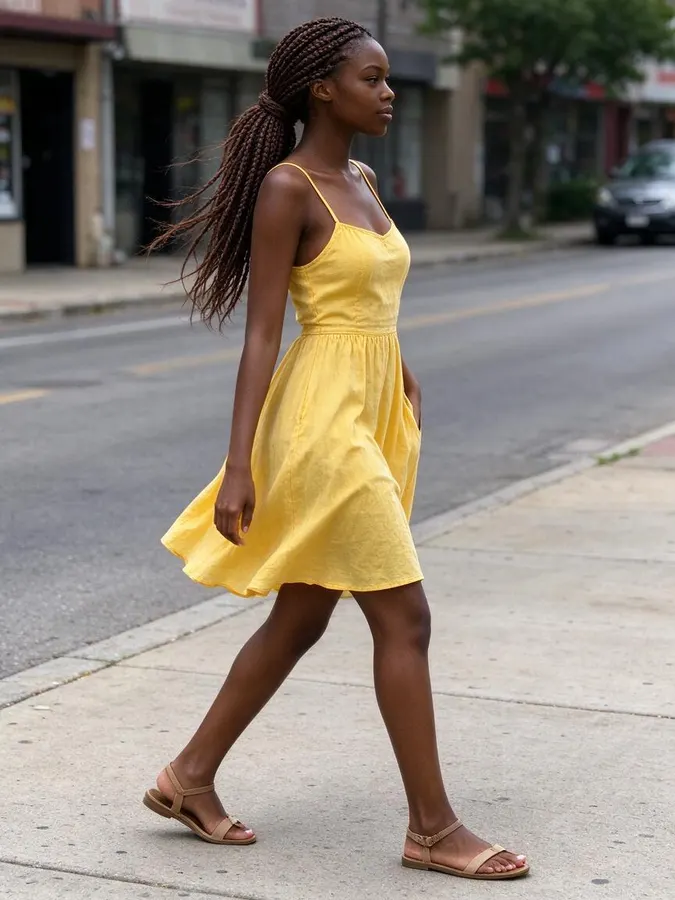 BeforeAfter
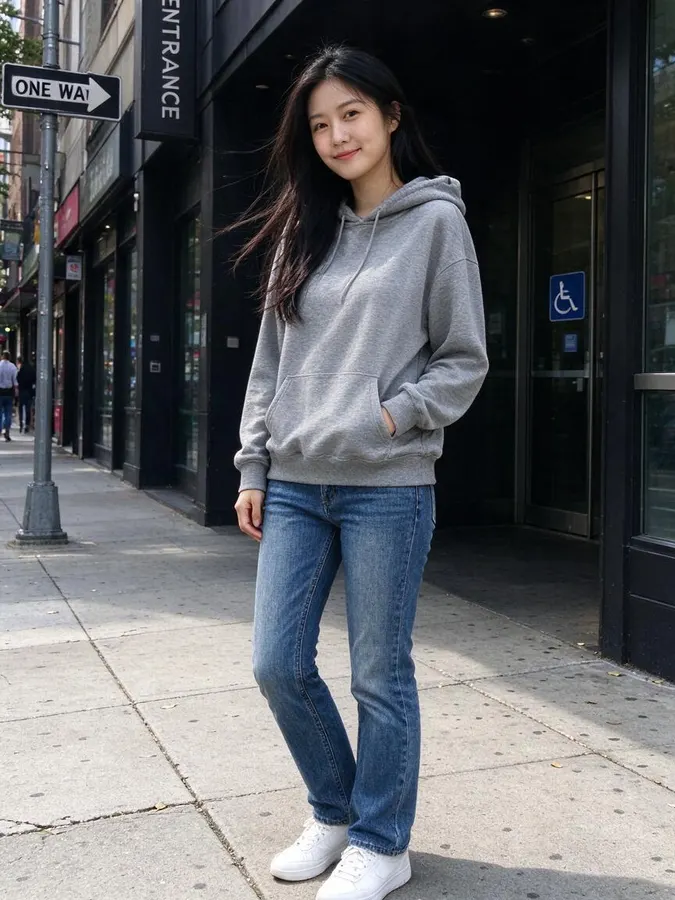 BeforeAfter
 BeforeAfter
 BeforeAfter
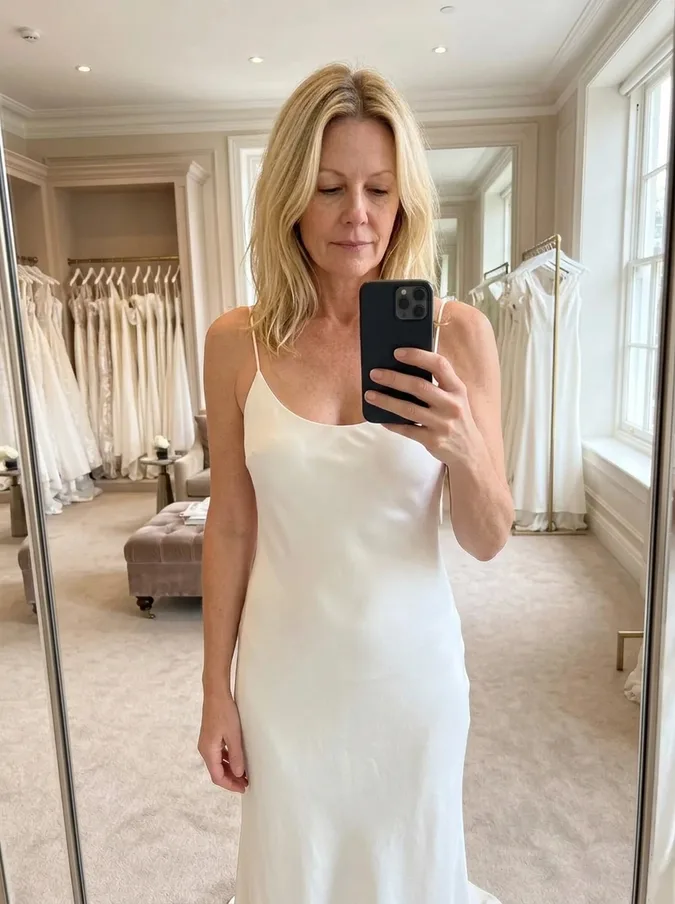
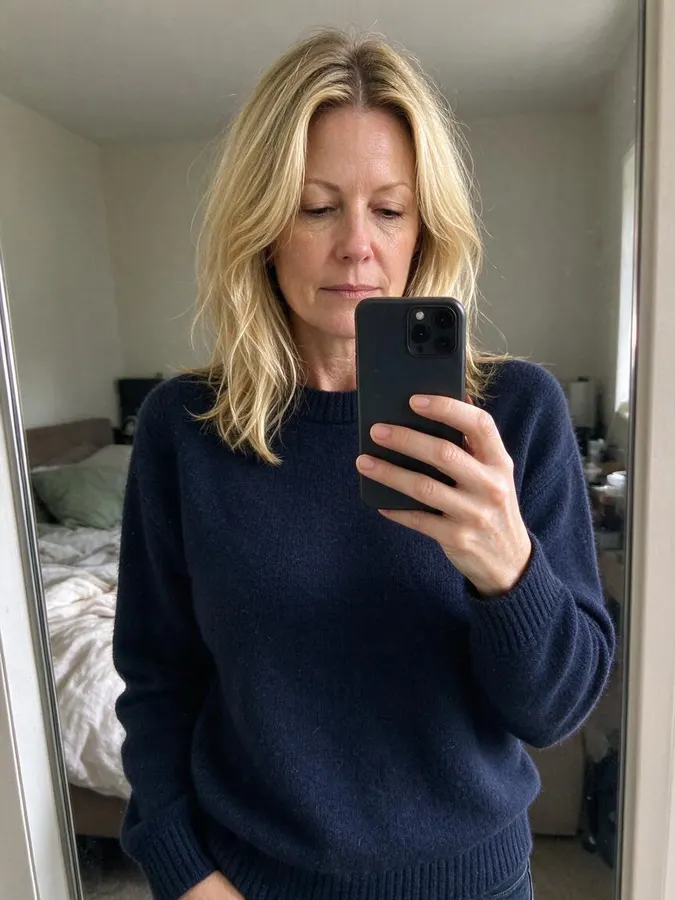 BeforeAfter
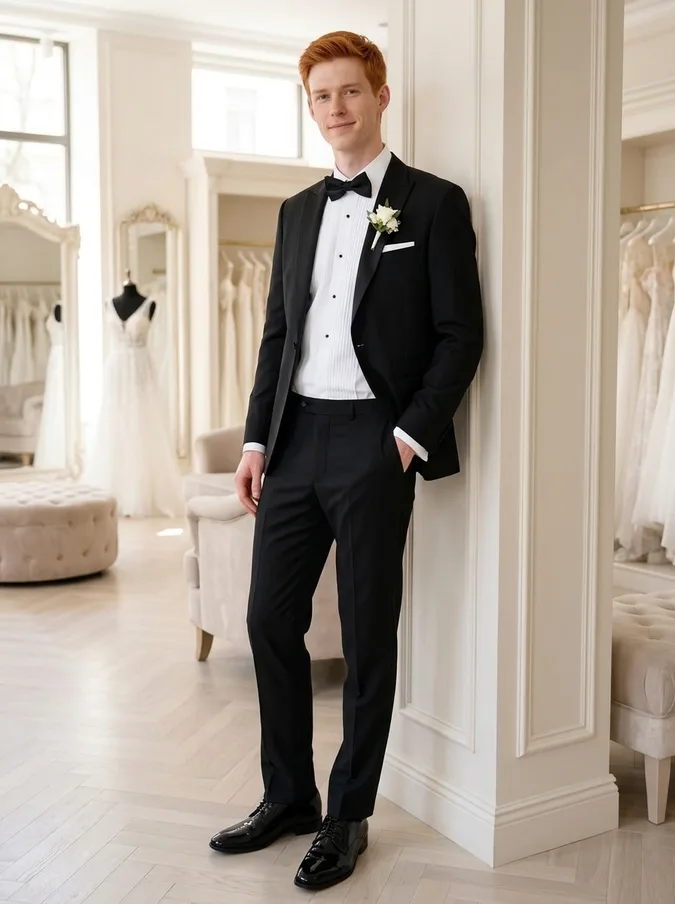
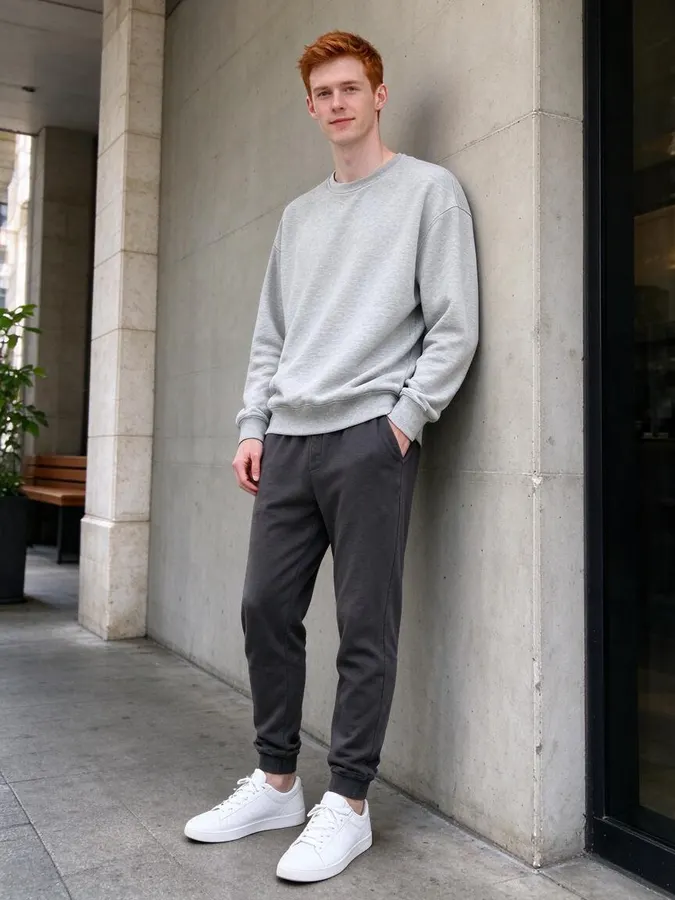 BeforeAfter
How to try on wedding dresses with AI
- 1
Upload your photo
Use a clear, well-lit photo where the face is visible. JPG, PNG or WebP up to 10 MB. No photo handy? Pick one of the samples. A full-length or knee-up photo shows the dress best.
- 2
Pick a wedding dress style
Choose a ball gown, A-line lace, mermaid, boho, minimalist slip dress or a black tuxedo.
- 3
Compare and save
Your result is ready in about 40 seconds. Try several styles on the same photo and download the ones you like.
Narrow down your dress style before the bridal shop
Most brides walk into their first appointment without knowing which silhouette suits them, and a fitting slot only lets you try a handful of dresses. This AI wedding dress try-on lets you see the main styles on your own photo at home first, so you can walk in with a shortlist instead of starting from zero.
The tool replaces your outfit with the wedding dress and places you in a bright bridal boutique, while keeping your face, hairstyle, body shape and pose. Because it is your own photo, you can judge the neckline, the skirt volume and the overall look on you, which a picture of a model in a catalog cannot show.
Six wedding styles to try
Each style is a single click with no prompt to write. Run the same photo through several of them and compare the results side by side.
BeforeAfterBall gown
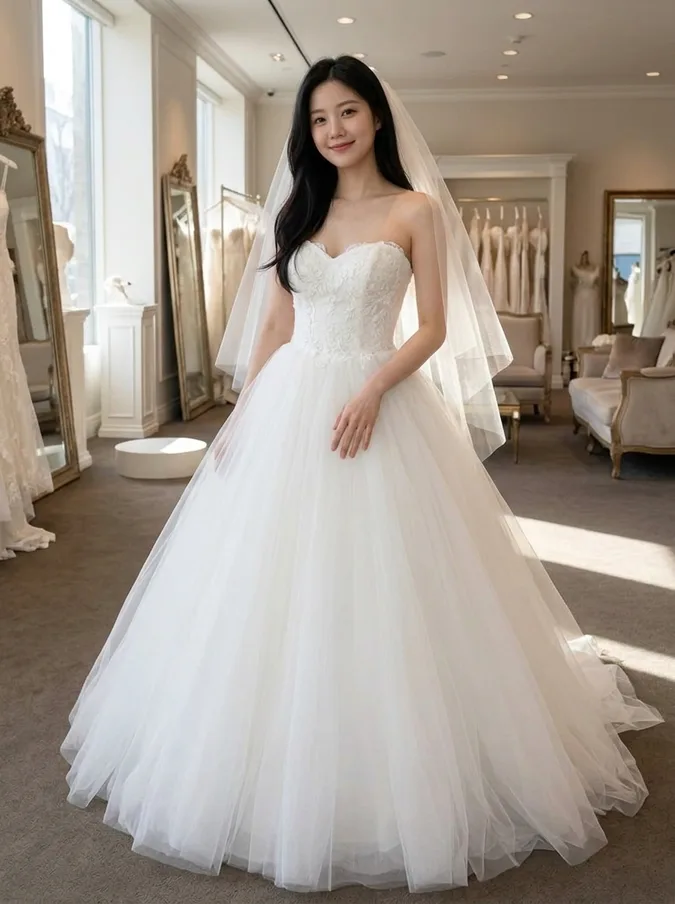
A fitted strapless bodice with a full, voluminous tulle skirt and a light veil: the classic princess look for a formal church or ballroom wedding.
BeforeAfterA-line lace dress
A lace bodice with short cap sleeves and a soft skirt that widens gradually from the waist. A-line is the style that flatters the widest range of body shapes, so it is a good first one to try.
BeforeAfterMermaid gown
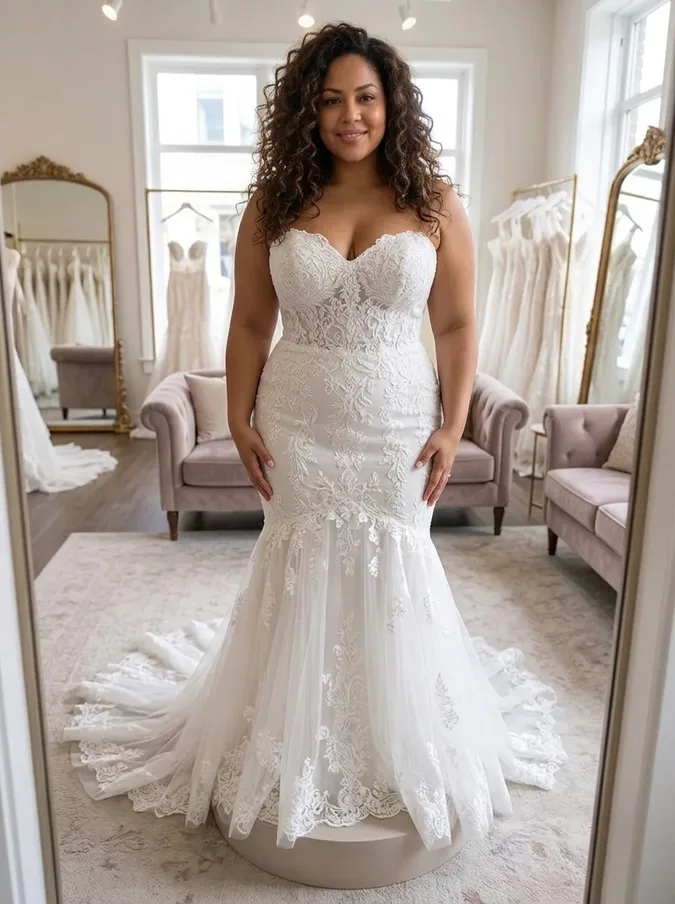
Fitted through the body with a sweetheart neckline, flaring out below the knees into a train. It shows off curves and suits an evening or glamorous wedding.
BeforeAfterBoho lace dress
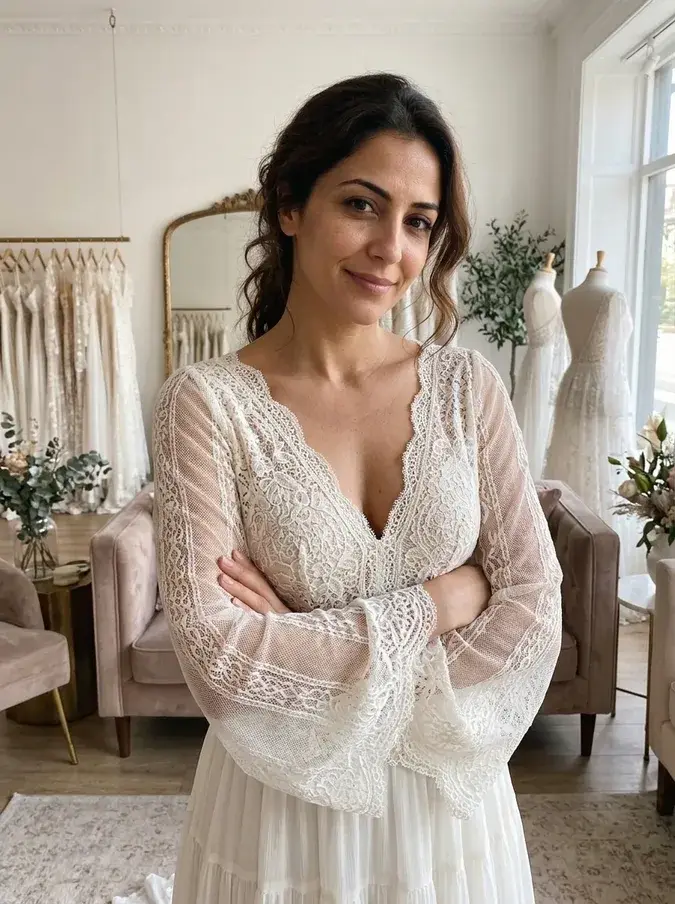
Ivory lace with long sheer bell sleeves, a V neckline and a light, flowing skirt. A relaxed choice for beach, garden and outdoor weddings.
BeforeAfterMinimalist slip dress
A simple white silk slip dress with thin straps and a bias-cut skirt. Modern and understated, popular for city hall and small weddings.
BeforeAfterGroom tuxedo
A black tuxedo with satin lapels, a white shirt, a bow tie and a boutonniere, so grooms can try the look too.
Have a specific dress in mind?
The six styles are generic designs. If you found a particular dress online, save the product photo and use the AI virtual try-on: upload your photo and the dress picture, and the AI dresses you in that exact dress. The same works for bridesmaid dresses and wedding guest outfits in the AI clothes swapper.
Comparing options? Our guide to the best AI wedding dress try-on tools lists five tools side by side.
Tips for a realistic wedding dress try-on
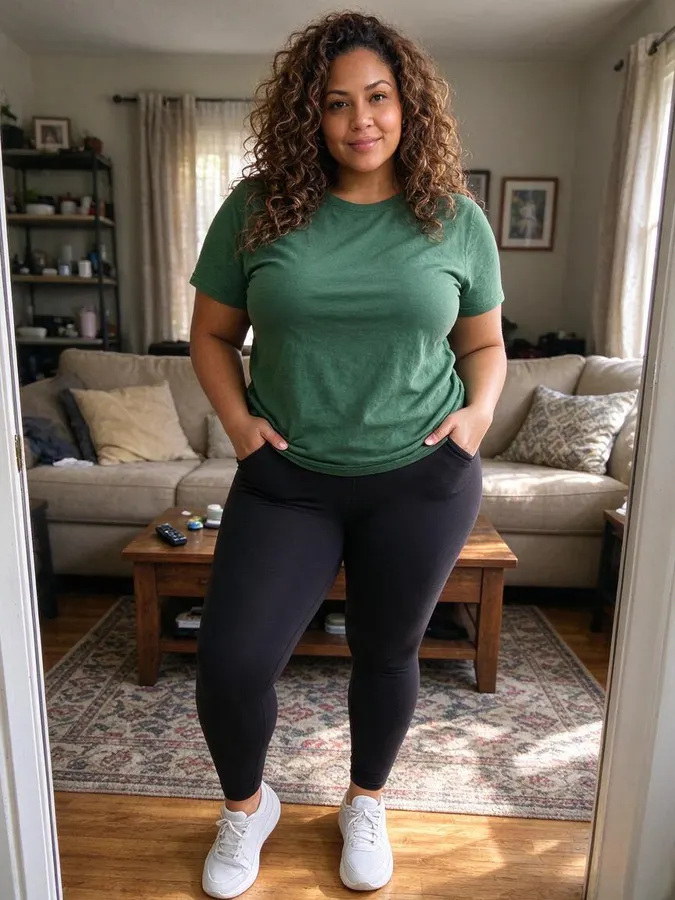
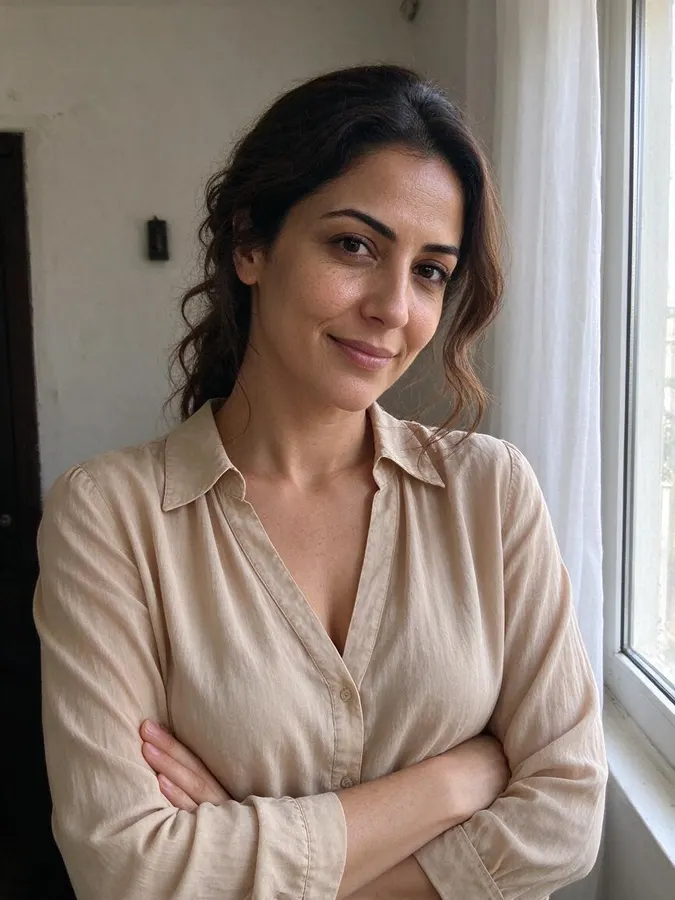
Use a full-length or knee-up photo where you stand straight, with your arms slightly away from the body. A close-up selfie only shows the top of the dress. Daylight or bright indoor light gives the most natural result, and a photo in fitted clothes helps the AI follow your real body shape.
Treat the result as a style preview, not a fitting: real fabric, sizing and alterations will look different. If a result is not quite right, try another photo or another style. Each image costs one credit, and if a generation fails the credit is returned automatically.
More ways brides use it
Show a few styles to your partner, mother or best friend before the appointment, send them to your bridal stylist to explain what you like, or try a second look for the reception. You can also preview a new hair color for the wedding day on the same photo.
Packs from $4.99 for 20 images, no subscription
1 credit per image · about 40 seconds · Credit packs start at $4.99 for 20 images, work on every tool and never expire.
At a glance
- Price
- 1 credit per image, $0.08 to $0.25 depending on the pack; one-time packs from $4.99 for 20, no subscription, credits never expire; failed swaps refunded automatically; no free tier
- Speed
- About 40 seconds per image (our logs: 11 images, median 41 s, 9 in 10 within 47 s)
- Output
- Paid downloads: about 900 × 1200 px (1K), no watermark
- Keeps
- Your face and expression, so it still looks like you
- Privacy
- Photos are private, not used for AI training, deletable any time
- Use
- Personal and commercial use allowed (with rights to the photo)
- Devices
- Works in desktop and mobile browsers, no app
- Updated
- October 31, 2026
AI wedding dress try-on FAQ
Can I try on wedding dresses online for free?
No. Every image uses 1 credit. One-time packs start at $4.99 for 20 images, with no subscription, and credits never expire. You can browse the example results on this page without paying.
Which wedding dress styles can I try?
Six: ball gown, A-line lace, mermaid, boho lace, minimalist slip dress, and a black tuxedo for grooms. Each is one click, with no prompt to write.
Will it keep my face and body shape?
The tool is told to keep your face identity, hairstyle, body shape and pose, and only change the outfit and background. Results are usually very close to the original; if one looks off, try another photo.
What kind of photo works best?
A clear full-length or knee-up photo of one person standing, in good light. Close-up selfies work but only show the top of the dress.
Can I try on a specific dress from a shop?
Yes, with the virtual try-on tool: upload your photo and the product photo of the dress, and the AI puts that exact dress on you.
How long does it take?
About 40 seconds. The result appears with a before-and-after slider so you can compare.
Are my photos private?
Your photos are only used to create your images and are never shown publicly or used for training. See our privacy policy for details.
More AI photo tools
 AI Christmas PhotoFamily pajamas, Santa hats, snow and fireplace scenes.
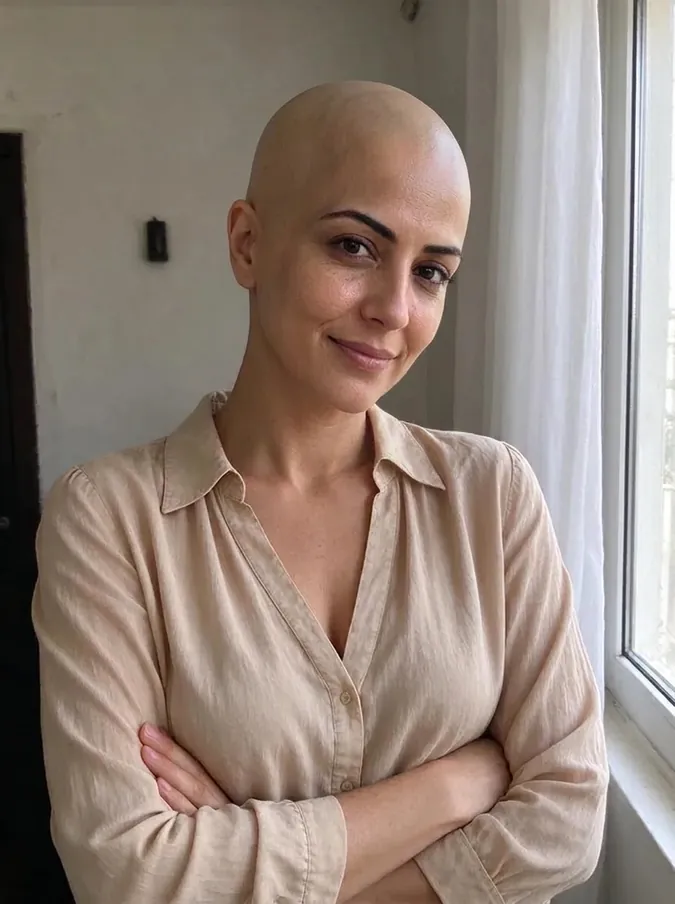 AI Bald FilterSee yourself with a shaved head.
 AI Buzz Cut FilterTry a buzz cut, crew cut or fade.
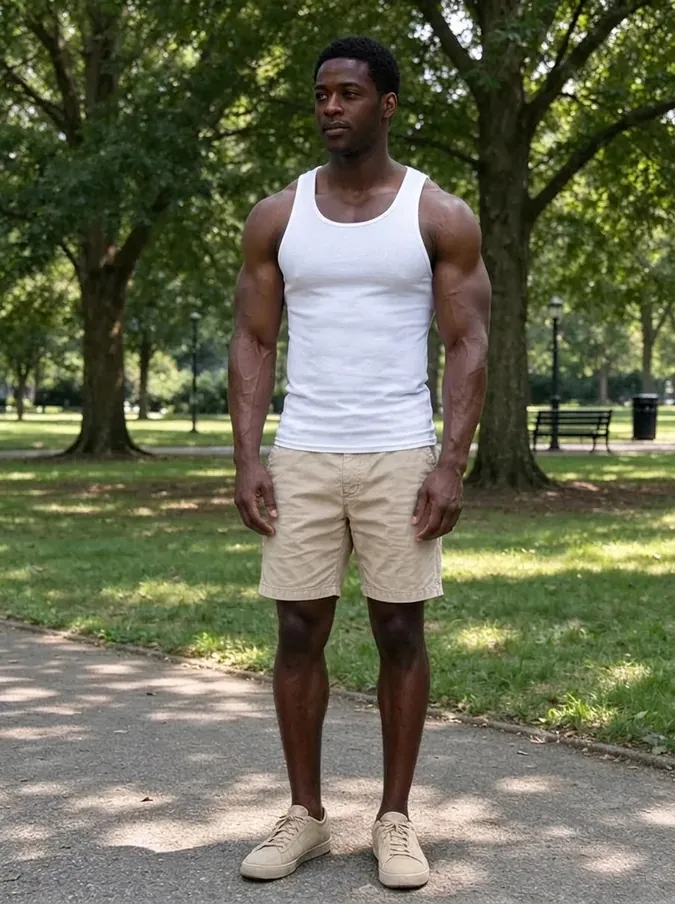 AI Muscle GeneratorAthletic or bodybuilder physique.
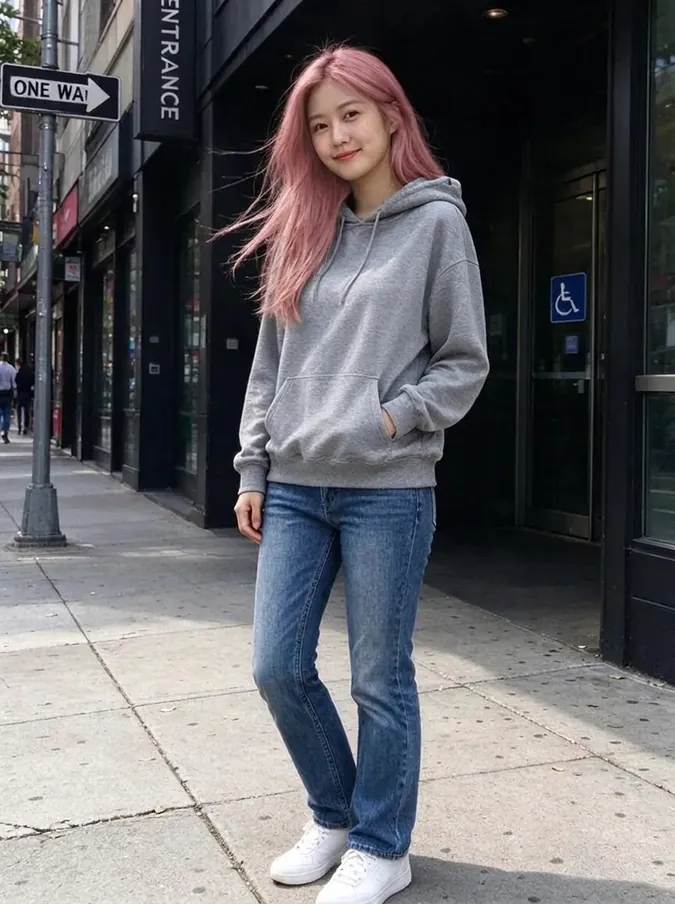 AI Hair Color ChangerTry 10 hair colors on your photo.
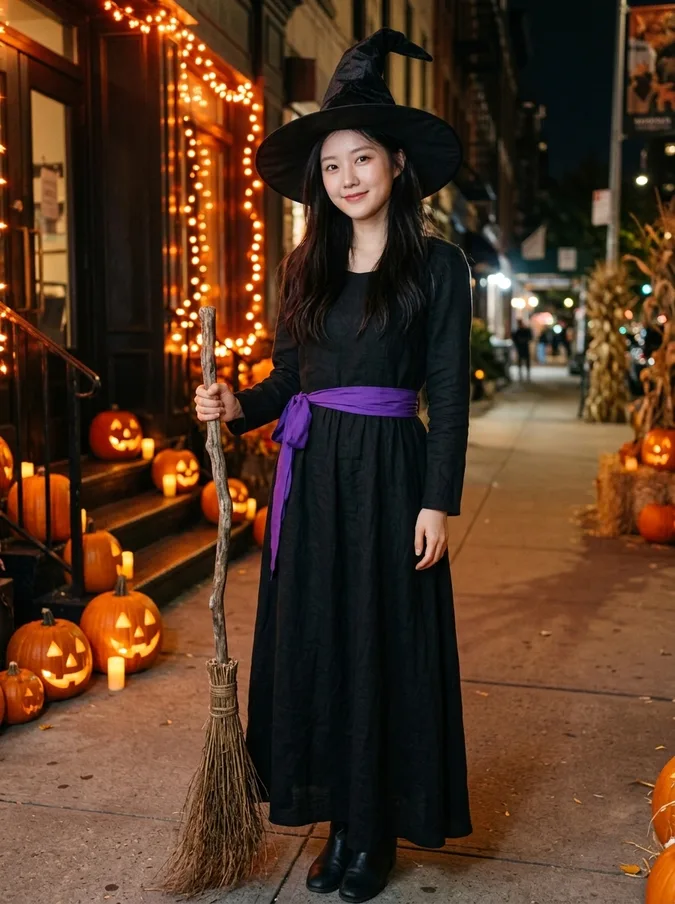 AI Halloween CostumeVampire, witch, pirate, skeleton, angel or devil.
 Add Hair to PhotoPreview a fuller hairline or full head of hair.
 AI Beard FilterAdd stubble, a beard or a goatee, or remove one.
 AI Hairstyle ChangerTry seven haircuts on your own photo.
 Long Hair FilterSee yourself with long waves or straight hair.
 Short Hair FilterTry a pixie cut, bob or long bob.
 Curly Hair FilterSee yourself with curls before a perm.
 Bangs FilterTry curtain, blunt or wispy bangs.
 Wolf Cut FilterTry a wolf cut, shag or mullet.
 AI Headshot GeneratorTurn a selfie into a professional headshot.
 AI Clothes SwapperPut any outfit on your photo.