AI Clothes Swap
Upload a photo of yourself and a photo of the clothes. The AI swaps the outfit onto you, matching color, pattern and fit, and keeps everything else in the picture.
- Keeps your face and pose
- 2 free swaps, no sign-up
- Private by default
Real results, drag to compare
Every example below came straight out of the tool with no retouching. The people are AI-generated, not real customers.
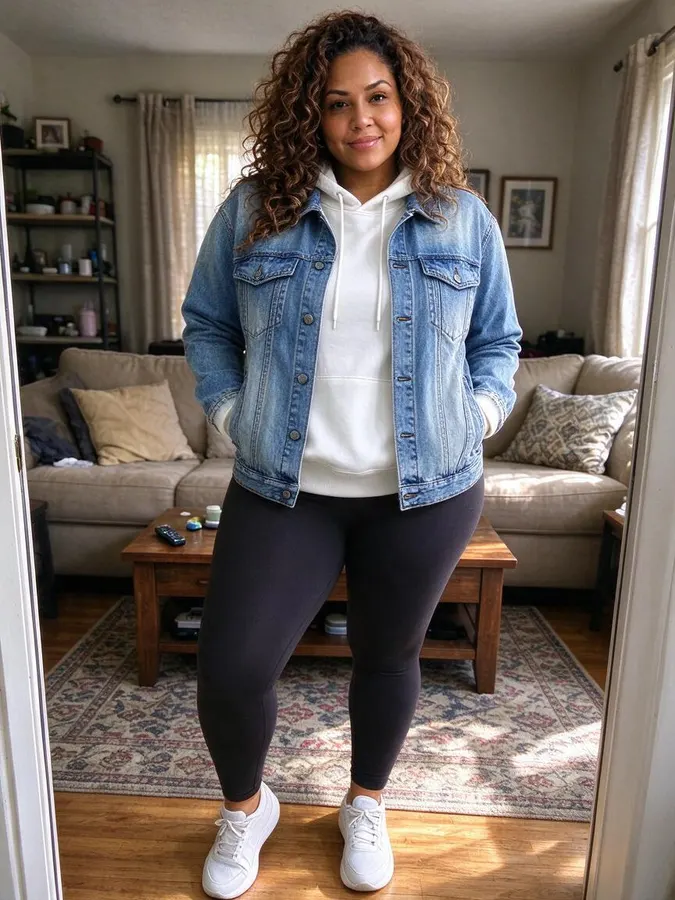
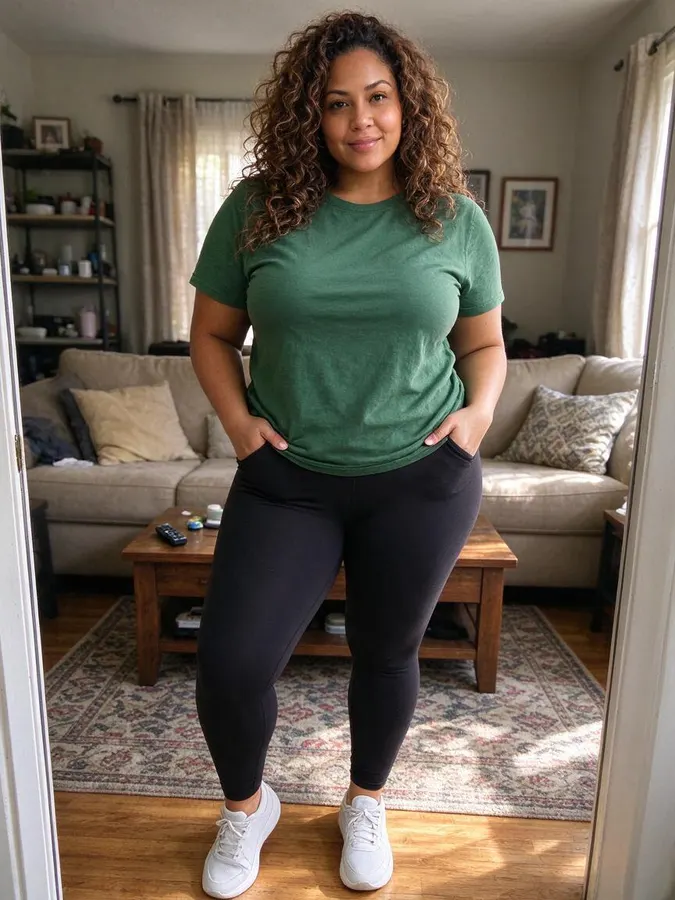 BeforeAfter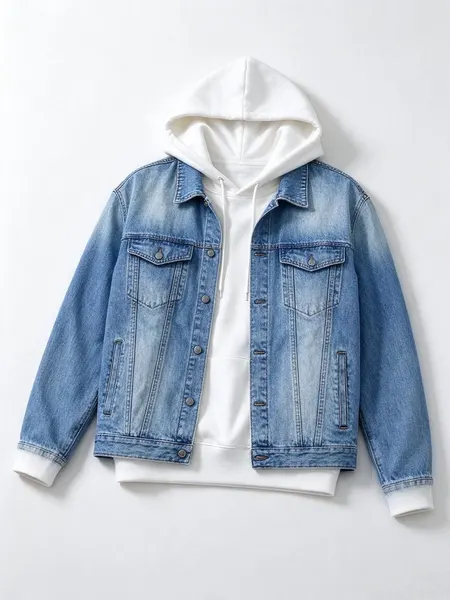
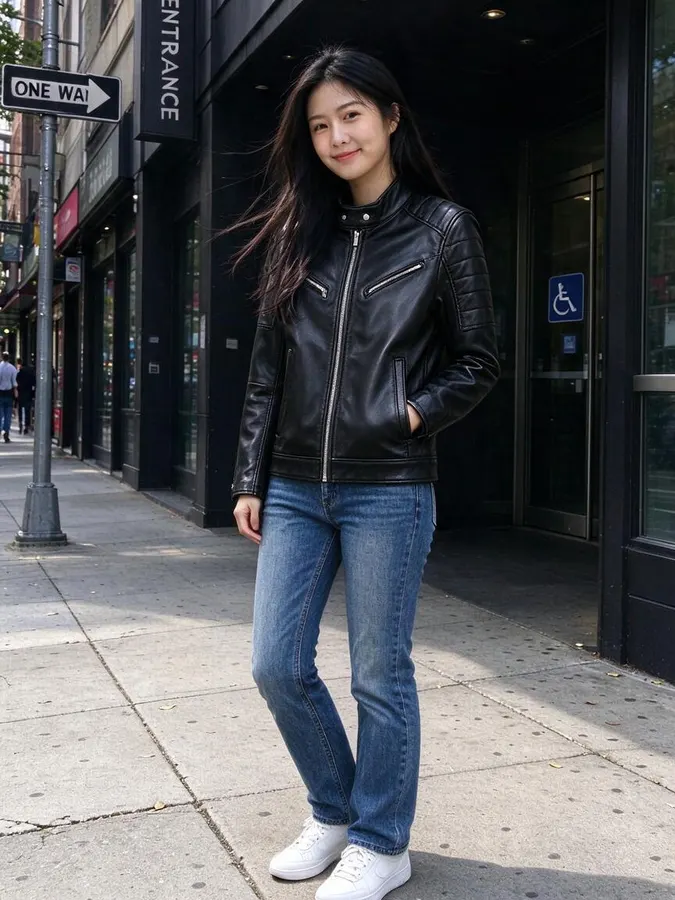
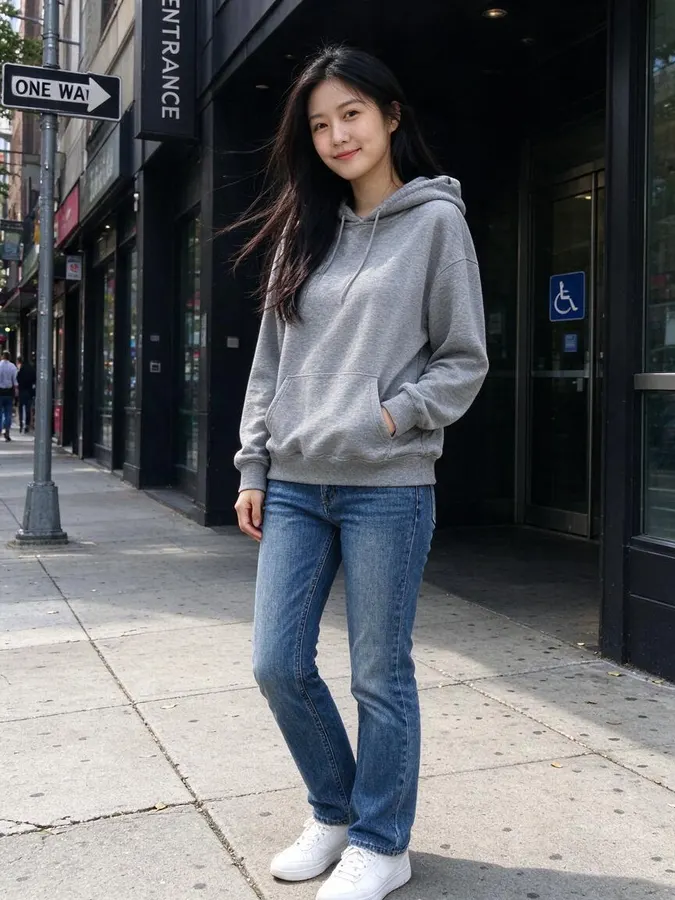 BeforeAfter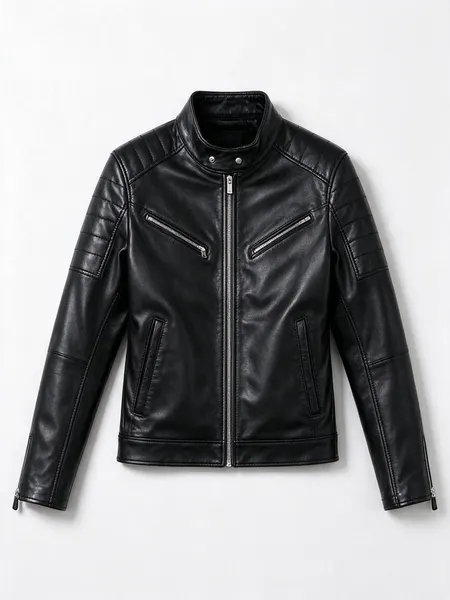
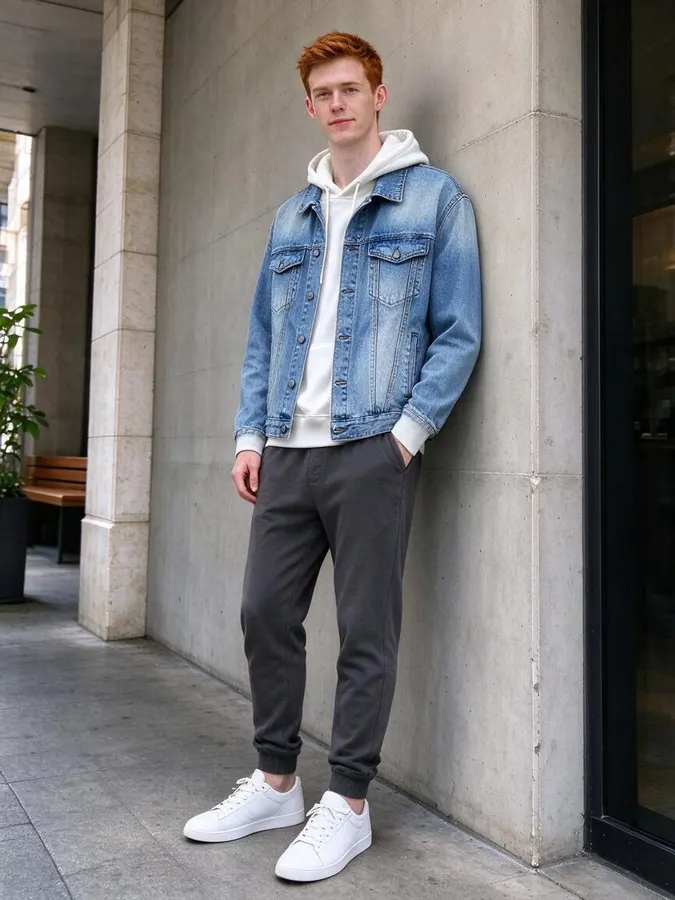
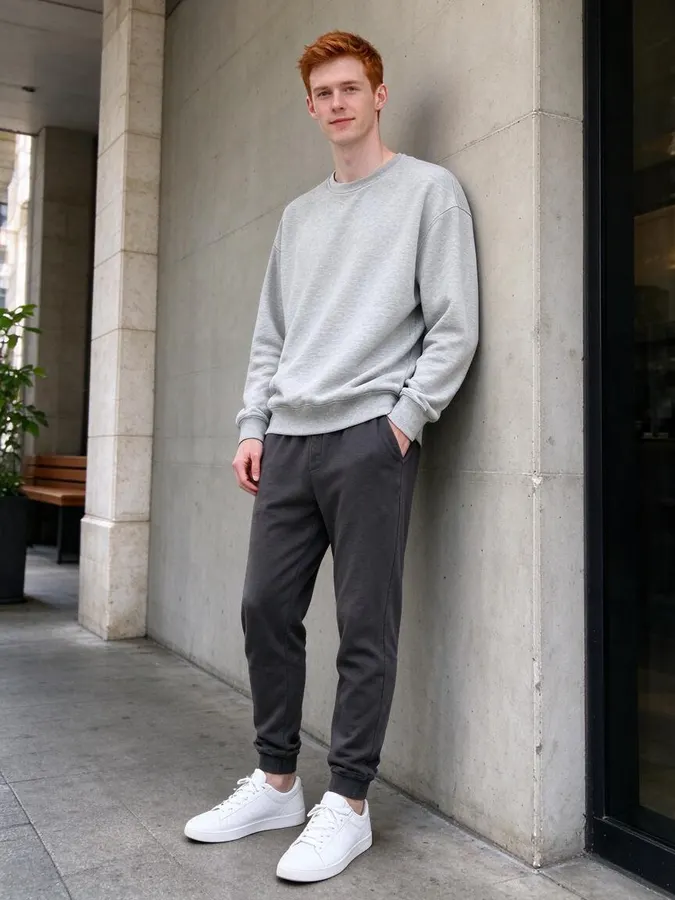 BeforeAfter
 BeforeAfter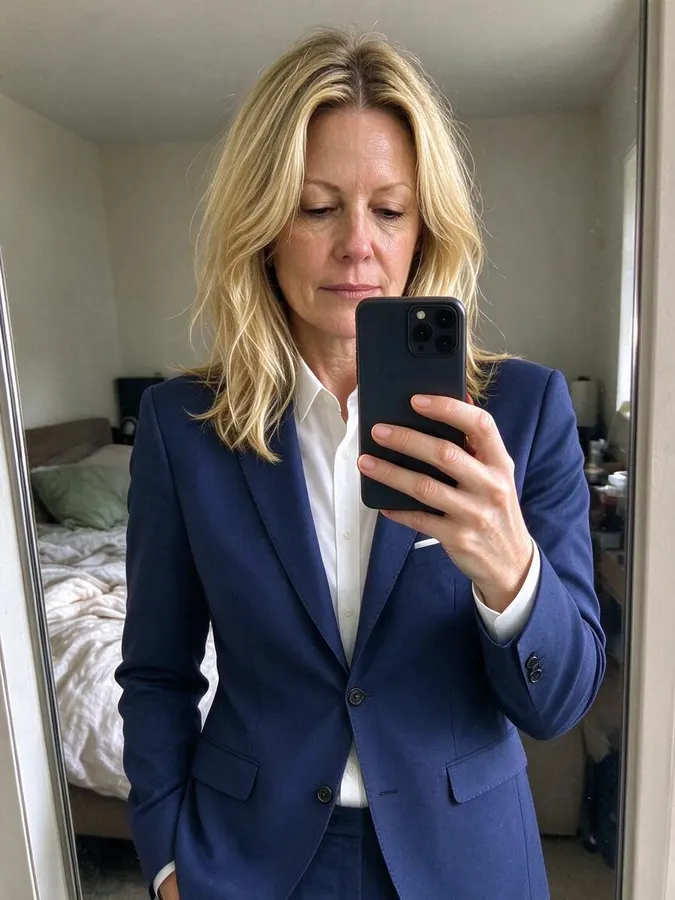
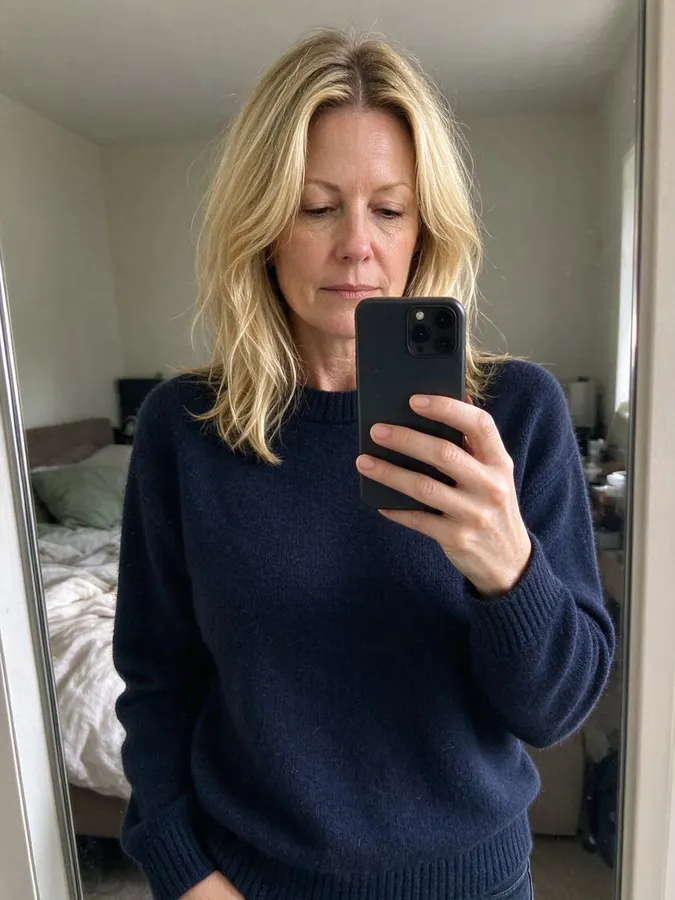 BeforeAfter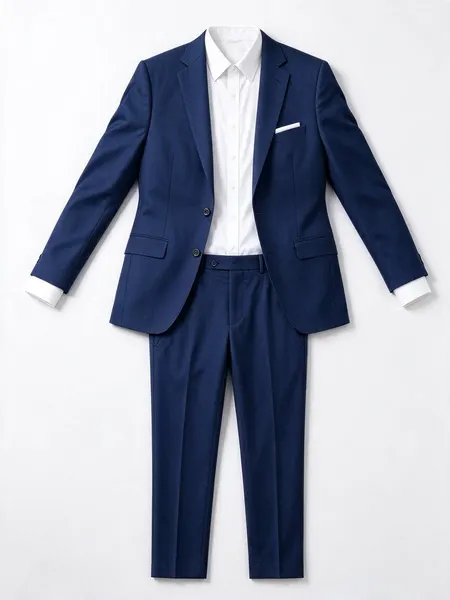

 BeforeAfter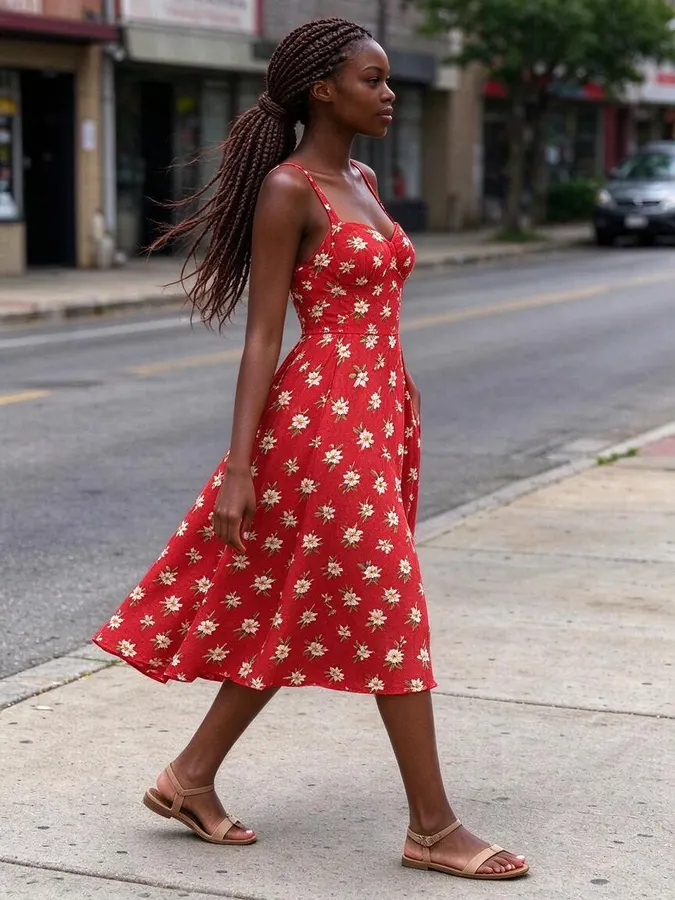
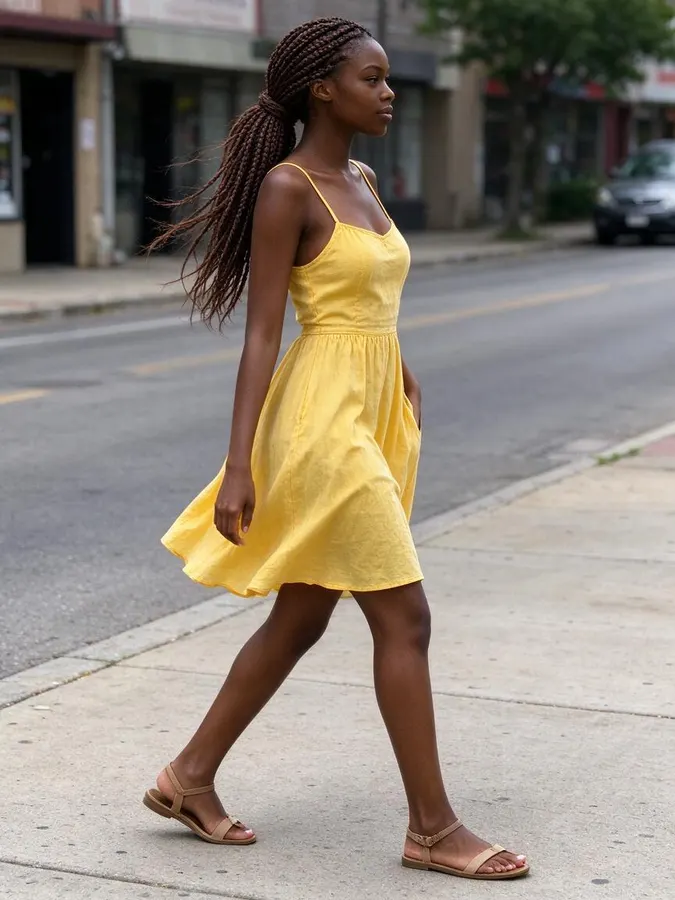 BeforeAfter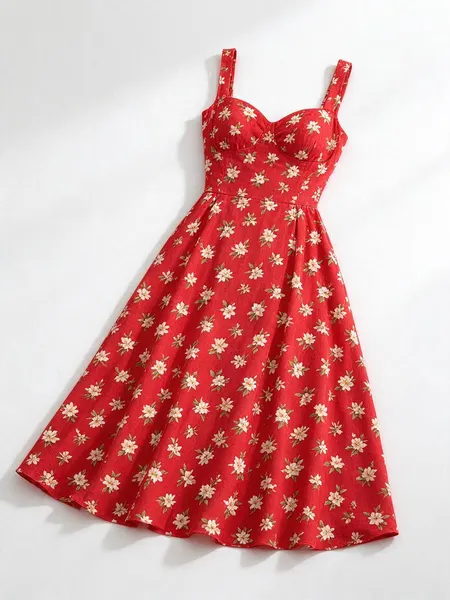
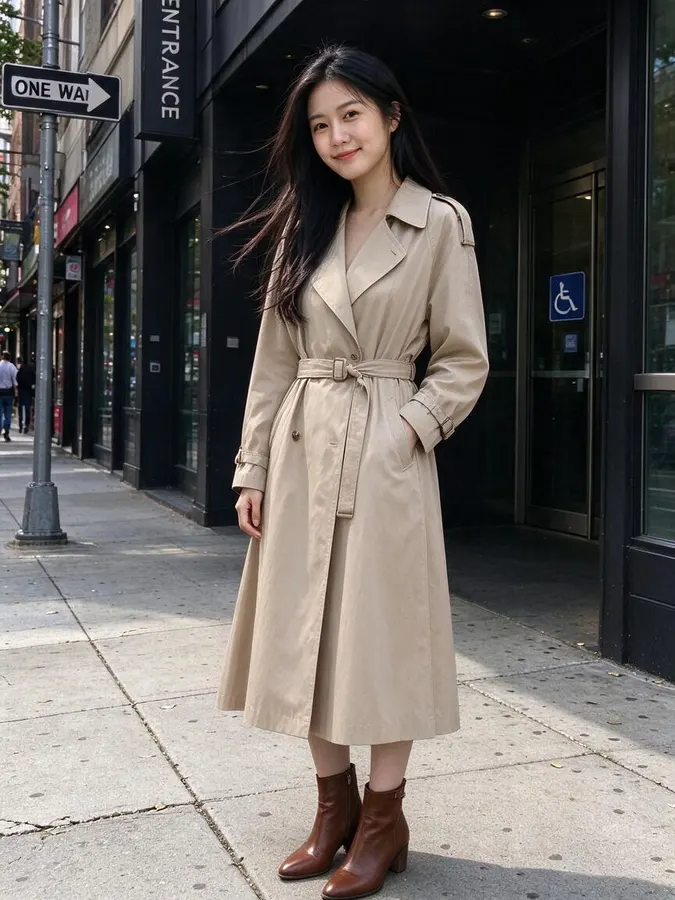 BeforeAfter
How to use the AI Clothes Swap
- 1
Upload your photo
A clear photo of one person. Full-body or half-body works best.
- 2
Add the outfit
Upload a picture of the clothes, or describe them in a sentence.
- 3
Get your new look
In about 20 seconds you see yourself in the outfit. Drag to compare, then download.
Swap clothes between two photos
A clothes swap takes the outfit from one image and puts it on the person in another. It is the fastest way to answer “what would this look like on me?” when you have found a piece online or in a friend’s photo.
For the cleanest swap, use a garment photo on a plain background, such as a product image from a store. The AI copies the cut, fabric and details like zips, buttons and prints, and drapes them to your pose.
You can add a short note to steer the result, for example “wear the jacket open” or “tuck in the shirt”.
Online shopping
Check a jacket, dress or suit on your body before you click buy.
Wardrobe planning
Photograph pieces you already own and see new combinations without changing clothes.
Resellers
Show second-hand items on a real person instead of a hanger to sell faster.
Stylists
Send clients a preview of a look on their own photo before a fitting.
Start free, pay only if you need more
2 free swaps without an account, 3 more with Google sign-in. Credit packs from $9.99 for 80 swaps, no subscription.
AI Clothes Swap FAQ
What is an AI clothes swap?
It is an edit that moves clothing from a reference photo onto a person in another photo, while keeping that person’s face, body and background.
Does the clothing photo need a white background?
No, but a plain background helps the AI separate the garment from everything else. Photos of the item being worn also work.
Can I swap a full outfit at once?
Yes. Upload a photo that shows the whole outfit, or describe the missing pieces in the styling note.
Is it free?
Yes. You get 2 free swaps without creating an account, and 3 more when you sign in with Google. After that you can buy a credit pack. One swap uses one credit and credits never expire.
Will it still look like me?
The model is told to keep your face, hair, skin tone, body shape, pose and background exactly as they are and change only the clothing. It works best on a clear, well-lit photo where your outfit is visible.
What happens to my photos?
Your photos are stored privately in your account so you can see your history. Nobody else can browse them, and you can delete them at any time from your settings. We do not use your photos to train models.
Can I upload someone else’s photo?
Only if you have their permission. Uploading photos of other people without consent, of minors, or of public figures is not allowed. Requests for revealing or sexual content are blocked.