AI Photo Tools

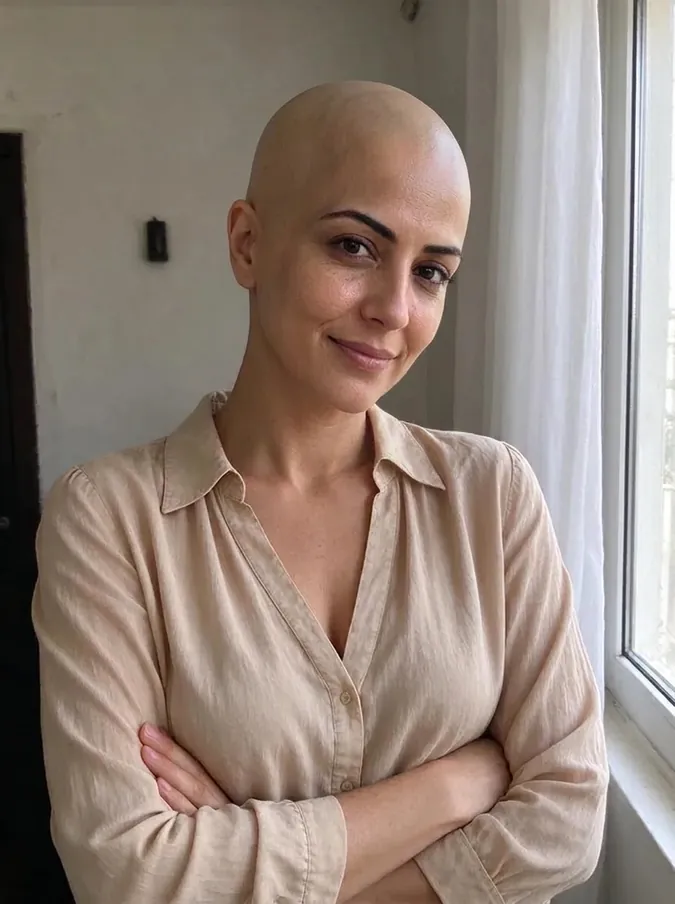
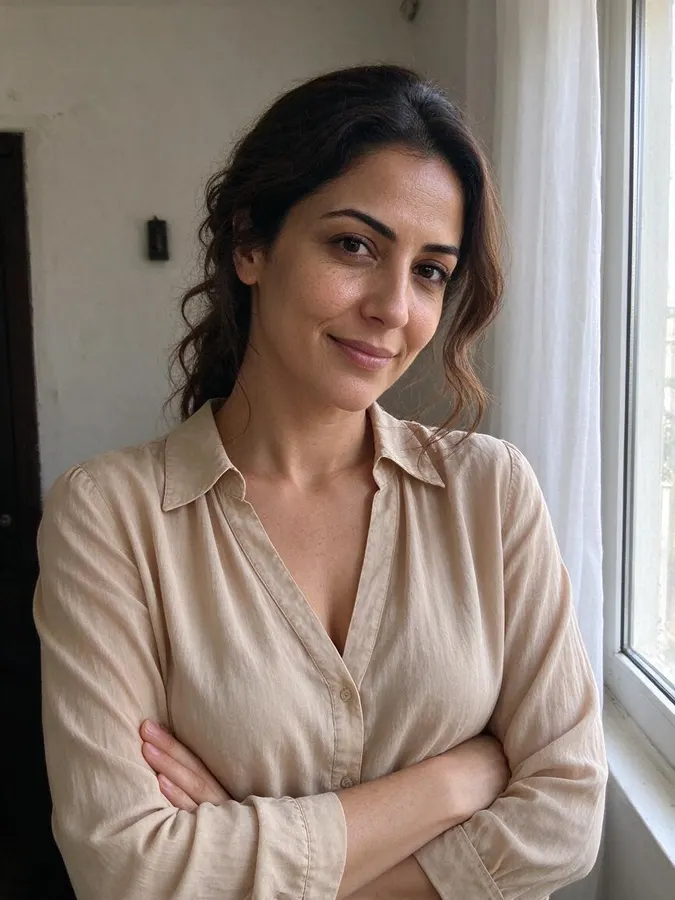
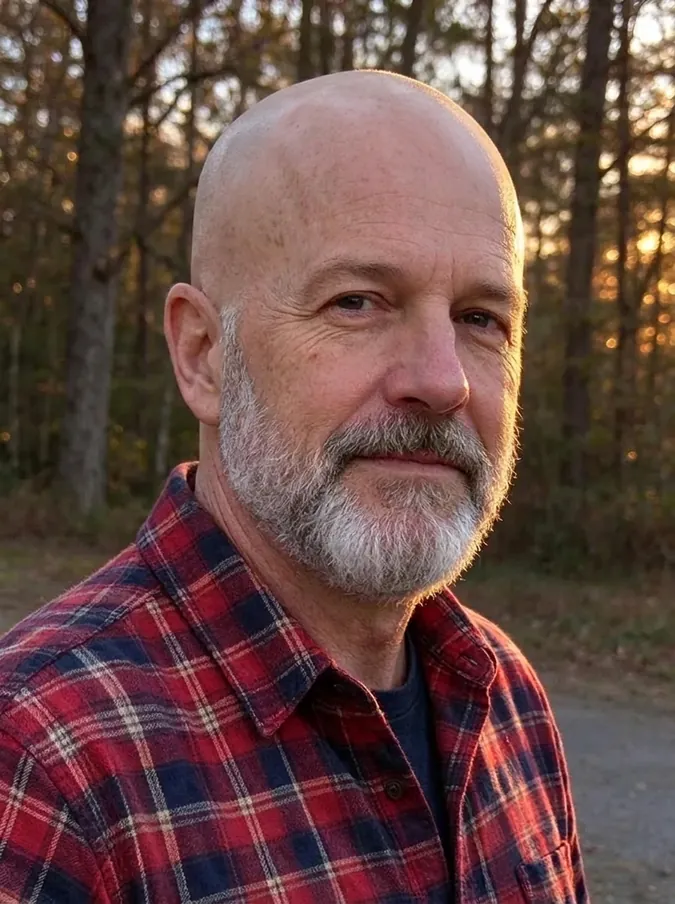
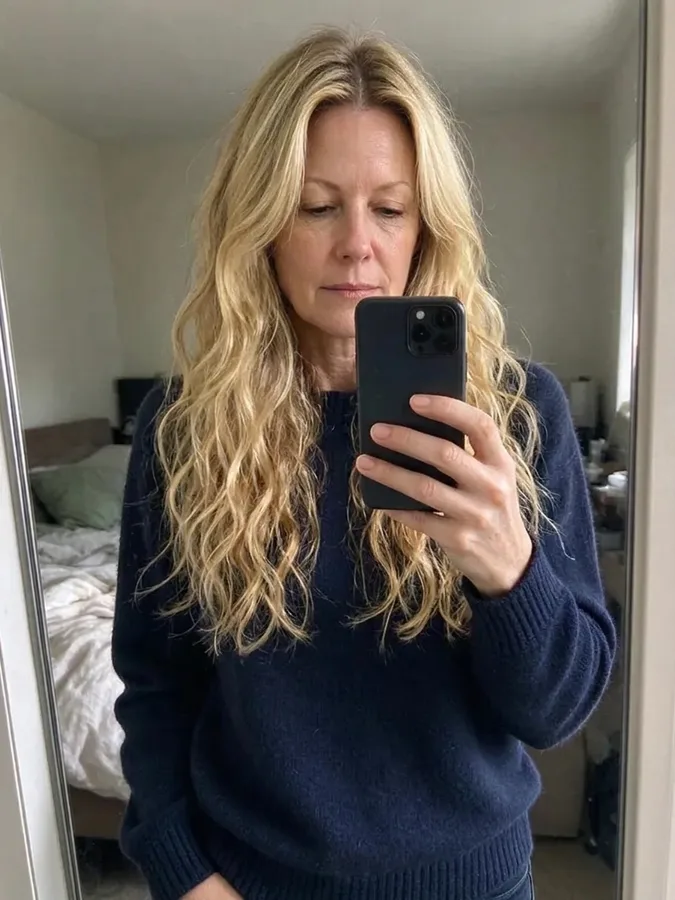
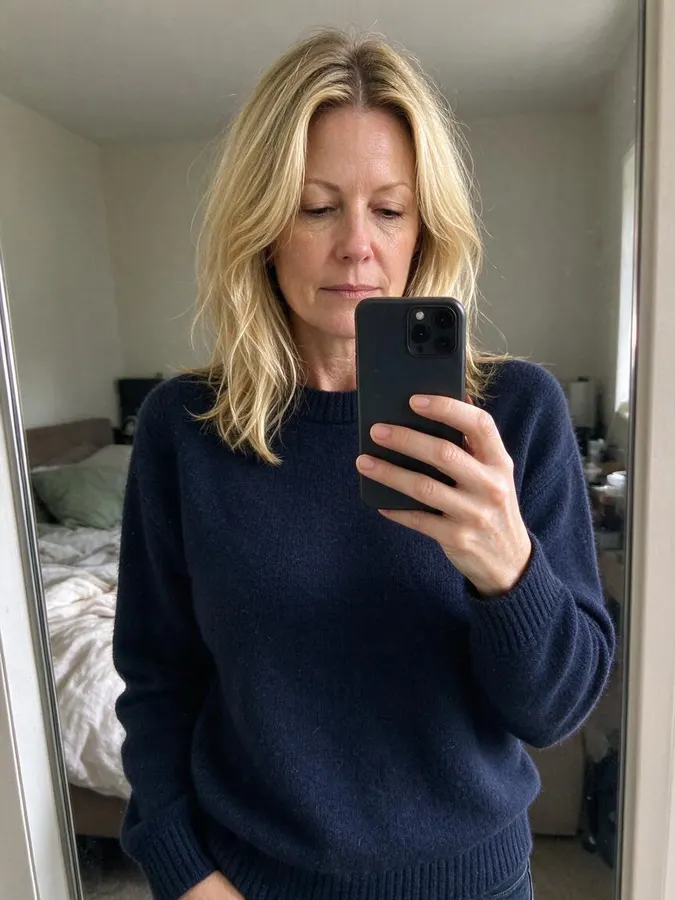
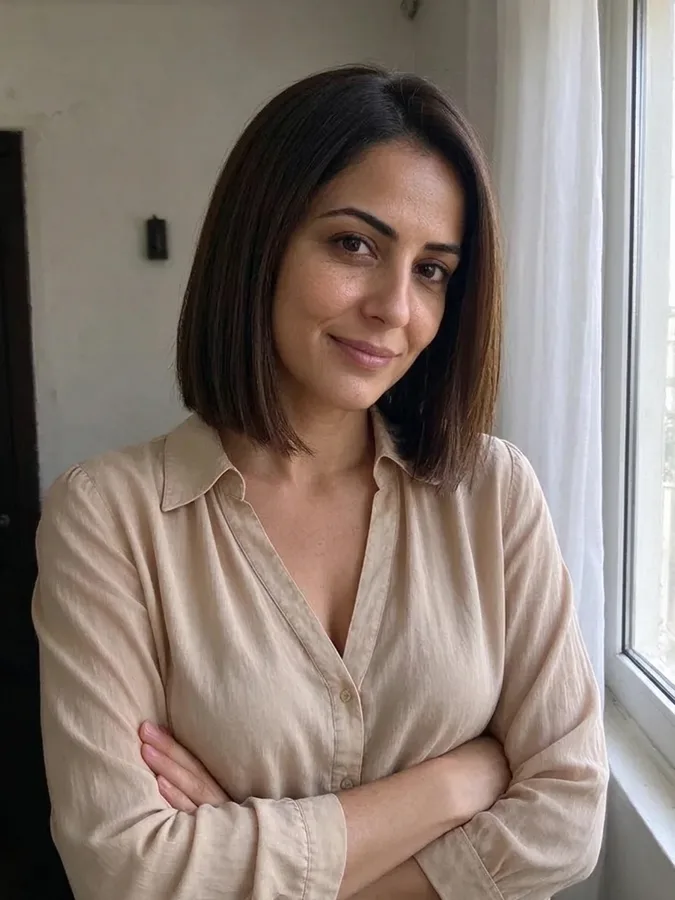
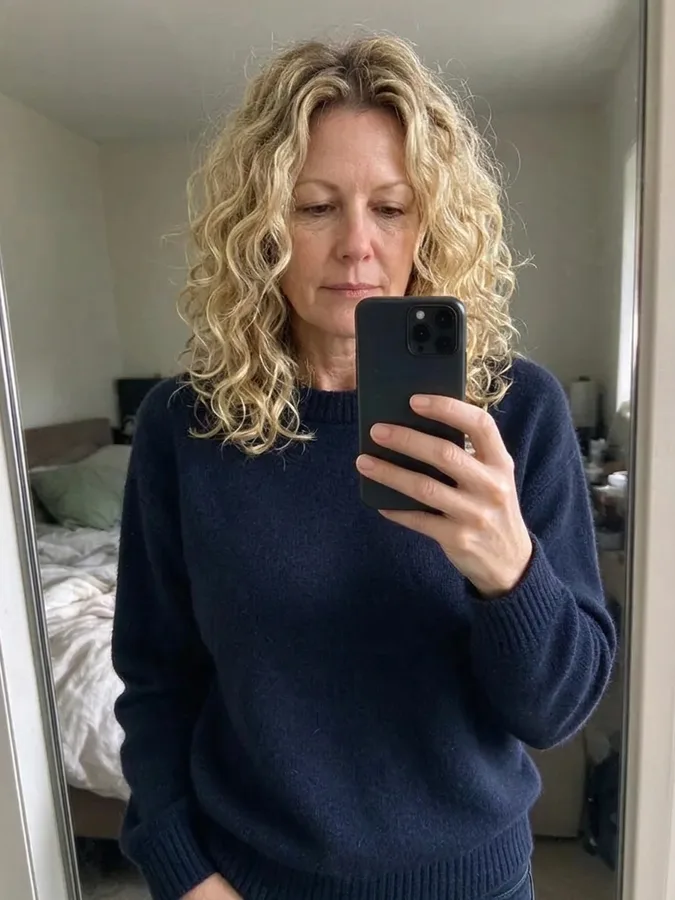
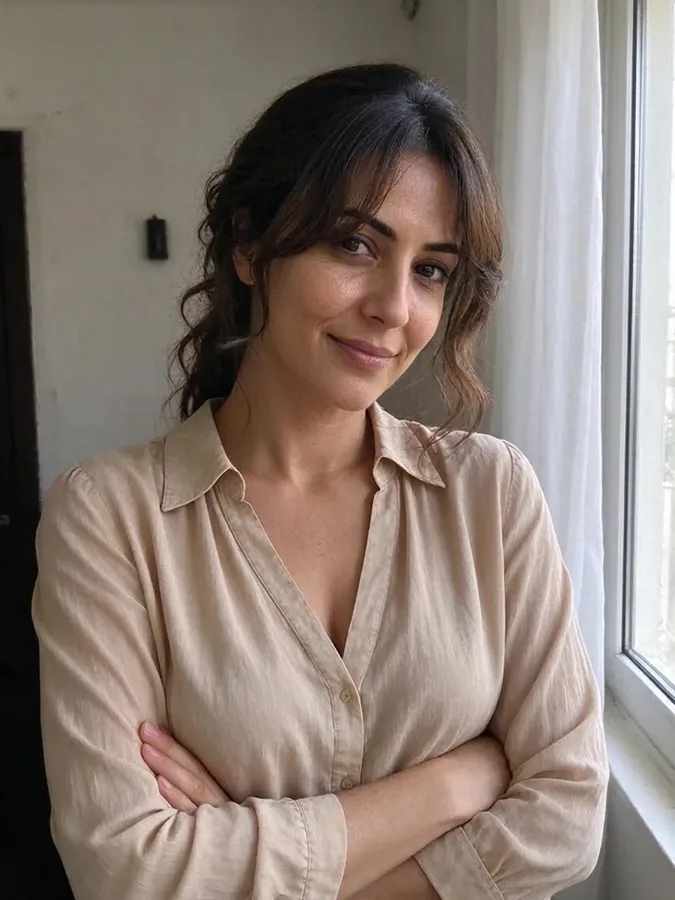
Seventeen AI photo tools that change one thing about a photo and keep the rest. Try new hairstyles, bangs, curls or a wolf cut, add hair or a beard, go bald or get a buzz cut, make a professional headshot, try on wedding dresses or Halloween costumes, turn a family picture into a Christmas card, swap gender or add muscle, and stay recognizable in every result.

All photo tools

AI Wedding Dress Try On – AfterAI Wedding Dress Try On – BeforeBeforeAfter

AI Wedding Dress Try On

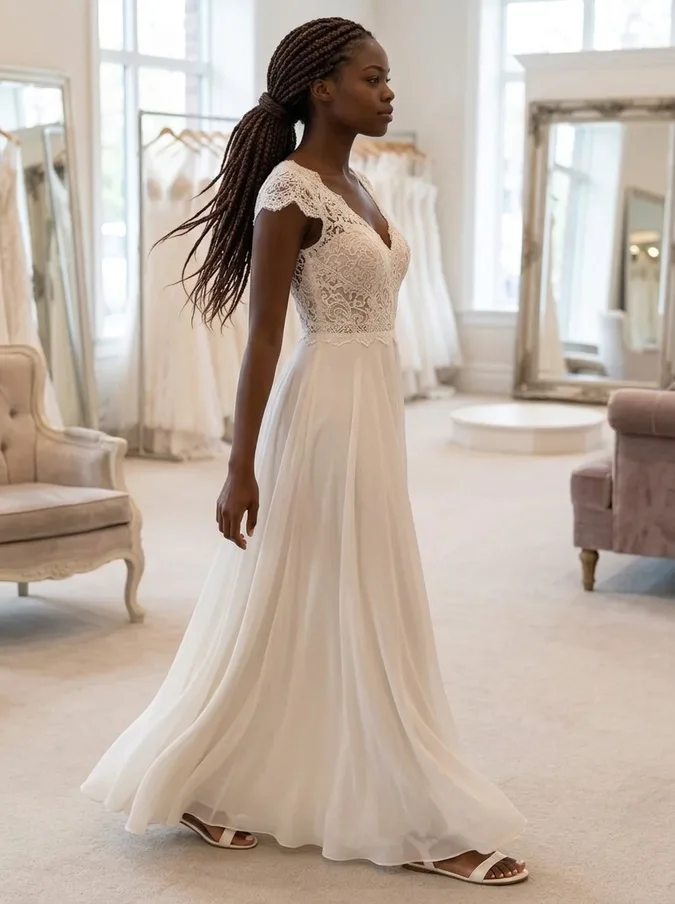
Shows you in six wedding styles on your own photo: ball gown, A-line lace, mermaid, boho, minimalist slip dress, or a black tuxedo for grooms.

Your face, hairstyle and body shape stay the same, so the AI wedding dress try-on helps you narrow down a silhouette before the bridal shop.


Open AI Wedding Dress Try On
AI Christmas Photo Generator – AfterAI Christmas Photo Generator – BeforeBeforeAfter

AI Christmas Photo Generator

Turns a portrait or family photo into a festive holiday picture with five one-click themes: matching family pajamas, Christmas sweater, snowy street, by the fireplace and Santa hat.

Everyone keeps their own face and the number of people stays the same, so the result works as a Christmas card photo.

Open AI Christmas Photo
AI Muscle Generator – AfterAI Muscle Generator – BeforeBeforeAfter

AI Muscle Generator

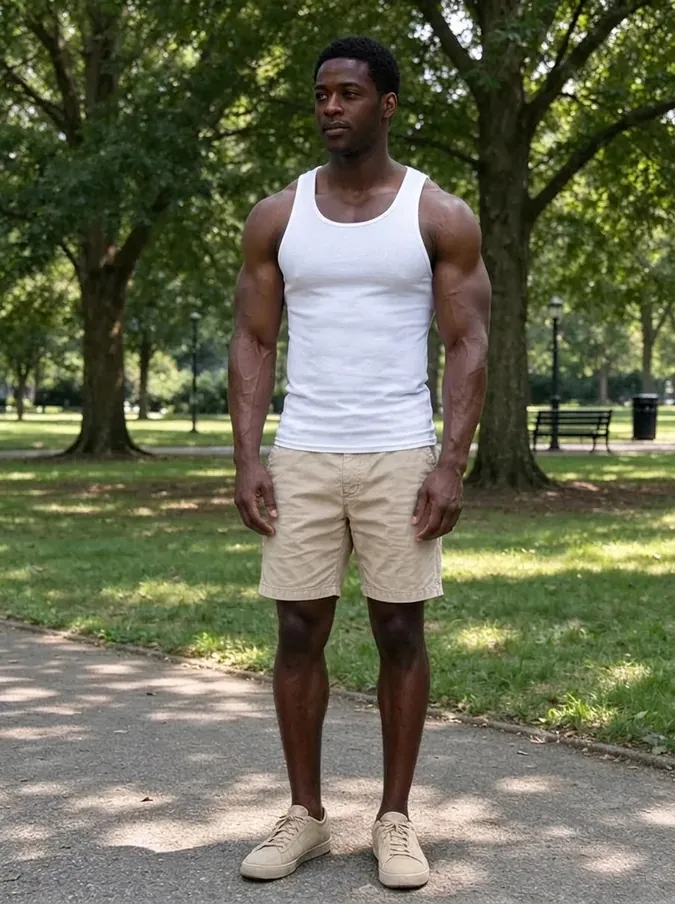
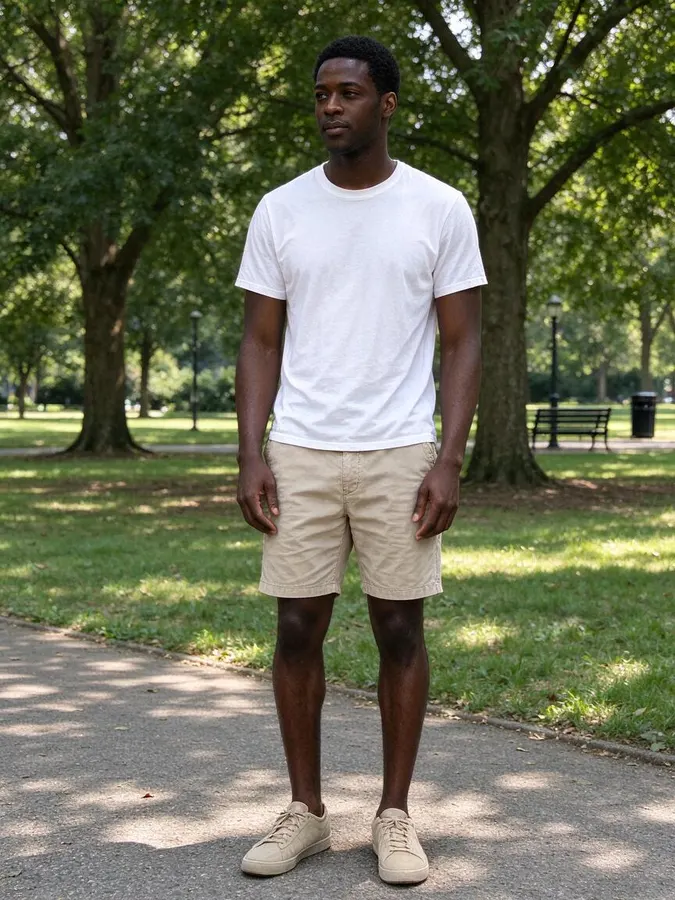
Gives the body in your photo an athletic or a bodybuilder build, with wider shoulders and defined arms and chest, and swaps the top for a fitted shirt or tank top in the same color.

The face, pose and background are kept. The AI muscle generator is a fun visualization, not a prediction of training results.

Open AI Muscle Generator
AI Hair Color Changer – AfterAI Hair Color Changer – BeforeBeforeAfter

AI Hair Color Changer

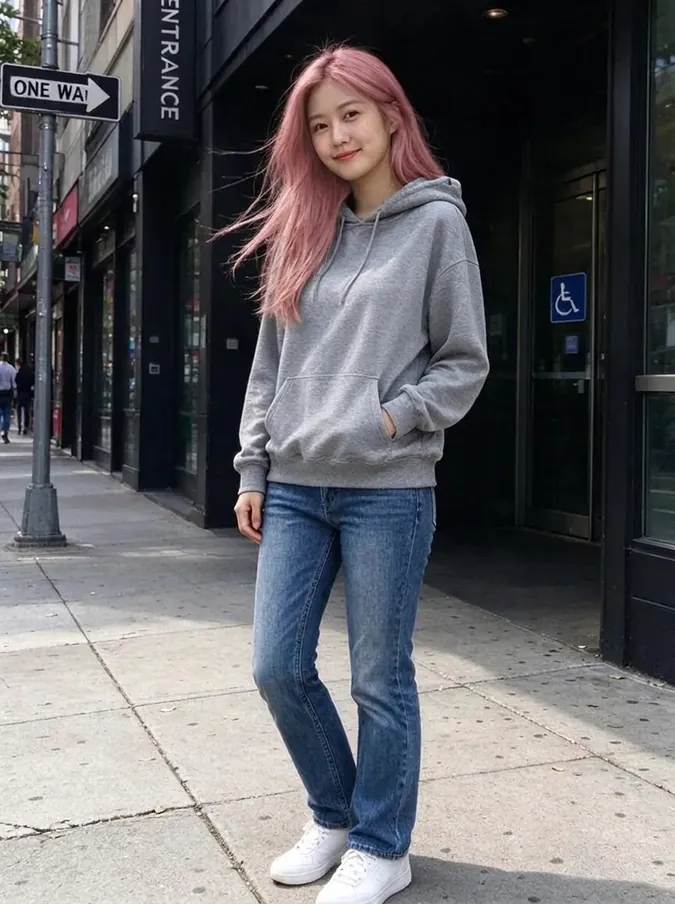
Recolors your hair in one of ten shades, from platinum blonde and copper red to pastel pink and electric blue, while the cut, length and texture stay exactly the same.

Highlights and shadows are rebuilt in the new color, so the AI hair color changer shows what dyed hair would really look like.

Open AI Hair Color Changer

Tools that keep you, you

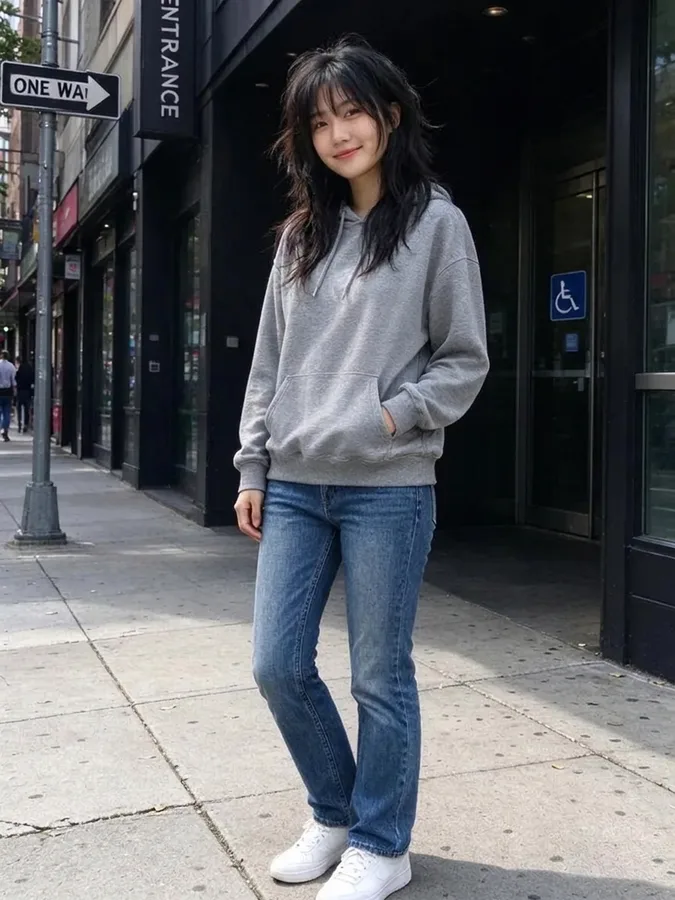
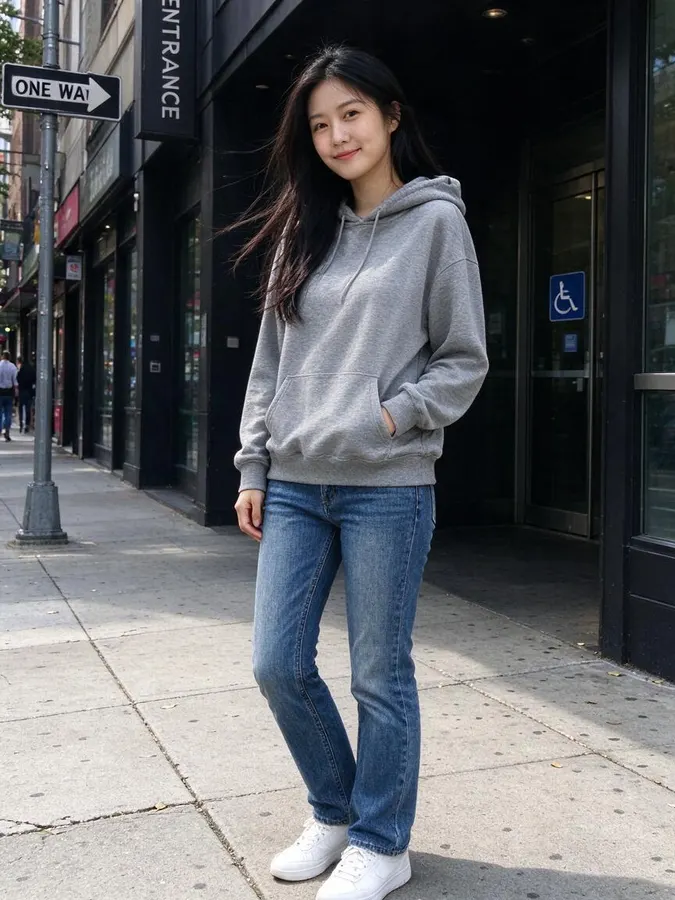
Most photo filters stretch or overlay your face. These AI photo tools redraw only the part you want to change and are instructed to keep the same face identity: your eyes, smile, skin tone and expression. That is why the results look like real photos of you rather than a cartoon or a stranger.

Everything else in the picture is left alone as far as possible: the pose, the background and the lighting. You can drag the before-and-after slider on every result to check exactly what changed.

Which photo tool should I use?

For the holidays, start with the Christmas photo generator: it changes outfits and the setting for everyone in a family photo. To change how one person looks, pick the tool for the one thing you want to see: gender, hair, build or hair color.

You can also chain tools. Download a result and upload it to another tool, for example try a new hair color on your new hairstyle, or put your muscle generator result into new gym clothes with the AI clothes swapper.

How credits work

All photo tools share one credit balance. Each image costs one credit, with one-time packs from $4.99 for 20 images and no subscription. Credits never expire, and if a generation fails the credit is returned automatically.

Results take about 40 seconds. Every tool works in the browser on phone and desktop, with no app to install.

Tips for the best results

Use a clear, well-lit photo where the face is visible and in focus. JPG, PNG or WebP up to 10 MB are supported. For the bald filter and hair color changer, make sure the whole head and hair are in the frame; for the muscle generator, the arms and shoulders should be visible. Only upload photos of yourself or of people who agree to it.

AI photo tools FAQ

Are the AI photo tools free?

No. Every image uses 1 credit, and one-time packs start at $4.99 for 20 images, with no subscription. You can browse the example results on the tool pages without paying.

Do the tools keep my face?

Yes. Each tool only changes the outfit and setting, gender features, hair, build or hair color, and keeps your facial identity, expression, pose and background.

Do I need to install an app?

No. All tools work in your web browser on phone and desktop.

How much do the tools cost?

One credit per image. Credit packs start at $4.99 for 20 images and work on every tool.