AI Headshot Generator – Professional Headshots From a Selfie
A professional photo without booking a photographer.

Need a professional headshot for LinkedIn, a resume or your company website? Upload one clear selfie and this AI headshot generator turns it into a polished business portrait in about 40 seconds, right in your browser with no app. Pick a corporate suit on a grey studio background, business casual in a blurred office or a clean white studio. Your face stays the same; the clothes, background and lighting change to a professional look.
- Suit, business casual, studio
- Keeps your face
- From $4.99 for 20 images
AI headshot generator examples
A corporate suit and business casual: drag the slider to see each selfie before and after the AI headshot generator.
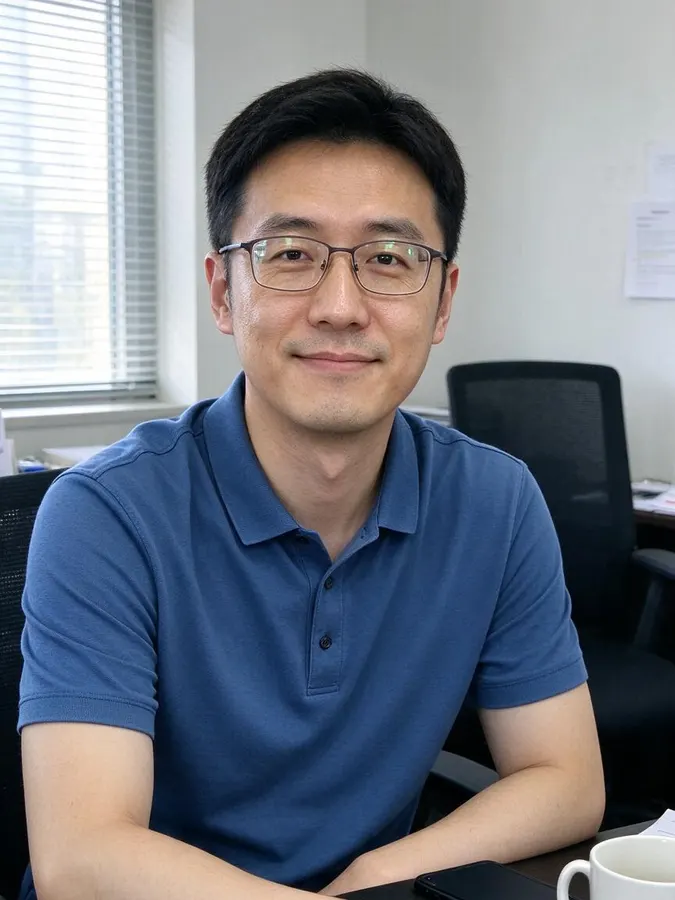 BeforeAfter

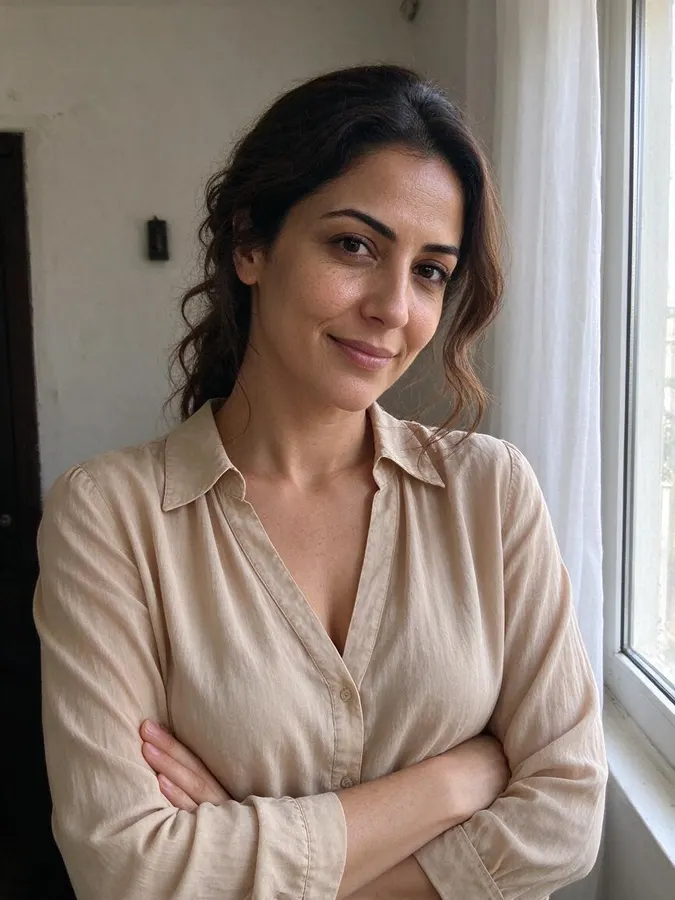 BeforeAfter
How to make a professional headshot
- 1
Upload a photo
Use a clear, well-lit photo where the face is visible. JPG, PNG or WebP up to 10 MB. No photo handy? Pick one of the samples.
- 2
Choose a headshot style
Pick Corporate suit (grey studio), Business casual (blurred office) or White studio. The AI dresses you for the style and builds a professional background and lighting.
- 3
Compare and download
Drag the slider to compare with your selfie, then download the headshot: about 900 × 1200 px (1K) with no watermark.
A professional headshot from one selfie
A studio headshot usually means booking a photographer, choosing an outfit and taking time off work. The AI headshot generator does it from a photo you already have. It keeps your face, expression and hair, and replaces the clothes, background and lighting with a professional setup that looks like it was shot in a studio.
It is honest about what it does: you upload one photo and get one headshot per credit, in the style you choose. It does not build a model of you from dozens of selfies, so the result looks like the photo you gave it, only dressed and lit for work.
Corporate suit, business casual or white studio
Corporate suit (grey studio) puts you in a dark suit with a shirt on a neutral grey studio background. It is the classic choice for law, finance, consulting and executive profiles.
Business casual (blurred office) gives you a smart shirt or blazer in front of a softly blurred modern office. It feels approachable and suits tech, startups, sales and most LinkedIn profiles.
White studio is a clean portrait on a plain white background, the format many company websites, ID-style team pages and resumes ask for.
Headshots for LinkedIn, resumes and team pages
A clear, friendly headshot makes a LinkedIn profile look complete and trustworthy. For a resume or a company website, a consistent background matters, so the whole team can use the same style. You can also use the headshot for conference speaker bios, email signatures and professional social profiles.
Because the face is kept, the headshot still looks like you, which matters when people meet you in person or on a video call.
Tips for the best AI headshot
Use a sharp, front-facing selfie in good, even light, with your eyes open and looking at the camera. A friendly, relaxed expression works best, since the tool keeps your expression. Avoid sunglasses, hats, heavy filters and photos where your face is in shadow or partly covered. Group photos work less well than a photo of you alone.
More ways to change your look
The AI headshot generator is one of our photo tools. Want a fresh cut for your new photo? Try the AI hairstyle changer or the beard filter first. To try any other outfit, the AI clothes swapper puts any clothes on your photo. Each tool uses one credit per image and shares the same credit balance.
Packs from $4.99 for 20 images, no subscription
1 credit per image · about 40 seconds · Credit packs start at $4.99 for 20 images, work on every tool and never expire.
At a glance
- Price
- 1 credit per image, $0.08 to $0.25 depending on the pack; one-time packs from $4.99 for 20, no subscription, credits never expire; failed swaps refunded automatically; no free tier
- Speed
- About 40 seconds per image (our logs: 11 images, median 41 s, 9 in 10 within 47 s)
- Output
- Paid downloads: about 900 × 1200 px (1K), no watermark
- Keeps
- Your face and expression, so it still looks like you
- Privacy
- Photos are private, not used for AI training, deletable any time
- Use
- Personal and commercial use allowed (with rights to the photo)
- Devices
- Works in desktop and mobile browsers, no app
- Updated
- October 31, 2026
AI headshot generator FAQ
Is the AI headshot generator free?
No. Every image uses 1 credit. One-time packs start at $4.99 for 20 images, with no subscription, and credits never expire. You can browse the example results on this page without paying.
How do I make a professional headshot from a selfie?
Upload a clear, front-facing selfie, choose Corporate suit, Business casual or White studio, and wait about 40 seconds. Then compare with the slider and download.
Will the headshot still look like me?
Yes. Your face, expression and hair are kept. Only the clothes, background and lighting change to a professional look.
How many headshots do I get?
One headshot per credit, from one photo. Try another style or another photo for more options; each one uses one credit.
Can I use it on LinkedIn and my resume?
Yes, for personal and commercial use if you own the rights to the photo. Paid downloads are about 900 × 1200 px (1K) with no watermark.
What photos are not allowed?
Photos with nudity, underwear, swimwear or sexual content are not accepted. A normal selfie or portrait is all you need.
Are my photos kept private?
Yes. Your photos are private and are not used for training. Only upload photos of people who have given their permission. If a generation fails, the credit is refunded automatically.
More AI photo tools
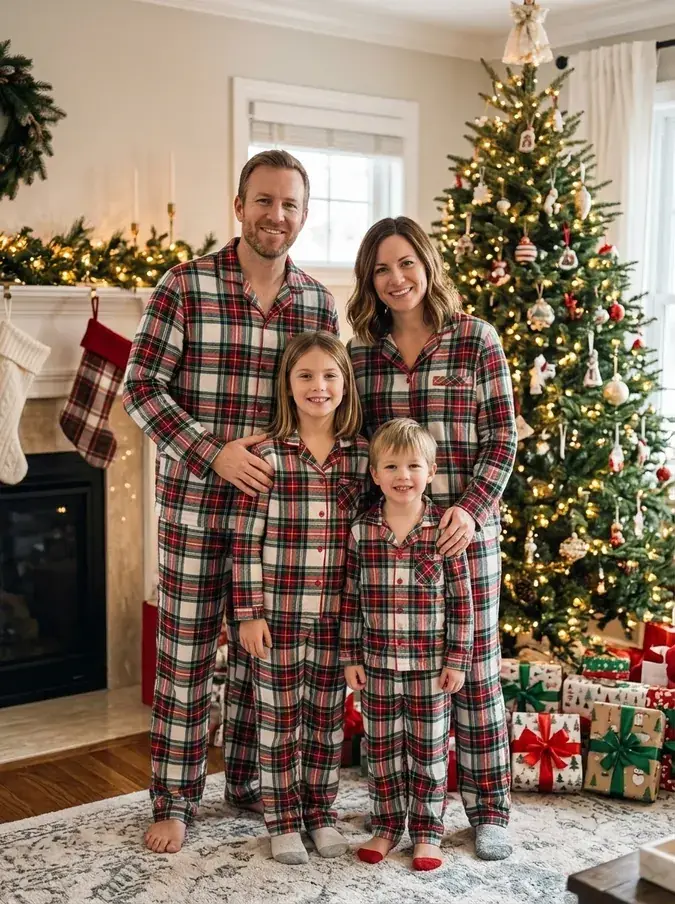 AI Christmas PhotoFamily pajamas, Santa hats, snow and fireplace scenes.
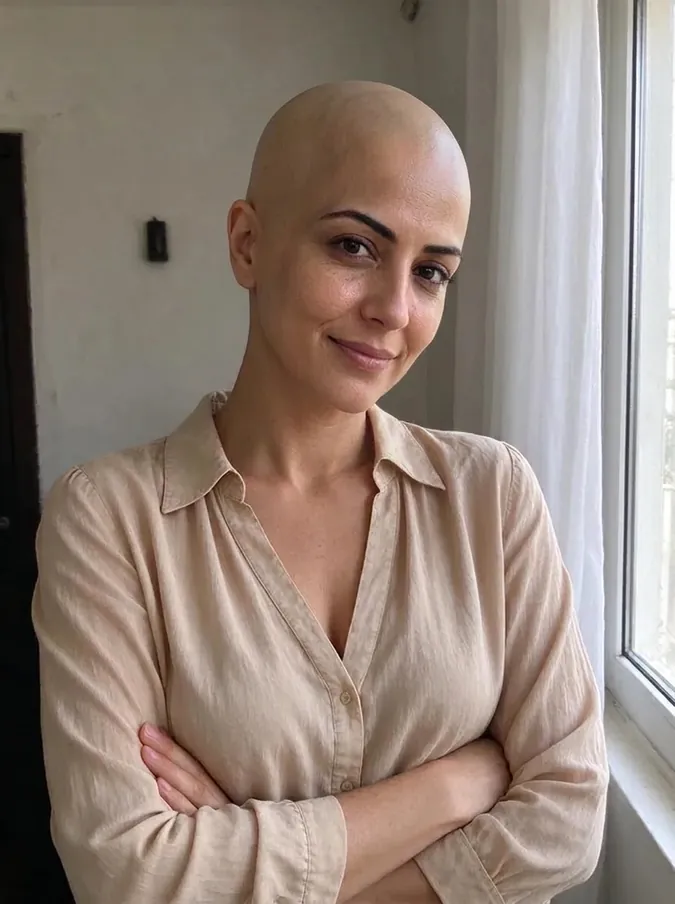 AI Bald FilterSee yourself with a shaved head.
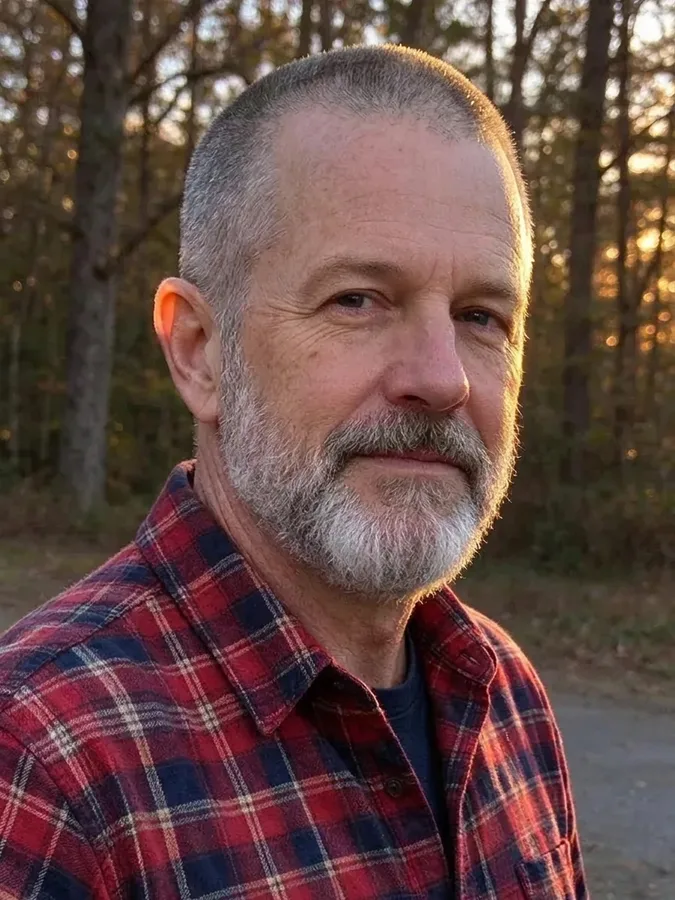 AI Buzz Cut FilterTry a buzz cut, crew cut or fade.
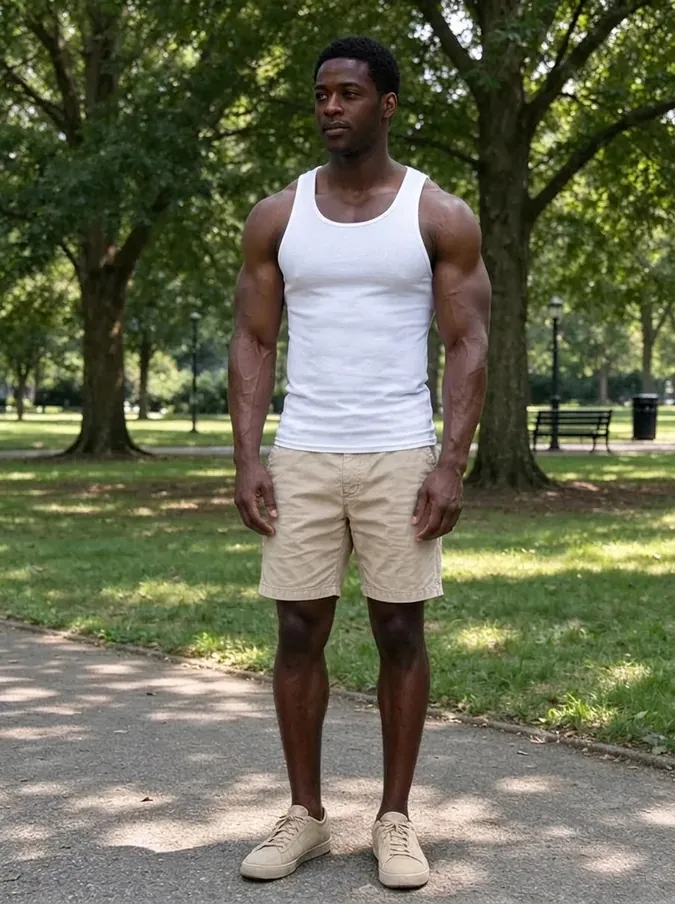 AI Muscle GeneratorAthletic or bodybuilder physique.
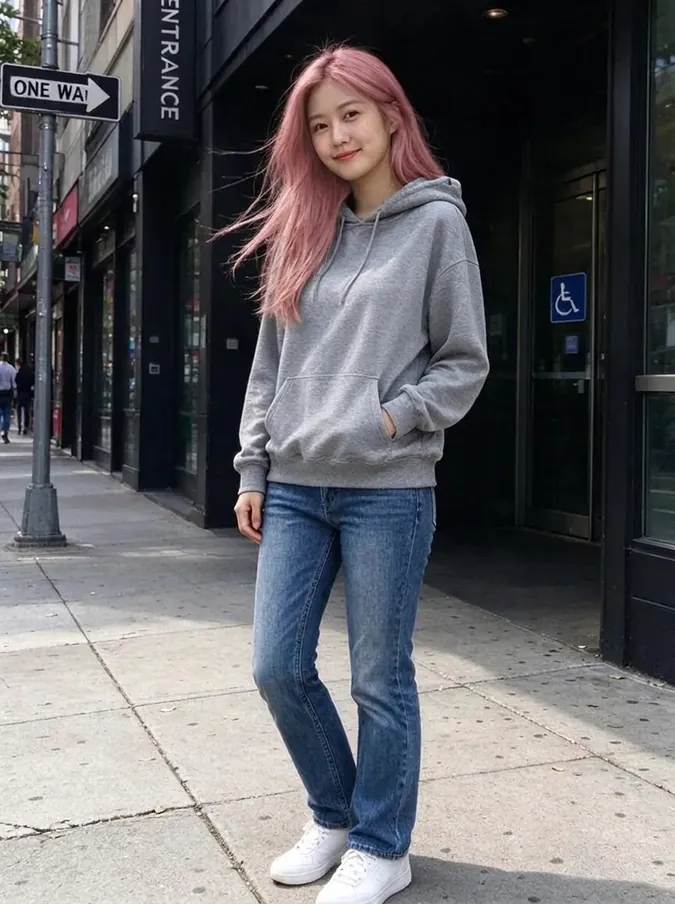 AI Hair Color ChangerTry 10 hair colors on your photo.
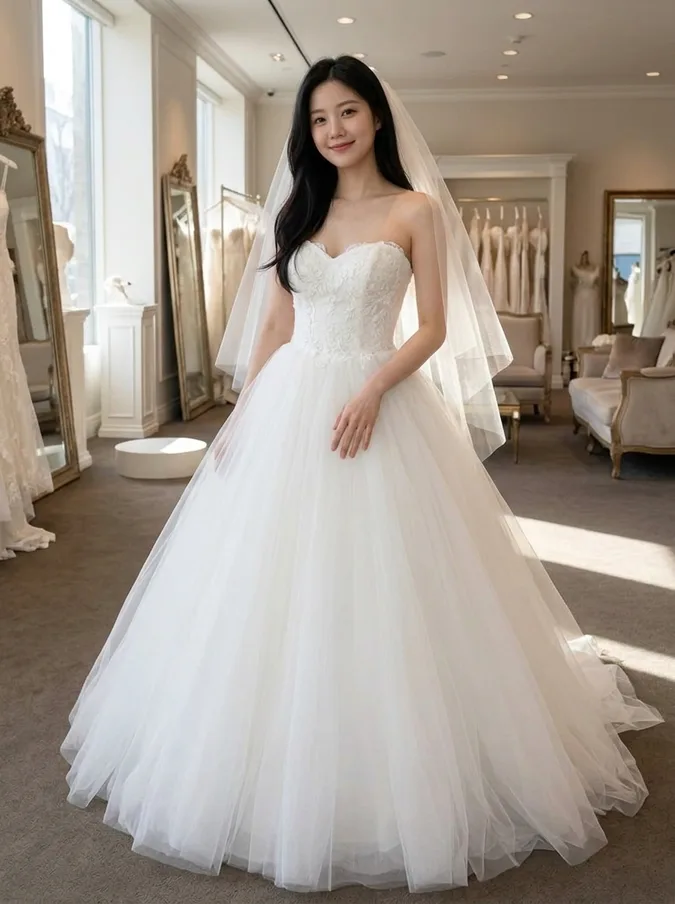 AI Wedding Dress Try OnBall gown, A-line, mermaid, boho or a tuxedo.
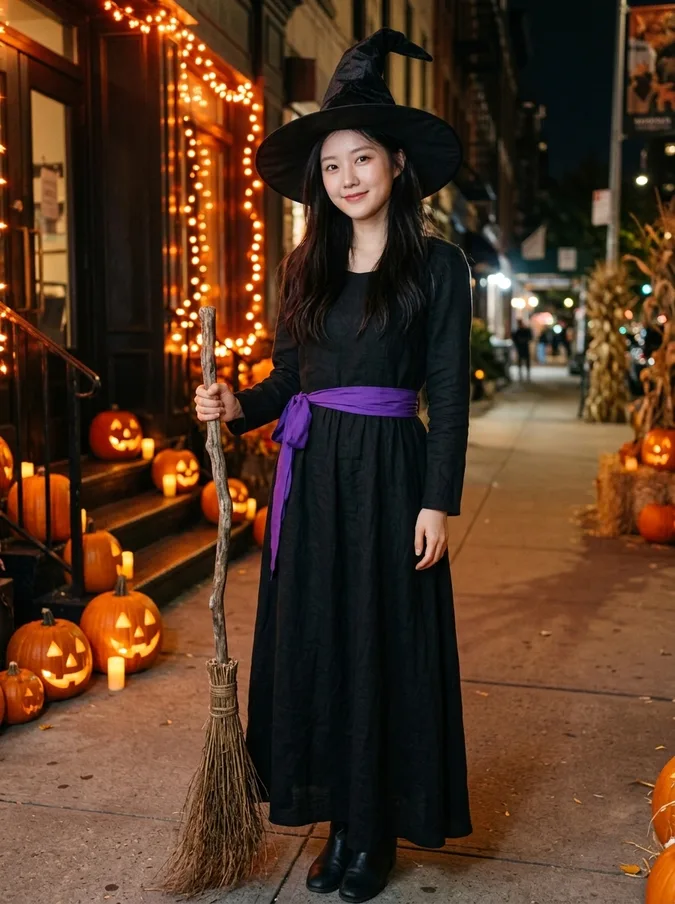 AI Halloween CostumeVampire, witch, pirate, skeleton, angel or devil.
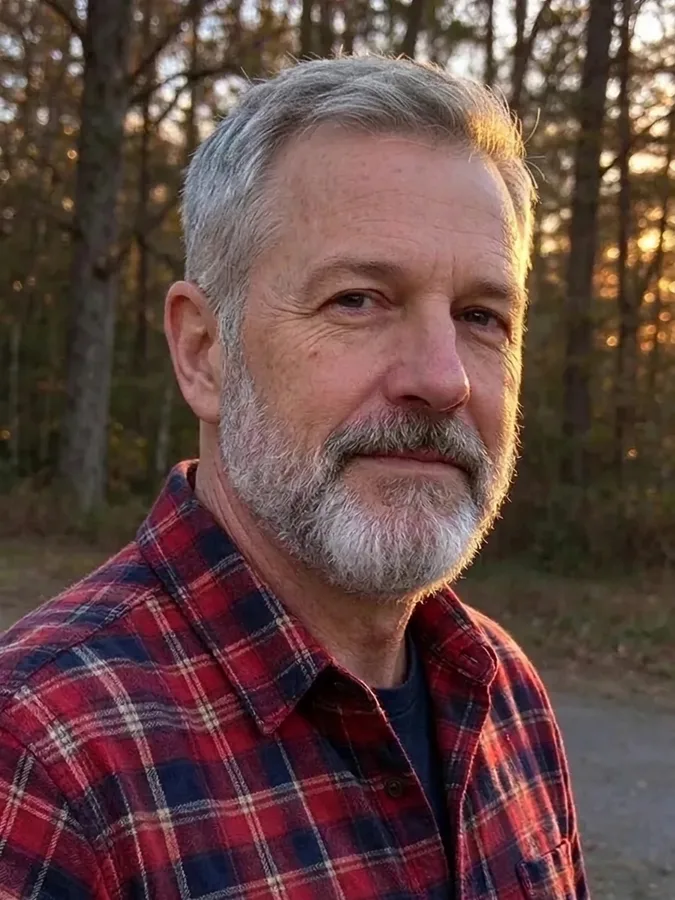 Add Hair to PhotoPreview a fuller hairline or full head of hair.
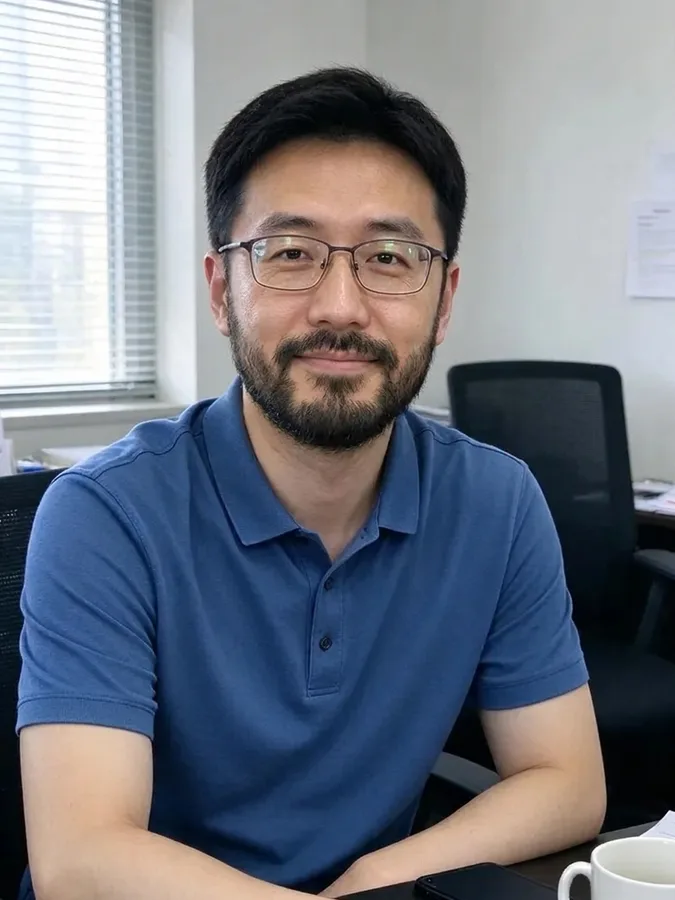 AI Beard FilterAdd stubble, a beard or a goatee, or remove one.
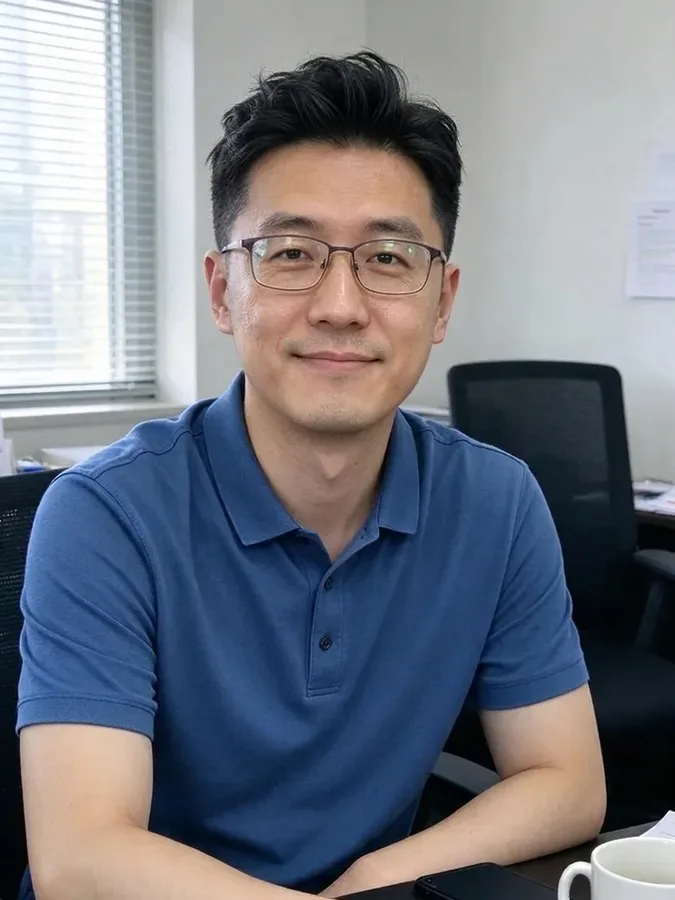 AI Hairstyle ChangerTry seven haircuts on your own photo.
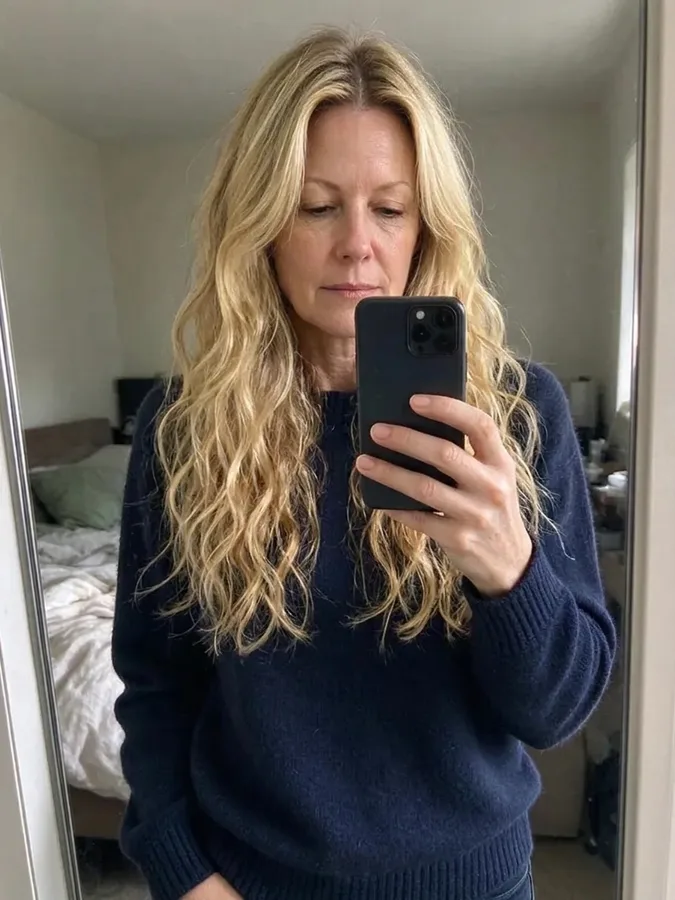 Long Hair FilterSee yourself with long waves or straight hair.
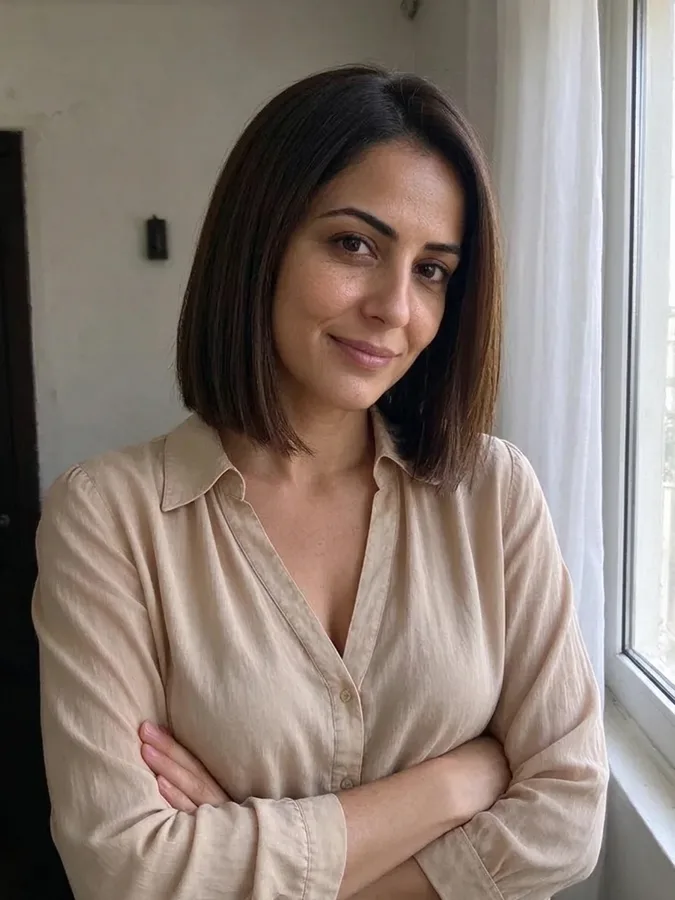 Short Hair FilterTry a pixie cut, bob or long bob.
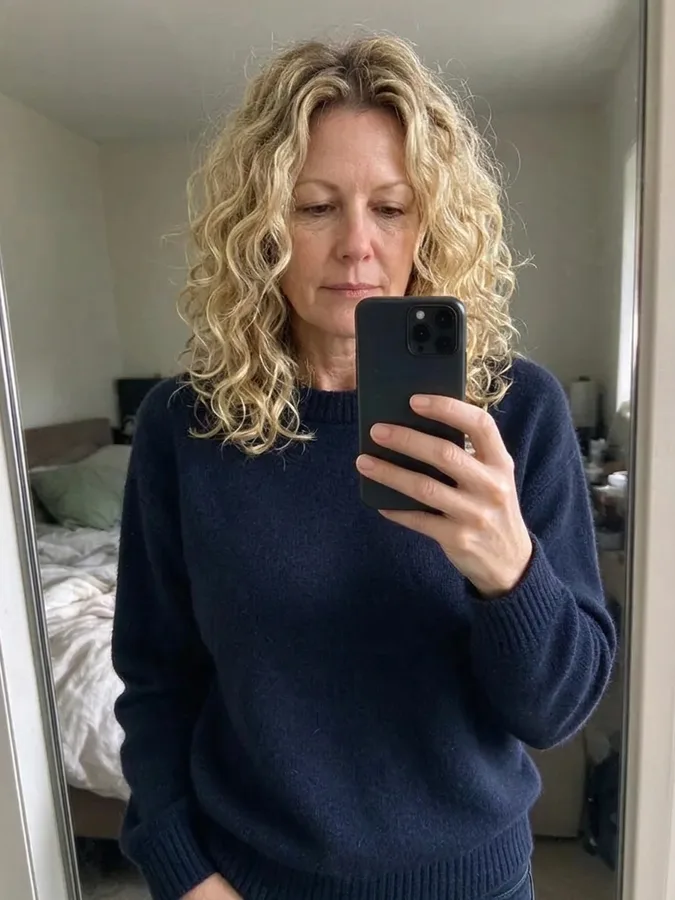 Curly Hair FilterSee yourself with curls before a perm.
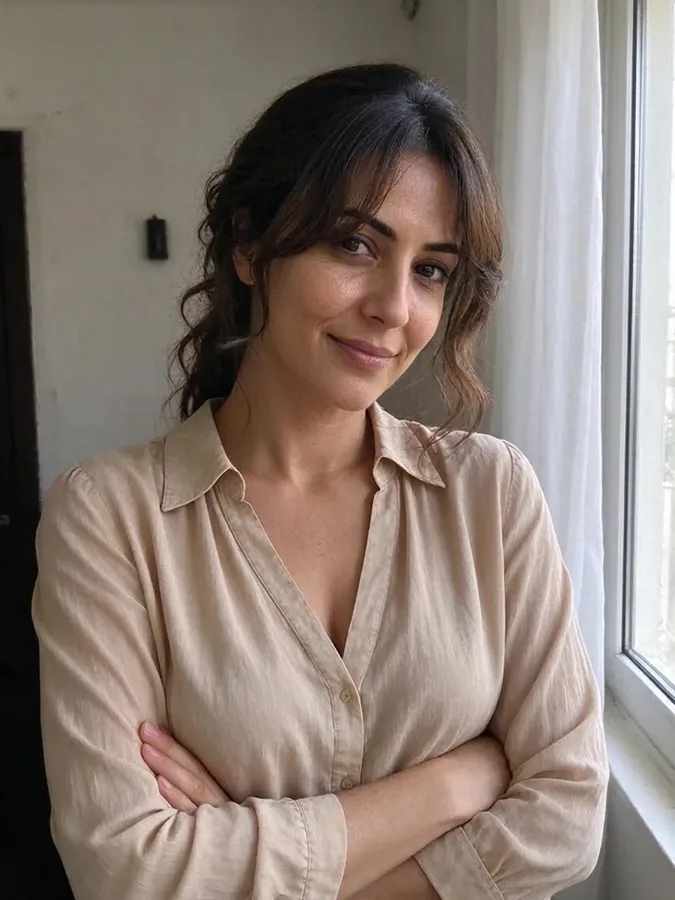 Bangs FilterTry curtain, blunt or wispy bangs.
 Wolf Cut FilterTry a wolf cut, shag or mullet.
 AI Clothes SwapperPut any outfit on your photo.