AI Clothes Changer
No outfit photo needed. Just describe the clothes. From $4.99 for 20 images · No subscription

Change what you are wearing in any photo. Type the outfit you want, pick a preset, or upload a picture of the clothes. The rest of the photo stays exactly as it was.
Quick answer: AI Clothes Changer is a web tool from AI Clothes Swapper that puts a new outfit on your own photo. Upload a picture of yourself plus a photo of the clothes or a short description, and in about 20 seconds you get the same person, face, pose and background, wearing the new outfit. One-time packs start at $4.99 for 20 swaps ($0.08 to $0.25 per swap), with no subscription; credits never expire and failed swaps are refunded automatically.
Real results, drag to compare
Every example below came straight out of the tool with no retouching. The people are AI-generated, not real customers.
 BeforeAfter
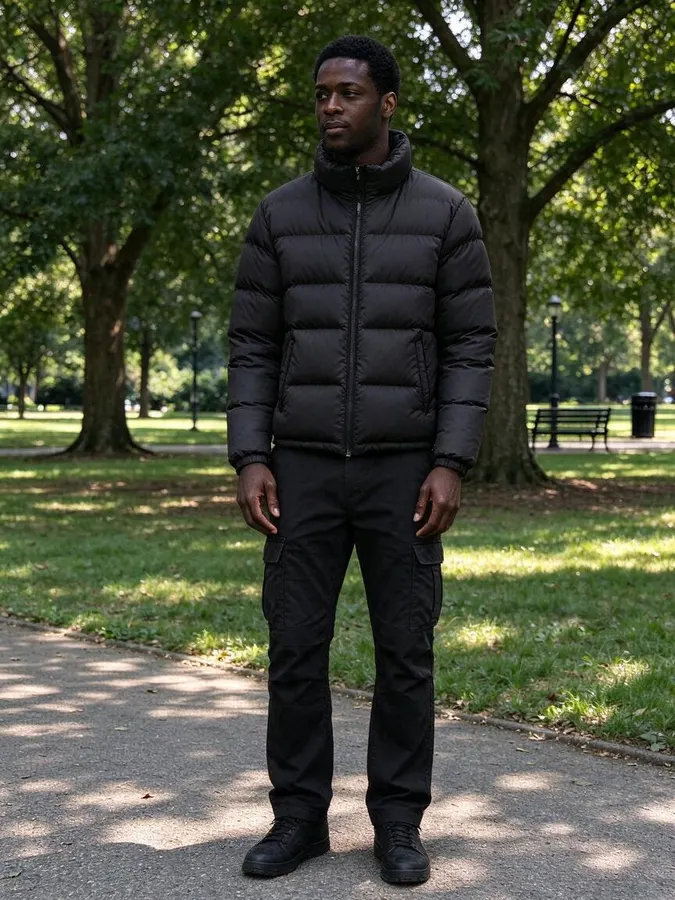
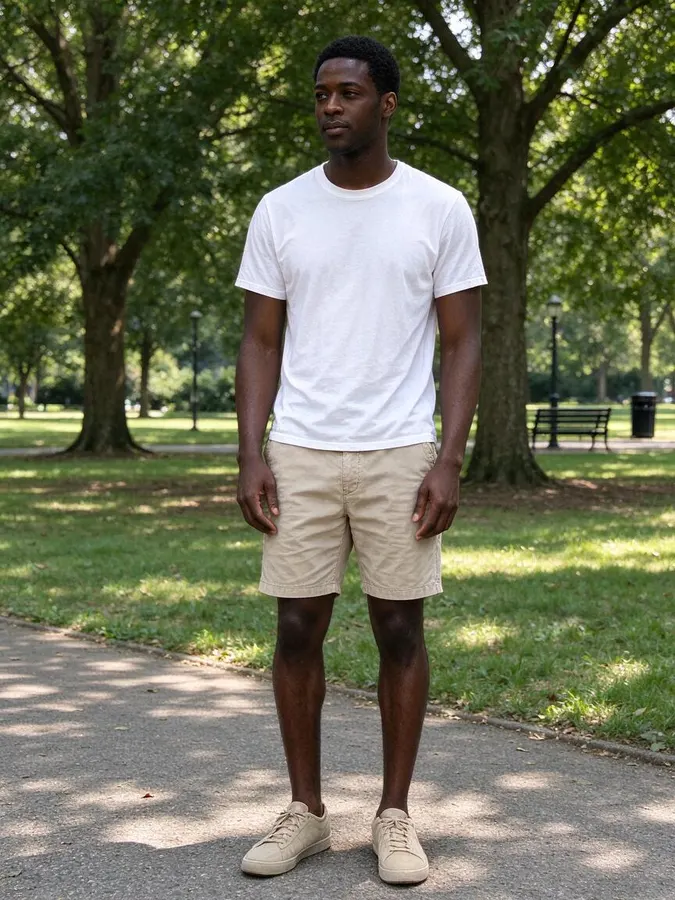 BeforeAfter
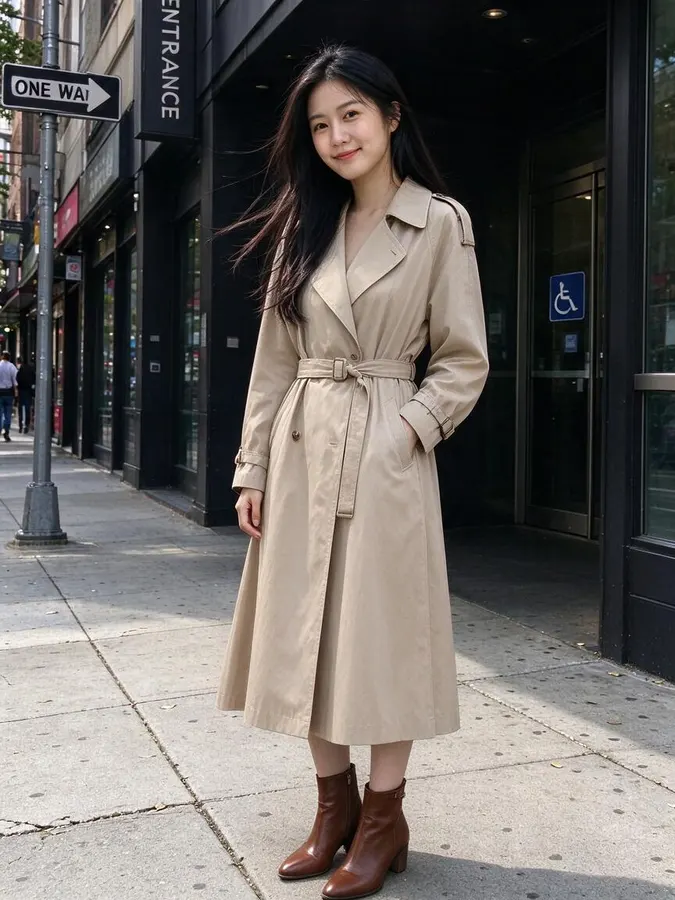
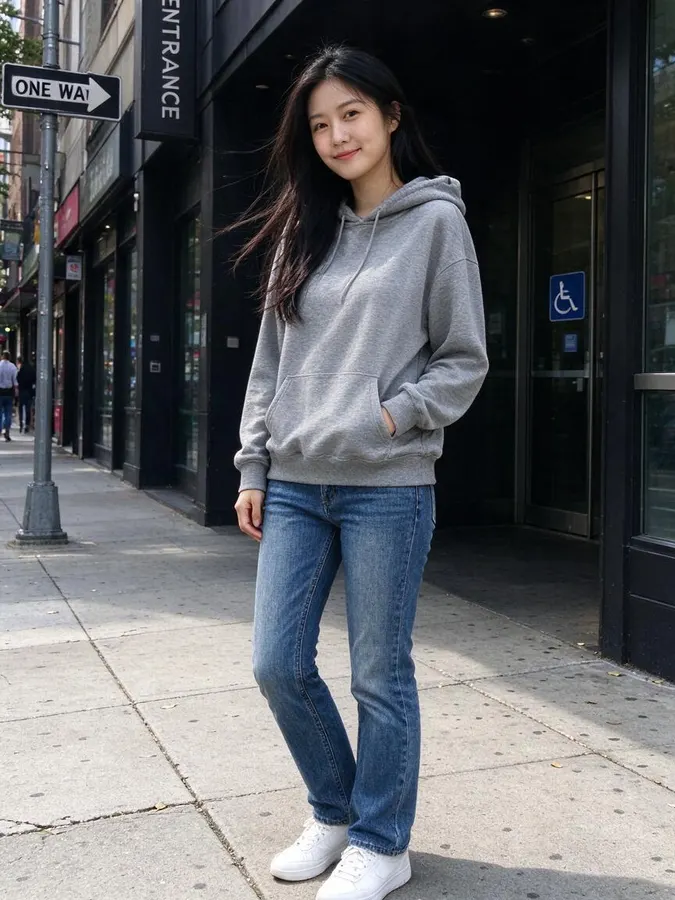 BeforeAfter

 BeforeAfter
How to use the AI Clothes Changer
- 1
Upload the photo to change
Use a photo you already like, with one person clearly visible.
- 2
Say what to wear instead
Tap a preset or type a line such as navy suit with a white shirt. No clothing picture needed.
- 3
Keep the version you like
Try another description on the same photo, then download your favorite.
Change clothes in a photo without Photoshop
Changing clothes in a photo used to mean hours of masking, cloning and color matching. An AI clothes changer does the same job from a single sentence. Write “navy suit with a white shirt” or “all red outfit” and the model redraws the clothing while keeping your face, hands, hair and background.
Text prompts are useful when you do not have a photo of the item yet. You can test colors, styles and seasons quickly, then switch to an uploaded garment photo when you find the exact piece you want.
Results come back at up to 2K resolution, ready to download. Every result is saved in your history so you can compare looks later.
Test colors and styles
Try the same photo in five colors or five styles in a few minutes and keep the one that suits you.
Seasonal looks
Turn a summer photo into a winter outfit, or the other way round, without a new photo shoot.
Dress codes
See yourself in business formal, smart casual or black tie before an event.
Content creation
Create several outfit variations of one shot for posts, thumbnails and stories.
Packs from $4.99 for 20 images, no subscription
Every swap uses 1 credit, with a preset look, a description or your own outfit photo. One-time packs from $4.99 for 20 images, no subscription, and credits never expire.
At a glance
- Price
- 1 credit per image, $0.08 to $0.25 depending on the pack; one-time packs from $4.99 for 20, no subscription, credits never expire; failed swaps refunded automatically; no free tier
- Speed
- About 20 seconds per image (our logs: 63 swaps, median 22 s, 9 in 10 within 33 s)
- Output
- Paid downloads: up to 2K, no watermark
- Keeps
- Your face, pose and background
- Privacy
- Photos are private, not used for AI training, deletable any time
- Use
- Personal and commercial use allowed (with rights to the photo)
- Devices
- Works in desktop and mobile browsers, no app
- Updated
- October 31, 2026
AI Clothes Changer FAQ
How do I change clothes in a photo with AI?
Upload your photo, choose “Describe outfit”, type what you want to wear (or tap a preset) and press Swap outfit. The new image is ready in about 20 seconds.
Can the AI clothes changer keep my shoes and accessories?
Mention it in the description, for example “keep my white sneakers”. Items you do not mention may be restyled to match the new outfit.
Does it work on group photos?
It works best with one person in the photo. With several people, the result may change clothes on more than one person.
Can I upload someone else’s photo?
Only if you have their permission. Uploading photos of other people without consent, of minors, or of public figures is not allowed. Requests for revealing or sexual content are blocked.
More AI photo tools
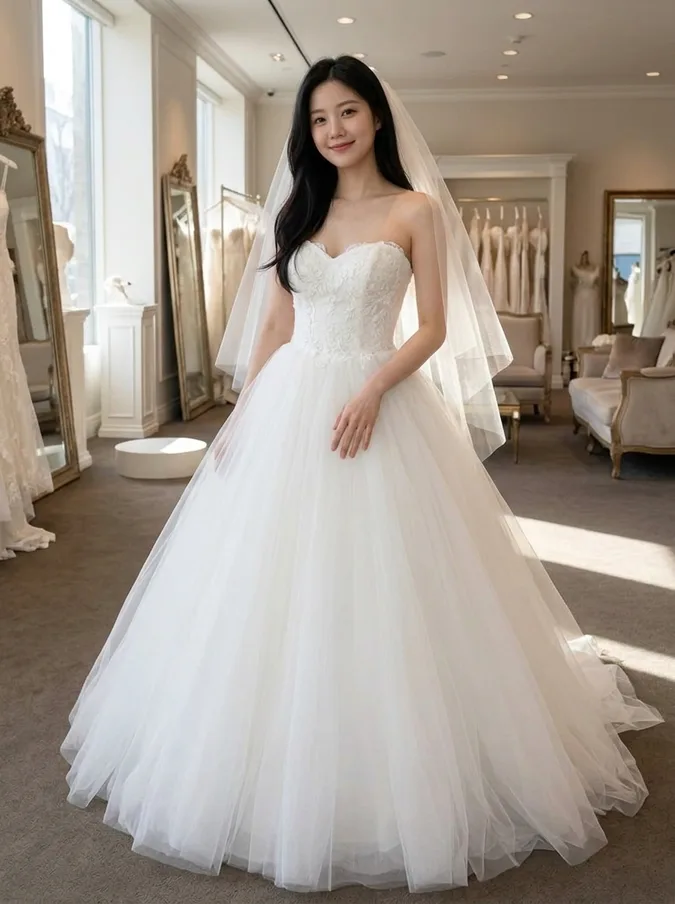 AI Wedding Dress Try OnBall gown, A-line, mermaid, boho or a tuxedo.
 AI Hairstyle ChangerTry seven haircuts on your own photo.
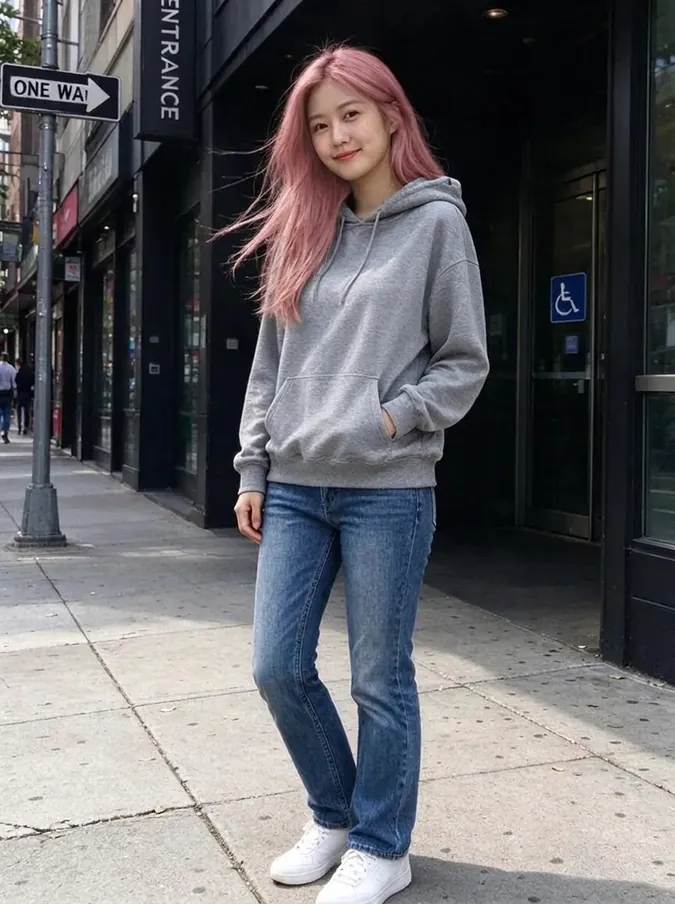 AI Hair Color ChangerTry 10 hair colors on your photo.
 AI Headshot GeneratorTurn a selfie into a professional headshot.
 AI Bald FilterSee yourself with a shaved head.
 AI Christmas PhotoFamily pajamas, Santa hats, snow and fireplace scenes.
From the blog
All articlesCheap AI virtual try-on: upload your photo and a clothing photo
Upload your photo and a clothing photo: 7 AI try-on tools compared on first price, cost per image and free use. Prices checked November 6, 2026.
Read articleAI Clothes Changers With No Subscription: 8 One-Time Options
8 AI clothes changers you can pay for once, compared on pack price, cost per image, free use, sign-up and platforms. Checked November 1, 2026.
Read articleBest AI Christmas Photo Generators in 2026: Free Family Photo Tools Compared
4 AI Christmas photo generators compared on free use, sign-up, matching pajamas, watermarks and commercial use: Fotor, Generor, Media.io, Musely.
Read article