

Where can I try on a tuxedo, or can I do it virtually?
You can preview a tuxedo on your own photo with AI Clothes Swapper in about 20 seconds, but a rental shop or tailor is still where you check real size and fit.
We do not list stores, so this page cannot tell you where to try one on in person; it only shows how the look appears on you, at 1 credit per try from packs starting at $9.99.
Last updated
Use the preview to decide what to ask for
Walk into a shop knowing if you want a black, midnight blue or white dinner jacket, and what lapel style you liked.
Name the pieces in the text
Write "black tuxedo, white shirt, black bow tie, black shoes", so the outfit is complete.
A tuxedo photo from the shop works
If a rental site shows its tuxedo on a mannequin, upload that photo as the garment.
You still need measurements
The preview cannot show size, sleeve length or trouser length. Get those measured in person or from the rental site's guide.
How to do it
- 1
Photo
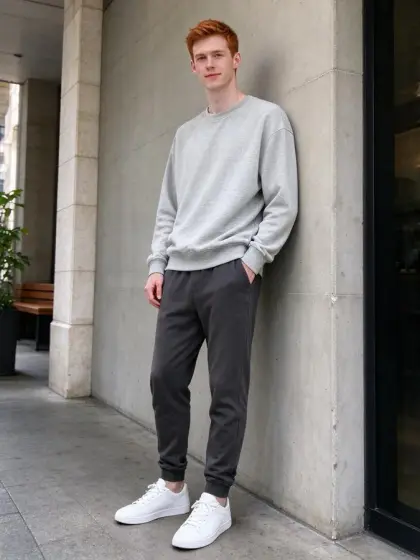
Half-body or full-body, facing forward.
- 2
Add the tuxedo
Use a preset, product photo or text.
- 3
Swap
Wait about 20 seconds.
- 4
Take it to the shop
Show the result to the staff so they know the look.

Questions people also ask
Can it tell me where to rent one near me?
No, it has no store finder.
Does it show a bow tie?
Yes, if you name it in the description or the garment photo shows it.
Is it for weddings only?
No, a tuxedo preview works for proms, galas and any formal event.
Cost?
No free plan, but the first swap is a free clear preview on your own photo; one-time packs start at $9.99 for 80 swaps and never expire.