

How do I make realistic AI photos of myself?
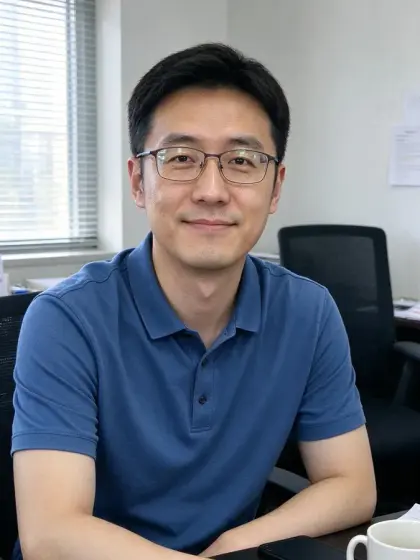
The most reliable way is to edit a real photo of yourself instead of generating a new one, so your face, skin tone and body stay yours while only the outfit or hair changes.
AI Clothes Swapper works this way: upload a sharp photo and it redraws the clothes in about 40 seconds, or hair and headshot looks in about 40 seconds.
Last updated
Use daylight and no filters
Window light and a plain camera mode give natural skin and shadows. Beauty filters before upload make the final result look artificial.
Half-body or full-body beats a selfie
The AI needs the clothes it replaces in view. A wider shot also keeps the face small and untouched.
Pick a style that fits the photo
A suit swapped onto a person in a hoodie looks more natural if the pose and light suit a suit. Try outfits close to the original mood.
Be honest about what it is
The result is an edited photo of you, not a real photograph taken in that outfit. Do not present it as one if it matters.
How to do it
- 1
Take a clean photo
Daylight, facing the camera, no filters.
- 2
Choose a tool
Clothes, headshot or hairstyle.
- 3
Add your choice
Photo, description or preset.
- 4
Check the face
Drag the slider and compare.

Questions people also ask
Will it look like a real photo?
It aims to match your lighting, but results vary, so check the preview.
Can it make a headshot?
Yes, the headshot generator offers corporate suit, business casual and white studio.
Can I use it for a profile picture?
Yes. Commercial use is fine if you own the rights to the photo.
Do I need to be 18?
Yes, the site is for adults.