

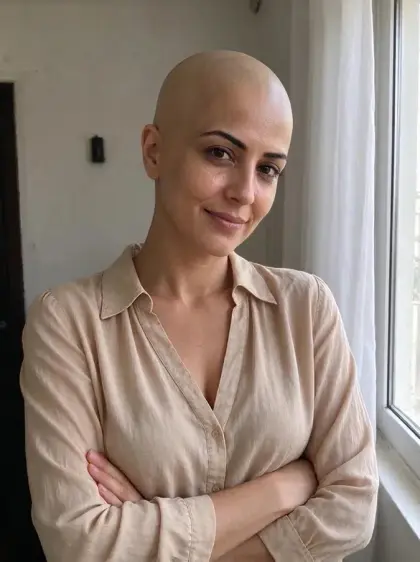
How do I make myself look bald in a picture?
Upload a front-facing selfie to the AI bald filter in your browser, and in about 40 seconds you get the same picture with your hair removed.
Nothing needs installing and you need no editing skills, and your face, skin tone and background stay as they were.
Last updated
Take a selfie suited to the tool
Hold the phone at eye level, face the camera and use soft daylight. A dry, flat hairstyle gives a cleaner head shape than a big, windswept one.
Keep your accessories
Glasses, earrings and a beard remain in the picture, so the edit still looks like you.
Good for jokes and for decisions
People use bald edits for a laugh or to decide on a shaved head. A buzz cut tool shows the in-between.
What you get
A free-to-browse set of examples first, then packs from $9.99 for 80 images with no watermark on downloads.
How to do it
- 1
Take a selfie
Eye level, daylight, no hat.
- 2
Upload it to the bald filter
JPG, PNG or WebP up to 10 MB.
- 3
Wait about 40 seconds
It uses 1 credit.
- 4
Save the result
Compare with the slider and download.

Questions people also ask
Do I need Photoshop?
No. It runs in the browser.
Will it keep my beard?
Yes. Only the hair on the head is removed.
Can I try it on a friend?
Only with their consent, and they must be 18 or over.