

What clothing photo should I upload for an AI outfit swap?
The best clothing photo is front-facing, shows the whole item, and has a plain background or a mannequin, with one item per photo.
Product photos from stores such as Zara, SHEIN or Amazon work, and so do flat-lays and photos of someone else wearing the item; the swap takes about 20 seconds and uses 1 credit.
Last updated
Show the whole item
A garment cropped at the hem or sleeve gives the AI less to copy. Pick the shot where nothing is cut off.
One item per picture
A jacket on its own works better than a flat-lay with trousers and a bag in the same frame. For several pieces, run them in turn or describe the outfit in text.
Mannequin or model photos work
A model wearing the piece shows how it drapes. Choose the picture where the garment is least covered by arms or accessories.
Skip heavily edited shots
Stylised filters change the colour of the fabric. Use the plain product image.
How to do it
- 1
Save the shop image
Pick the main front view.
- 2
Check it is clear
No cropped edges or overlays.
- 3
Upload it after your own photo
In the clothing box.
- 4
Swap
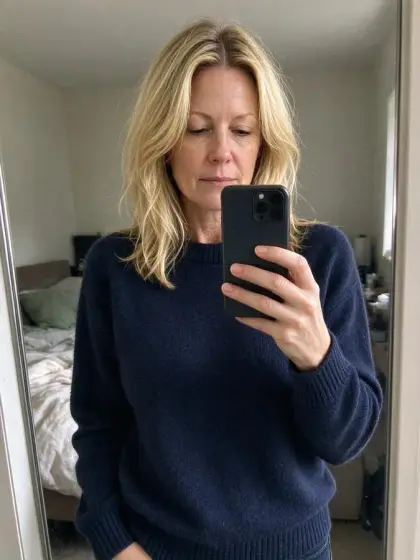
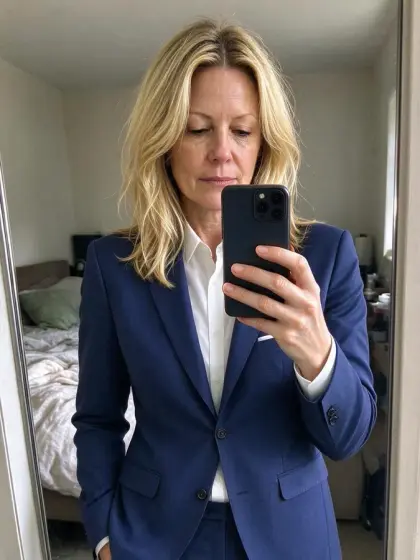
Then compare with the slider.
Questions people also ask
Can I use a screenshot?
Yes, if it is clear and shows the whole item without buttons or text over it.
What if I have no photo?
Describe the garment in text, naming colour and fabric.
Can I use two garments at once?
One item per photo works best. Describe the rest in text.
Is it accurate to the brand?
It copies colour, pattern and style from the photo, but small details may vary.