

What prompt works for an AI Christmas photo?
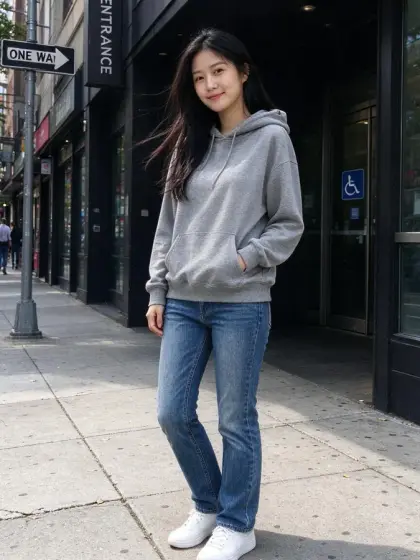
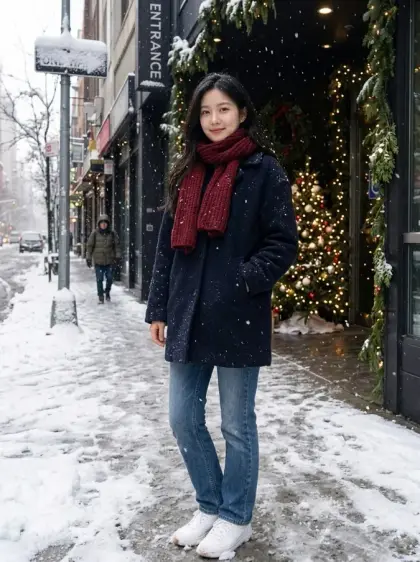
You do not need a prompt for the Christmas photo tool, because ready-made looks cover pajamas, a Santa hat, snow, a fireplace and a sweater, and each one runs in about 40 seconds.
If you want your own idea, one plain sentence naming the clothing, setting and colours is enough, and each try uses 1 credit from a one-time pack starting at $9.99.
Last updated
Name clothing, setting and colour
"Red knitted Christmas sweater, sitting by a fireplace" gives the AI three clear things to work from.
Keep it short
Long lists of adjectives add little. One sentence is enough.
Say who is in the picture for groups
For a family photo, say who wears what, such as "everyone in matching red plaid pajamas".
Do not ask for a new face
The tool keeps your face. Text about changing your face or age will not do that.
How to do it
- 1
Upload your photo
Clear, front-facing.
- 2
Pick a preset or write one sentence
Try both and compare.
- 3
Generate
About 20 seconds.
- 4
Adjust the words
If it is off, change the colour or setting and retry.
Questions people also ask
Which presets are there?
Pajamas, Santa hat, snow, fireplace and sweater.
Does it work on groups?
Yes, but results are best with every face clearly visible.
Can I use it for a card?
Yes, if you own the photos and everyone agreed.
Cost?
No free plan; packs start at $9.99 for 80, one time, and credits never expire.