

What prompt should I use for an AI headshot?
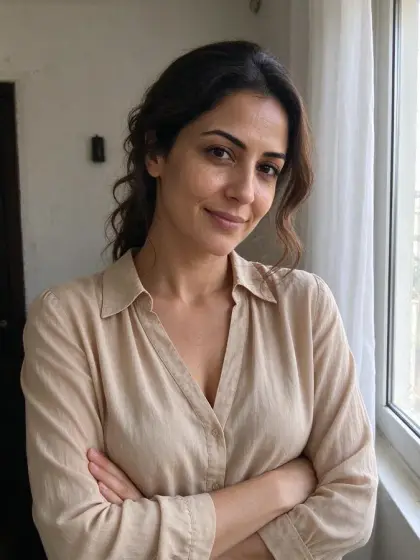
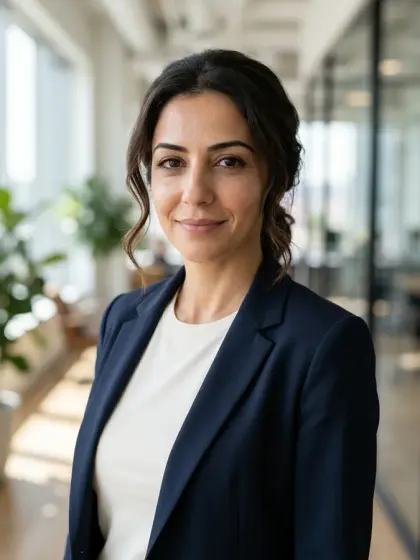
On the AI headshot generator you do not need to write a prompt at all, because you upload one photo and choose a preset look: corporate suit, business casual or white studio.
If you want your own wording, the main clothes swapper accepts a text description such as 'charcoal blazer over a white shirt', and each swap uses 1 credit from packs starting at $9.99.
Last updated
Presets replace the prompt
The headshot page already holds tuned looks, so there is no long prompt to craft. Pick one and generate.
Describe pieces, not moods
On the main swapper, name the garment, colour and fabric, for example 'navy blazer, light blue shirt, no tie'. Words like 'professional vibe' tell the AI less than named clothes.
Mention the occasion if it helps
Occasion words such as 'interview' or 'conference speaker' help guide the style of the outfit.
Do not describe your face
Your face comes from your photo. Leave out descriptions of hair, eyes or skin, as the tool keeps them as they are.
How to do it
- 1
Upload a clear photo
Front-facing, sharp and well lit.
- 2
Choose a preset or write a short description
Use the headshot page for presets or the main page for custom text.
- 3
Run it
Wait about 40 seconds.
- 4
Adjust the wording and retry
If the outfit is off, change the description and run it again for 1 more credit.
Questions people also ask
Can I type a background?
The headshot page offers a white studio look as a preset. Use one of its three presets.
How long should a description be?
A short line naming each garment and colour is enough.
Do I pay for each attempt?
Yes, 1 credit per swap, and failed swaps are refunded automatically.
Does the text box cost extra?
No. You can browse examples for free, and packs start at $9.99 for 80.