

Can AI show me wearing different shoes?
Yes, in some cases: if your whole body, feet included, is in the photo, you can name the shoes in a text description or use a photo of a full outfit, and AI Clothes Swapper redraws them in about 20 seconds.
It is built around clothes rather than a dedicated shoe tool, so check each result and remember each try uses 1 credit from packs starting at $9.99.
Last updated
Your feet must be in the photo
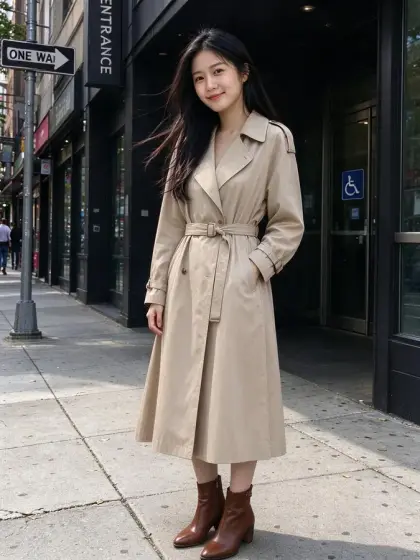
If your photo is cropped at the knees there is nothing to replace. Stand full length, shoes visible, on a plain floor.
Name the shoe and the colour
Write "white leather sneakers" or "black ankle boots", not just "nice shoes". A named style gives the AI a clear target.
An outfit photo works too
If a store shows a model wearing the shoes with an outfit, that photo carries the shoes along with the clothes.
Shoes cannot show sizing
You will see colour and style on your photo, not whether a 9 or a 10 fits.
How to do it
- 1
Take a full-length photo
Feet in frame, camera at waist height, clear light.
- 2
Describe the shoes
Add them in the text, along with trousers, so the look is complete.
- 3
Press swap
Wait about 20 seconds.
- 4
Look at the feet closely
Zoom in on the slider and retry with a clearer description if needed.

Questions people also ask
Can I upload only a shoe photo?
The tool is made for clothing photos and descriptions, so a text description of the shoes is the safest way. Check the result for accuracy.
Does it work on a phone selfie?
A selfie that stops at the chest will not show your feet. Use a full-length picture.
Is there a free way to try shoes?
There is no free plan, but the first swap is a free clear preview on your own photo. You can browse examples without signing in; packs start at $9.99 for 80 swaps.
Will the shoes match the real pair?
It follows your description or photo, but details can change, so treat it as a preview.