

How do I plan my outfits ahead of time?
Plan outfits by looking at the week's events and weather first, picking one anchor piece per day, and laying out or previewing the full look the night before.
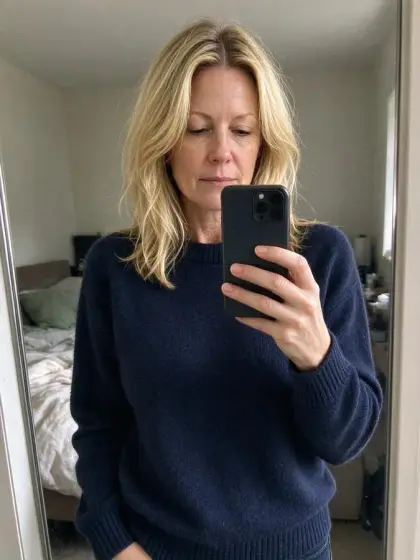
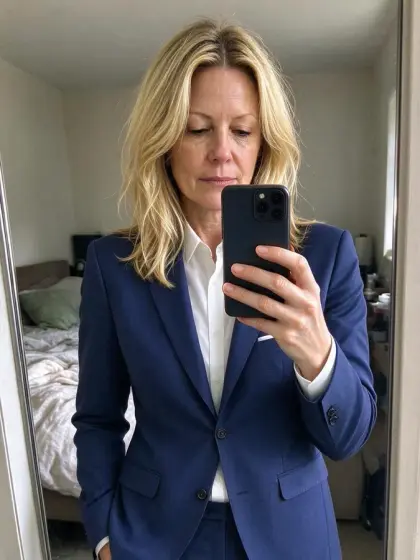
You can preview a planned outfit on your own photo with AI Clothes Swapper in about 20 seconds, so you do not discover a colour clash at 8 a.m.
Last updated
Plan around events, not days
A meeting, a dinner and a weekend lunch need three different outfits. Match the outfits to the events and the rest of the week fills in.
Choose a rainy-day and a hot-day option
Weather changes plans. Have a layer that works in both, such as a light jacket.
Do a preview, not a full try-on
Describing the outfit and seeing it on your photo saves time against changing four times in front of the mirror.
Keep notes of what worked
Save the favourite results to your device. They become a ready list of tested outfits.
How to do it
- 1
List the week's events
Note weather and dress level.
- 2
Pick an anchor piece for each
A jacket or a dress.
- 3
Preview the full look
Describe the outfit on your photo.
- 4
Save the favourites
Download and keep them in a folder.
Questions people also ask
Can I plan a month ahead?
Credits never expire, so you can preview whenever you plan.
Does it check the weather?
No. You choose clothes yourself.
Can I do dates or interviews?
Yes, there are pages for interview and date outfits.
Is there a subscription?
No, packs are one-time payments.