

Which saree colours suit dark skin?
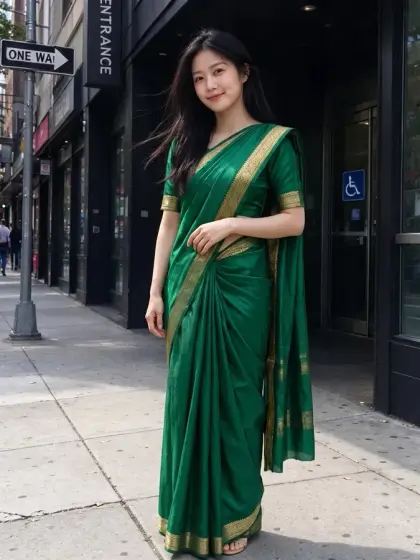
Rich jewel tones such as ruby, emerald, royal blue and fuchsia, along with gold and bright yellow, tend to look striking on deep skin, while very dull greys and muddy browns can look flat.
Upload your own photo to AI Clothes Swapper and swap in two or three colours, because your skin tone stays the same in every result.
Last updated
Contrast works in your favour
Bright and saturated shades stand out against deep skin, and light pastels such as mint or lemon can look fresh when they are clear and not chalky.
Metallic borders glow
Gold and copper zari borders catch the light and add warmth, especially in evening events.
Beware of colours close to your skin
Caramel and tan sarees can blend into some skin tones, so try them before deciding.
Light is the judge
Use a photo taken in daylight to see the true colour, since indoor bulbs shift tones.
How to do it
- 1
Shortlist shades
Pick three listings with different colours.
- 2
Upload a natural-light photo
Head to toe, with no heavy filter.
- 3
Swap in each shade
Press Swap outfit and wait about 20 seconds per result.
- 4
Choose
Compare with the slider and download the best one.

Questions people also ask
Will the AI lighten my skin?
It is designed to keep your face and skin tone and redraw only the clothes, though you should check the result on your own picture.
Can I describe a colour instead?
Yes, something like "royal blue silk saree with a gold border" works.
How many tries do I get?
There is no free plan; each try uses 1 credit, with packs from $9.99 for 80 and no expiry.