

What is a good FitRoom alternative for virtual try-on?
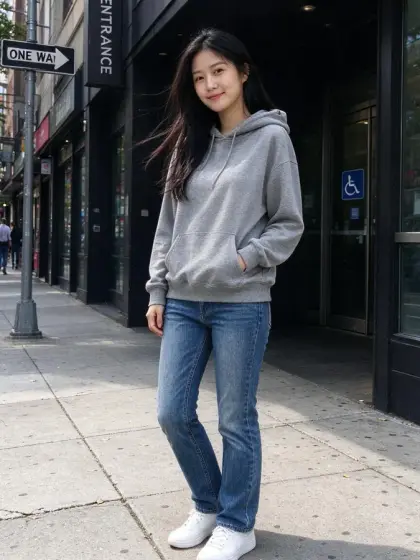
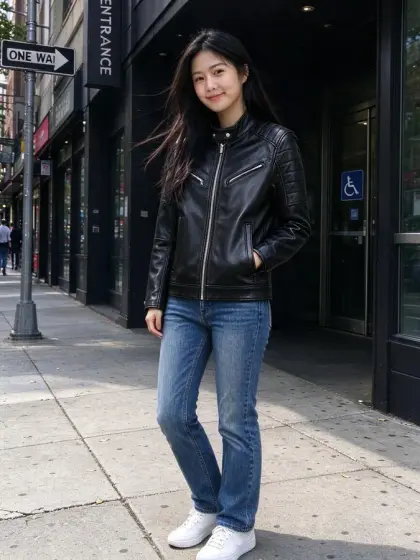
AI Clothes Swapper is one browser-based alternative: you upload a photo of yourself and any clothing photo or description, and see the outfit on you in about 20 seconds without installing an app.
Credits come in one-time packs from $9.99 for 80, with no free plan beyond one free first-swap preview and no subscription.
Last updated
Works from a plain product photo
Save the product image from an online shop and upload it. Front-facing, whole item, plain background or mannequin gives the best result.
One item per photo
For a full outfit, describe every piece or run one garment at a time.
Visual preview only
It shows colour and style, not sizing. Check the retailer's size chart.
Sellers have a separate page
If you want clothes shown on a model for product pages, there is a dedicated clothes-on-model page.
How to do it
- 1
Save the product photo
From the shop page.
- 2
Upload your photo
Face the camera, good light.
- 3
Run the try-on
Wait about 20 seconds.
- 4
Compare
Drag the slider and download.
Questions people also ask
Is there a side-by-side page?
Yes, AI Clothes Swapper versus FitRoom.
What does a try cost?
No, but examples can be browsed for free.
Which photo types are supported?
JPG, PNG or WebP up to 10 MB.
Does it keep my face?
Yes, along with hair, skin tone, pose and background.