

Can I change clothes in a photo with Picsart or a photo editor app?
In a regular photo editor, changing clothes means cutting out a garment, resizing it and blending it by hand, which takes skill and time.
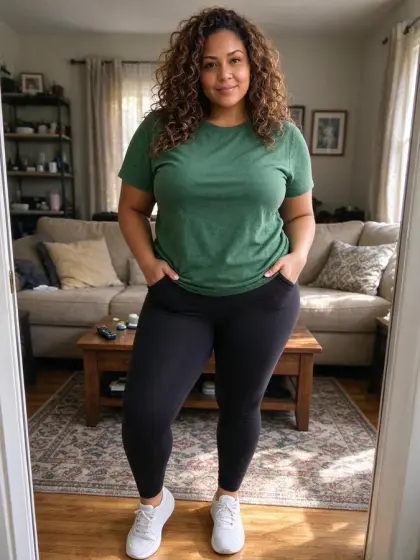
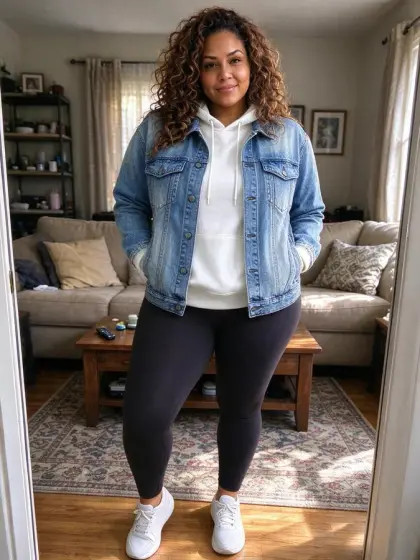
AI Clothes Swapper does it automatically: upload your photo and a clothing photo or description, and the outfit is redrawn with matching folds and light in about 20 seconds.
Last updated
What manual editing involves
You mask the old clothes, place the new garment, warp it to your shoulders and paint shadows. It can look good but takes a long time per picture.
What the AI does instead
It redraws the clothes on your body and keeps your face, hair, pose and background. Folds, shadows and lighting are matched.
We cannot compare their features
Other apps change often and may have their own tools, so check them directly. Here, the clothes swapper is a single-purpose page.
Works on a phone
It runs in the browser, so you do not need an app or editing experience.
How to do it
- 1
Open the swapper in a browser
Phone or desktop.
- 2
Upload your photo
JPG, PNG or WebP up to 10 MB.
- 3
Add the clothing
Photo, description or preset.
- 4
Download
After buying a pack, no watermark.
Questions people also ask
Do I need to cut out the clothes?
No. No masking or layering is needed.
Can it fix mistakes automatically?
A failed swap refunds the credit, and you can try again with a sharper photo.
Is it a replacement for a full editor?
No. It does one thing: change the outfit or hair on a photo.
Can I use it without paying?
No free plan, but the first swap is a free clear preview on your own photo and examples are free to browse.